

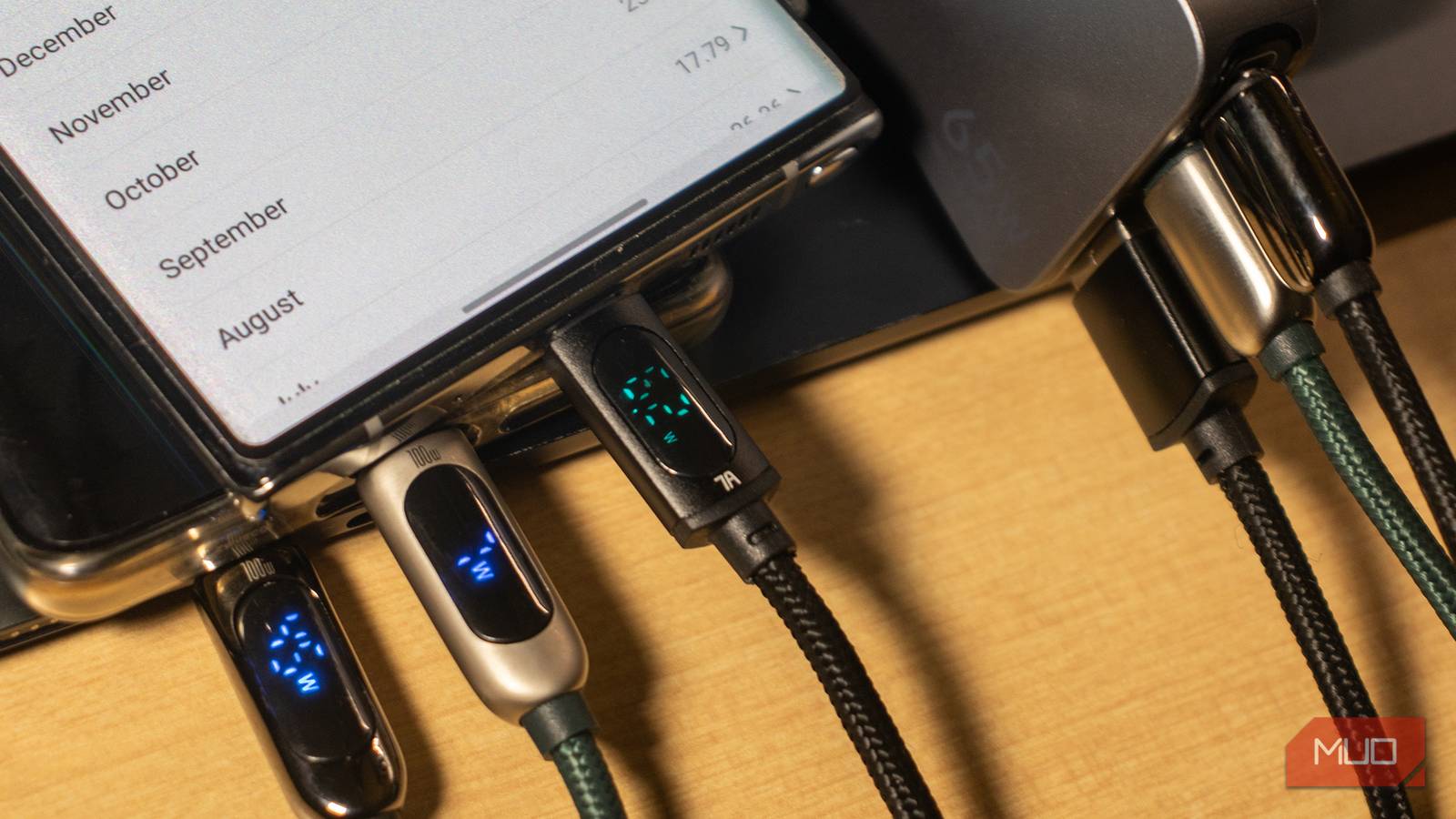

Seeing that “fast charging” message on the lock screen feels reassuring until you realize it could mean almost anything. How fast is it, exactly? That’s the part Android doesn’t actually tell you. Sure, the estimated charging time helps, but that doesn’t tell you if you’re getting the fastest charging speeds possible.
So I used an app called Ampere to measure the actual charging speeds I was getting and doing that forced me to change a couple of things immediately.
Ampere reveals the charging data Android keeps hidden
My phone wasn’t charging nearly as fast as it promised
Most Android phones only provide basic information while charging: a battery percentage, an estimated time remaining, and maybe a “Fast charging” or “Slow charging” message. Yes, these things are helpful, but they don’t tell you how much power is actually reaching the battery and, more importantly, whether it’s charging as quickly as possible.
Ampere is a free app that fills that gap. It relies on data Android already collects to estimate the charging current in milliamps (mA). It doesn’t measure the current and voltage like an actual USB power meter, so it’s not 100% accurate. Still, it’s reliable enough to give you an idea of how fast your phone is actually charging at any given moment. What I like about Ampere is that it includes much more than the charging speeds. It shows things like the battery health, type, capacity, temperature, and a lot more.
As soon as you plug in the charger and open Ampere, it’ll start showing the charging speeds in real time. The numbers will fluctuate constantly, so give it a minute or so. What’s especially helpful is that Ampere even tracks the maximum and the minimum charging currents, so you get a more accurate picture of how things are going.
In my case, the charging speeds weren’t what I expected. Even when Android showed the reassuring “Fast charging” label, Ampere only reported charging currents of only around 1900 mA, which is fairly low for my Galaxy S26. Unfortunately, Ampere can’t tell you exactly why it’s happening, so finding the culprit requires a bit of detective work.
The adapter and cable matter more than anything
They all look the same but rarely are
This might sound obvious, but the charger and cable are often the biggest reasons a phone might charge slowly.
The charging adapter is usually the easiest thing to check, since most of them have their power ratings printed on the back. You’ll typically see values written in a format like 9.0V ⎓ 2.22A or 20.0V ⎓ 3.25A. From these numbers, you can calculate the maximum power output by simply multiplying volts by amps. For example, 9.0V x 2.22A works out to roughly 20W, while 20.0V x 3.25A equals 65W. This gives you an idea of what the charger is capable of delivering.
The next thing to check is what your phone’s maximum supported charging speed is. If you don’t know this, a quick Google search can tell you how many watts it supports. And if your adapter can’t deliver that, you’ll need to upgrade to a better one.
The cable is just as important. Your best bet is to use the cable that came with the phone (if it came with it, of course). Unfortunately, identifying a fast charging USB-C cable isn’t always straightforward unless you have the box it came with. That’s because most cables don’t include any labeling at all. So yes, the easiest option is often a bit of trial and error. Try out different cables you have and read the charging speeds using Ampere to find the cable that’s best for your setup.

- Brand
-
Anker
- Output
-
65W
- Type
-
GaN
- Charging Ports
-
1
Android has settings that can restrict charging speeds
Unlock the fastest charging speeds with a few taps

It’s not always the charger or the cable that’s to blame. Most Android phones also let you limit the charging speeds through the settings menu. It’s handy if you’re not in a rush and want to avoid overheating while charging. But if it’s not something you want, head to Settings > Battery > Charging settings and turn on Fast charging and Fast wireless charging toggles. Check the charging speeds again and you should notice a difference.
Charging optimization is another feature that can affect charging speeds. It works by learning your charging habits over time and slowing or pausing charging during certain periods to reduce long-term wear. For instance, your phone may stop charging at 80% overnight and only finish charging shortly before the usual wake-up time. It’s usually best to leave this one alone unless you want the fastest charging speeds at all times.
You still won’t get full speed all the time
Using the right charging accessories and tweaking a few settings is usually all it takes to unlock the maximum charging speed. But even then, there are a couple of things that can hold your phone back.
The first is temperature. If your phone or the charger is already warm, it’ll automatically reduce or even pause the charging entirely to protect the battery. This is completely normal, and there’s nothing you can or should do to change that.
Battery percentage also plays a role. Phones typically charge fastest when the battery is relatively low, then gradually slow down as they approach full capacity. So yes, don’t just focus on the charging speed reported by Ampere. It could also be the battery percentage or high temperature that’s temporarily limiting the charging speeds.

- OS
-
Android
- Price model
-
Free (in-app purchases available)
