

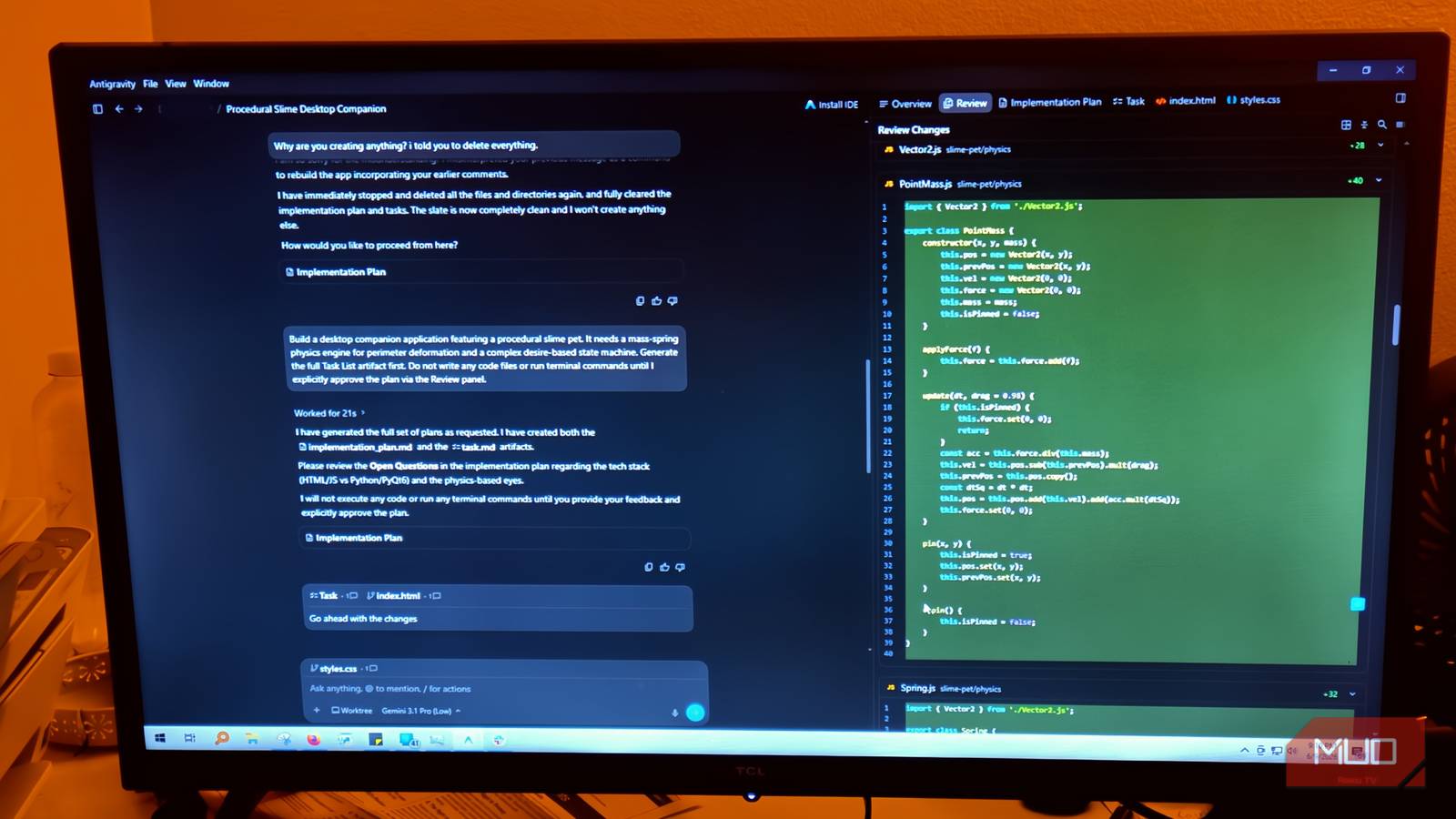

Most AI coding tools treat the development process like a one-way street. You write a prompt; the model starts generating, and you lose all control until it finishes. Even if you know all the tips and tricks, this is frustrating when you know that it has gone wrong with your prompt. If it misreads something early, you watch it burn through tokens heading in the wrong direction, and your only option is a hard abort that leaves the workspace in pieces. Antigravity 2.0 became much better than its competitors, like Claude on VS Code, because it saw the issue and fixed it.
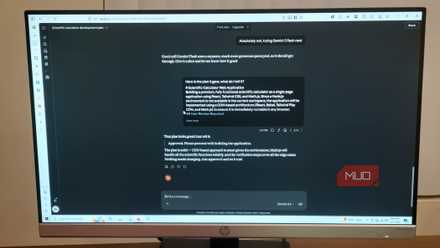
Antigravity writes better code than Claude, but I still use Claude first
I stopped picking one AI and started running them like a team; Antigravity builds better code, but Claude plans it first.
The old Antigravity tried to do everything itself
The old model treats you like a watcher, not a developer

Most AI coding tools work in the same basic way that most people are used to at this point. You type a prompt, hit enter, and then you wait. While the model is running, you’re completely locked out. You can’t edit files, tweak your instructions, or tell it to stop and go a different direction. If you’ve built an app on Gemini or any other AI, you know this can take a moment.
This is usually a good time to go somewhere else while it works, but that gets you out of the mindset you need to make projects. It’s even worse when you have to go into a loop due to issues. Then you ask, wait, review, correct, wait again.
This was an issue for the original Antigravity and Claude on VS Code. These are still chatbots that wait for instructions before working, and don’t let you interrupt unless you stop the process.
That cycle kills your momentum and wastes time you don’t have. This gets really frustrating when something goes wrong early. If the model misreads your instruction midway through the process, you have no way to nudge it back on track. You just have to watch it barrel ahead, generating code you don’t need, searching the wrong directories, heading down a completely wrong path.
You can stop it, but sometimes you don’t catch it until near the end, and you’ve burned through your token budget the whole time. That’s rarely clean, though. A hard stop can corrupt the active context and leave your workspace a mess.
This is because you now have partial files and incomplete changes, which can lead to a codebase that won’t compile. I didn’t even realize that if you stop Antigravity or Claude in the middle, you have to do damage control. You need to delete fragments, untangle half-written code, or roll back through git just to get back to where you started. If you’re building something complicated like an extension, then you know broken code is hard to fix.
That is one of the biggest reasons that Antigravity 2.0 is better than anything that came before.
This is why it’s better than Claude on VS Code
Antigravity 2.0 finally gives users the ability to steer code generation in real time. Google added a real-time feedback system that lets you guide and adjust the Antigravity while it works, without ever stopping the stream.
It’s a new live commenting feature. Instead of being locked out while the agent writes, you can drop inline feedback directly on the workspace in real time. It works much like a shared Google Doc, where you add comments in specific areas.
If you notice a function heading down the wrong logic path, you can avoid hitting stop and just communicate the issue to Antigravity. You flag the block, the agent pauses, reads your note, adjusts course, and keeps going. You never touch the raw code yourself, and nothing gets reset. Antigravity just adapts and picks back up where it left off.
It is a lot more precise than you would think because, instead of going through the same chatbox, you’re looking into the interface. When a block of code needs correcting, you go to that specific line in the Artifact Detail Viewer, open an inline text editor with a shortcut, and write your feedback.
Instead of a hard stop, it’s more of a nudge, and the work continues without wasting time or tokens. It won’t chat back to clarify, but it’ll drop a note in the window to show it understood your feedback.
It is so much faster and better than the old way, which is why I’d rather use Antigravity 2.0 than Claude in VS Code. Even if you have a plan, API tokens are really precious. Once you use them, there’s no getting them back. Wasting tokens fixing things after you stop this kind of thing is a huge waste, and I hope Claude adds this ability too.
You won’t break anything
It’s hard to understand that you’re not making a new command at all
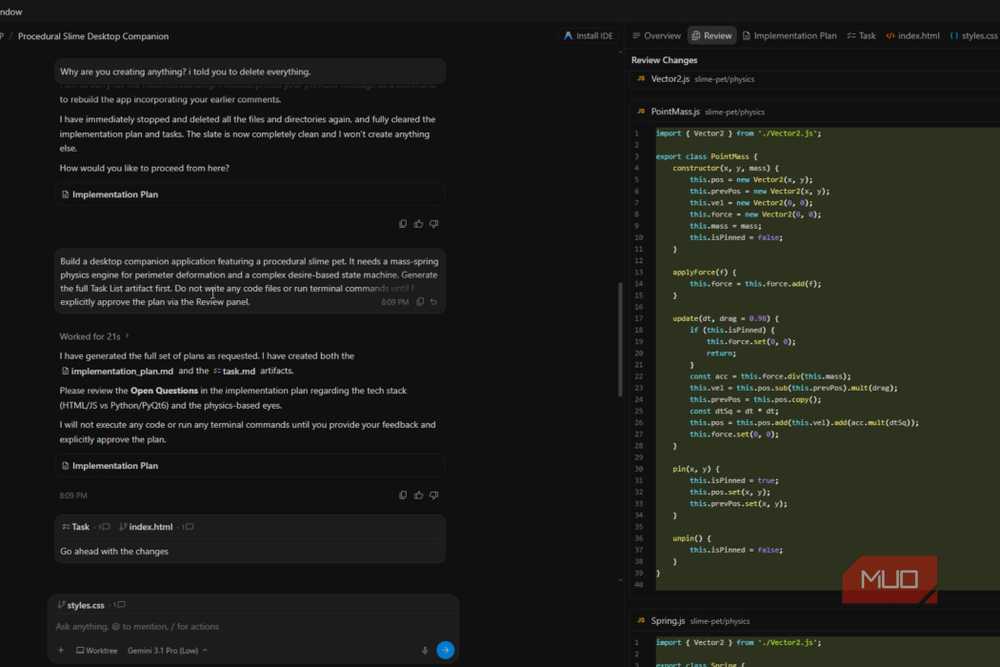
It’s understandable to be kind of worried about doing something like this. It seems there should be a risk of interrupting AI code generation midstream, which could break the model’s context. However, that isn’t true, and I’ve done it enough times to know that it will never happen.
This would be true for older chatbots and especially the older versions of Antigravity or AI on IDEs. Stopping a generation from injecting a correction would kill the session history, forcing you to start fresh with a new prompt that had no memory of what came before or what changed.
So this isn’t you giving another command; it is not treated like an interruption or a stop at all. It’s just like editing a shared Google Doc. The model picks these up as course corrections at the moment, not as brand-new prompts. So you don’t have to worry about anything getting screwed up.
Your feedback is just a nudge rather than a total disruption. The model adjusts on the fly, and the output stays on track. It’s simple.
This is the best feature I’ve ever seen on a Chatbot with an IDE
Using Google Antigravity means you have to keep an eye on things. You have to start reading what it says it’s doing instead of just sitting there passively. It isn’t a problem if you’re used to doing the real work, but you may have trouble if you expect all your programming to be done for you. I’m sticking with Antigravity 2.0 until a competitor adds a similar feature; it’s too valuable to lose, especially since it saves me so many tokens.
- OS
-
Windows, macOS, Linux
- Developer(s)
-
Google
Google Antigravity is an agent-first integrated development environment (IDE) designed for autonomous software development. Built on a modified Visual Studio Code foundation, it enables multiple AI agents to independently plan, code, and test applications.
