

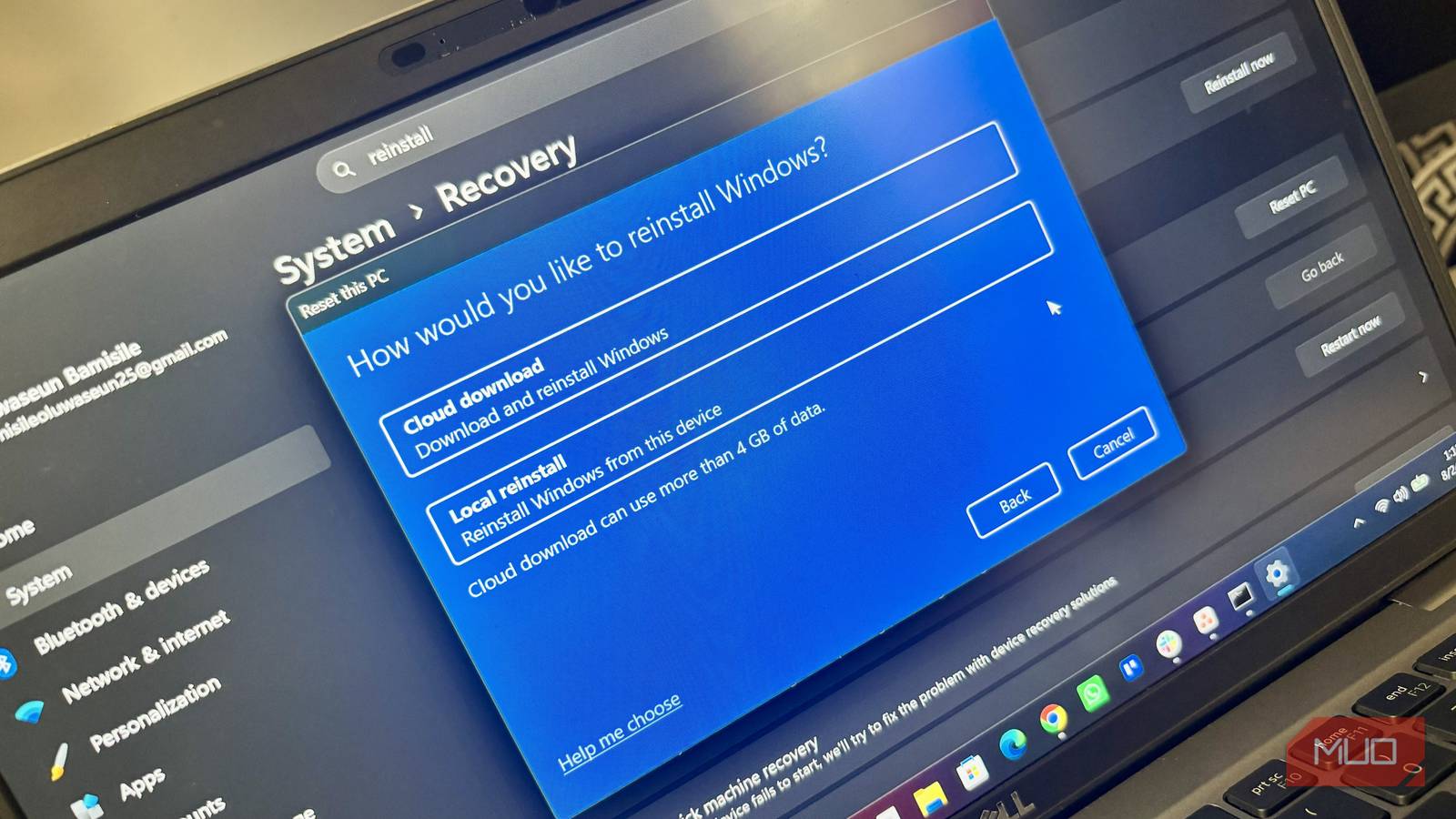

For years, my go-to solution to any major issue on my Windows laptop was to simply start over and reinstall Windows. In fact, I still have a Windows installation media on a USB flash drive stored somewhere just in case.
However, during one particularly frustrating period, my laptop started freezing on its own and refusing to work again until I force-restarted it. I put up with the problem for a couple of days and was just about to start looking for my Windows installation USB drive so I could reinstall Windows. But then I told myself, “Don’t just accept defeat this time.” That’s when I started looking for possible fixes, and to my surprise, they actually worked.
Besides, these fixes are usually much faster than reinstalling Windows, which can take hours once you factor in the installation itself, Windows updates, drivers, applications, and getting everything back to how I like it.
I start with SFC and DISM
These two Windows tools can repair damaged system files

One of the first things I try when Windows starts behaving strangely is running the System File Checker (SFC) and Deployment Image Servicing and Management (DISM) tools. Windows relies on thousands of system files to keep everything working properly. If some of those files become corrupted, you can end up with all sorts of strange problems, from applications refusing to open to Windows features suddenly breaking.
SFC can scan protected system files and replace corrupted ones with a cached copy. DISM takes things a step further by checking and repairing the Windows component store that SFC relies on.
I usually run DISM first, then SFC, because DISM ensures SFC has a healthy baseline to work from. To run both scans, though, you will first need to open Windows Terminal or Command Prompt as an administrator. Then, type DISM /Online /Cleanup-Image /RestoreHealth and press Enter to run DISM. Depending on your PC and the condition of the Windows image, it may take a while to complete. Once it’s done, you can then use sfc /scannow to run SFC. SFC will scan your system files and attempt to repair anything it finds wrong.
System Restore can take me back before things broke
I can undo a troublesome change without touching my personal files

In some cases, certain changes I make to my Windows PC might cause a problem. If that’s the case, System Restore is usually the best bet to fix the issue. Basically, Windows can create restore points that capture the state of important system files, drivers, registry settings, and installed programs at a particular point in time. So, if something goes wrong after making a system change or setting, I can restore Windows to an earlier state. It’s just like going back in time.
For me, System Restore is turned on by default on my main system C: drive. However, that may not be the case for everyone. And obviously, you won’t be able to use the feature if it isn’t turned on beforehand. But since it’s turned on in my case, I was able to access it by searching Create a restore point in the Windows search bar and opening it. From there, I click System Restore and follow the prompts to select an available restore point.
System Restore isn’t a full backup solution, and it doesn’t restore your personal files the way a traditional backup does. It also only helps if a suitable restore point is available, since Windows creates them automatically when certain system changes occur. But you can also create a restore point yourself manually before making any major changes to your computer.
Sometimes the latest update is the problem
Rolling back a driver or Windows update can undo a bad change
I’ve had situations where everything was working perfectly, then a Windows update or driver update came along and suddenly something stopped working properly. In cases like that, reinstalling Windows would be a ridiculous solution because the operating system wasn’t necessarily broken in the first place. A recent change was.
If I notice a problem started immediately after a Windows update, I can check Settings -> Windows Update -> Update history -> Uninstall updates. Depending on the update, Windows may give me the option to uninstall it. Drivers are pretty much similar. If a newly installed driver is causing problems, I can open Device Manager, find the affected device, open its Properties, switch to the Driver tab, and select Roll Back Driver if the option is available.
Reinstalling Windows should be your last resort
None of these methods will fix every Windows problem. Sometimes the problem is too far gone to repair, and a clean reinstall is the better option. Hardware problems also won’t magically disappear because you ran a system scan.
But reinstalling Windows should come after you’ve exhausted all your options. I still have that Windows installation USB sitting around, but I haven’t needed it in a long time. Now, I try to repair Windows before I decide to erase it.
