

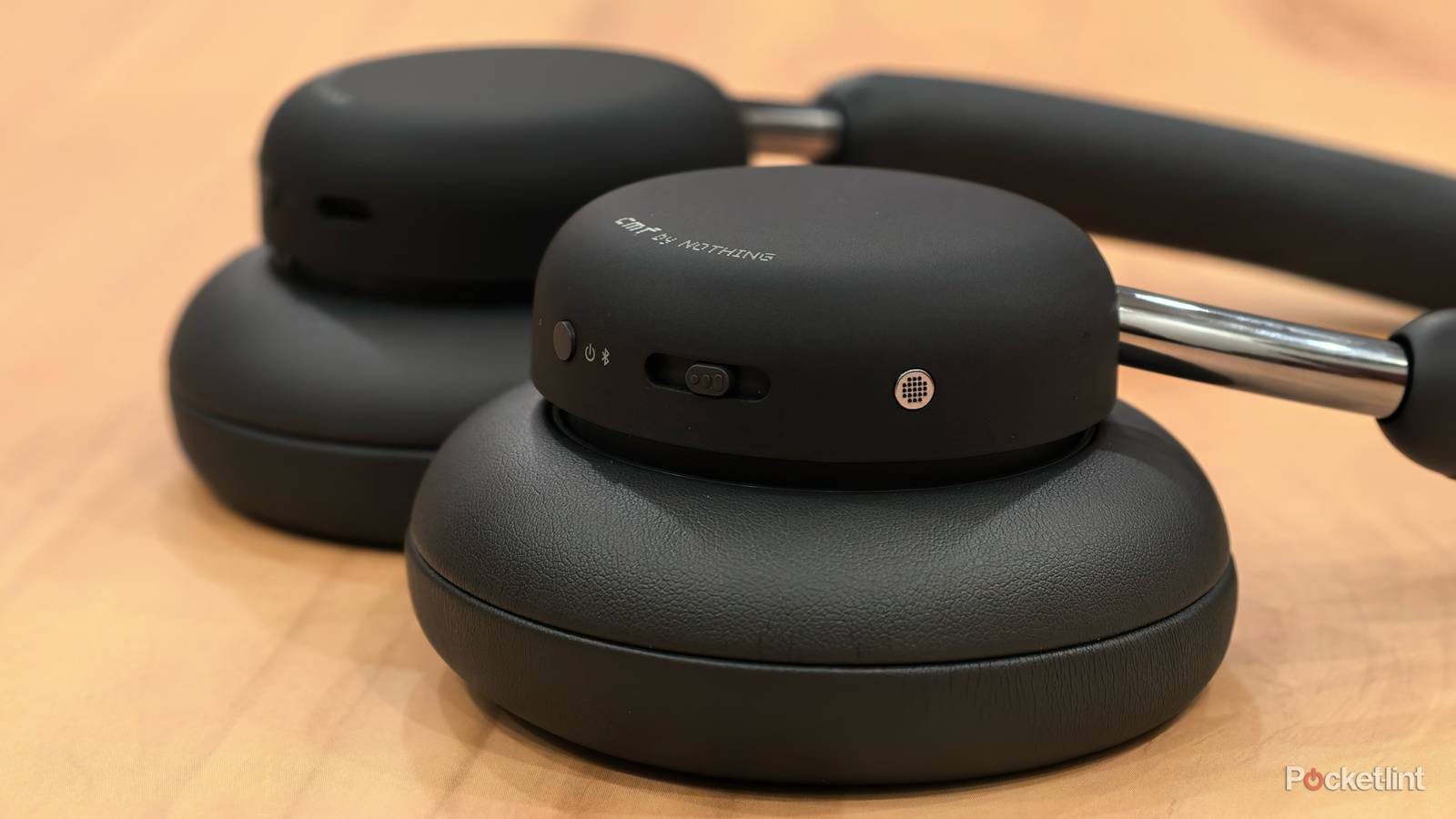

Have you ever kicked back, slid on a new pair of headphones, and then flipped to your favorite playlist on Spotify only to notice that something sounded noticeably off as the tunes began to roll? Honestly, we’ve all been there at one point or another. You’re listening to music and, for seemingly no reason at all, the new pair of headphones you grabbed just aren’t delivering the goods the way you’d expect. It’s frustrating, especially because headphones or earbuds aren’t always cheap.
Wireless headphones have become common among avid music and podcast listeners. They offer fans a convenience that wired and other forms of audio simply don’t. But sometimes, your Bluetooth headphones are holding something back when you compare the audio to your car’s stereo system or other devices. Bluetooth is a wireless transmission. And like any wireless transmission, there are limitations and parameters that you must understand in order to receive the most effective output. When it comes to Bluetooth headphones, there is one key variable that I think many consumers overlook: the codec.

- Battery Life
-
24 hours
- Material
-
Plastic, aluminum, leather (protein)
- Bluetooth
-
5.3
- Noise Cancellation
-
Active noise cancelling, echo reduction, adjustable noise cancelling
Understand the codec your Bluetooth headphones are using
Bluetooth adds additional complications that don’t come with a wired-in device

To begin, you should understand a thing or two about Bluetooth codecs. A codec determines how the audio data is encoded, compressed, transmitted, and eventually decoded between your headphones and source device (likely your phone). There’s a bitrate limitation in effect that will hinder the amount of audio detail that might be preserved. Wired headphones don’t have the same bandwidth limitation and can often provide the highest-quality audio without any additional effort. But with any wireless transmission, there’s a transfer limitation at play that you’ll have to take into account. Have you played a favorite song through Bluetooth headphones and noticed that a layer of the track feels faded or missing? This is because you’re dealing with an intentional data bottleneck, and the audio has to be minimized in transit from your phone to your ears. The codec is ultimately what oversees the coding and decoding process.
So before you pick up a pair of headphones, you should understand what codec (or bitrate) you’re dealing with. The Subband Codec is the baseline codec required for any Bluetooth audio playback. Because it’s highly compatible with just about everything, its bitrate is limited, which means the audio isn’t as detailed. There are alternative codecs, however, that offer better audio quality. Below is a look at some of the different codecs you will see.
|
Codec |
Max Bit Depth/Sample Rate |
Max Bitrate |
|
|---|---|---|---|
|
SBC (Subband Coding) |
Universal compatibility, basic Bluetooth audio |
16-bit/48kHz |
328 kbps |
|
AAC (Advanced Audio Coding) |
Used in most Apple devices. |
16-bit/44.1kHz |
320 kbps |
|
aptX |
Qualcomm’s alternative to SBC |
16-bit/48kHz |
384 kbps |
|
aptX HD |
Enhanced version of aptX, supports 24-bit audio |
24-bit/48kHz |
576 kbps |
|
aptX Lossless |
Can deliver CD-quality lossless audio |
16-bit/44.1kHzkHz |
1 Mbps |
|
LDAC |
Sony’s proprietary codec for hi-res audio |
24-bit/96kHz |
990 kpbs |
Your headphones might not be using their best Bluetooth audio codec
How to change your Bluetooth codec for better sound quality

Keep in mind that codec support is required across both devices. This means that both your headphones and device should support whatever codec you’re hoping to utilize. For instance, many Android phones utilize LDAC or aptX. Double-check that the headphones you purchased support either of these. You can sometimes find this on the packaging or via the manufacturer’s page online. So it’s important to know what source device you’ll primarily be using so that you can buy a pair of Bluetooth headphones that align.
Also, just because your phone and headphones might use aptX, for example, that doesn’t mean that is the audio you’re receiving. You may have to go into the developer settings on your phone and manually select the codec. Depending on the phone you have, it will determine how you activate developer options. I have a Google Pixel 11 and am able to do this when I open Settings, tap on “About Phone,” and then click on the build number 7 times. Once this is done, I can go to “System” under Settings, find Developer options, and select Bluetooth. Here I can find the codec currently being utilized and any other codecs that might be available.
Bluetooth headphones can be expensive. No one wants to spend a good chunk of change on a pair only to have subpar audio quality. Do yourself a favor and learn more about the codecs your devices utilize so that you can make the best purchasing decision with your next pair of Bluetooth headphones. And before you decide to replace your existing pair, maybe check the developer settings in your phone to ensure that you’ve been receiving the best quality audio to begin with.
