

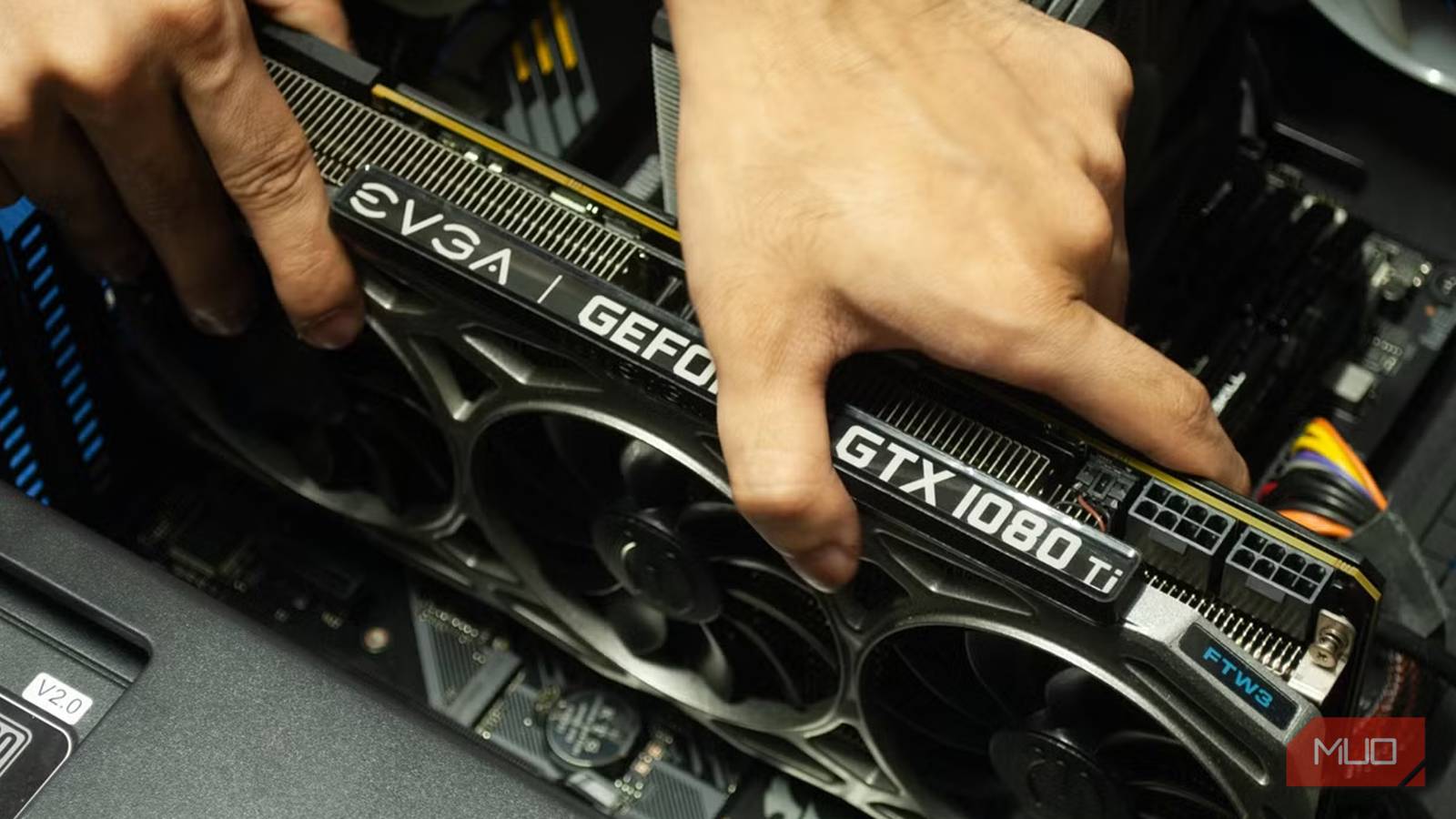

For years, VRAM has always been a major constraint for gaming. VRAM caps have grown astronomically in the past decade alone, jumping to over the baseline of 8GB, mandating some rather expensive upgrades.
Still, there really hasn’t been a definite answer to the conundrum, and most of it does vary from game to game — but there is most definitely a common trend, and one I intended to find out. Armed with a beefy Radeon 8050S iGPU, I turned to the system’s configurable VRAM limits (in the BIOS) to lay the question to rest for good.
Meet the test laptop
AI Max 390 goodness, with configurable VRAM limits

I decided to take the ROG Flow Z13 (2025) out for a spin for this series of tests. My reasoning was simple: since this only has an integrated GPU (shockingly capable, equivalent to an Nvidia RTX 4060 Mobile), I could set different VRAM limits in the BIOS and simulate the same “GPU” with different amounts of VRAM.
All tests were completed while the device was plugged in with its proprietary charger, since I did not want to limit it to just 100W over USB-C. As for the test operating system, it was a standard installation of Arch Linux with the KDE Plasma desktop environment.
I made a few hardware-specific tweaks here and there to stabilize the platform, but none that could meaningfully affect the results. For the tests themselves, I started with the built-in game benchmarks.
Unfortunately, not every game on the list had a built-in benchmark tool, so I had to get creative and collect relevant data by playing the same sections of the map across different VRAM settings.
VRAM, TDP and resolutions — with the suite of games
Some rather interesting results
For this suite of tests, I set common VRAM limits ranging from 4GB to 16GB. Since this is the same hardware (just with tweaked VRAM limits), we should, in theory, be able to draw a definite conclusion, since raw GPU performance should be untouched.
I pegged the laptop at its maximum TDP of 93 watts, with the fans set to maximum speed (to avoid sudden thermal shutdowns). The games in question were the following, subjected to 1080p ultra settings with zero upscaling or frame generation. This ensured raw performance numbers and presented a worst-case scenario. No ray tracing was used either, with Proton Experimental in place.
- Batman: Arkham Knight
- DOOM (2016)
- Doom: The Dark Ages
- The Witcher 3: Wild Hunt
- Cyberpunk: 2077
I set the VRAM limits to 4, 8, and “Auto” respectively for each of my runs. As expected, 4GB VRAM fared the worst, often suffering from severe stutter and, in certain cases, unresponsiveness as the game slowly choked on the limited VRAM pool. This is despite what the raw benchmark numbers might indicate at first.
8GB and 16GB performed similarly, but the extra 8GB of VRAM on the 16GB configuration gives us much more headroom. Even if it might not be as apparent, games are only going to get more demanding with time, so it’s best not to stay close to the 8GB minimum.
There might be some funky behavior with the Auto VRAM preset. It technically allows access to the full 32GB of shared memory, but Auto VRAM seems to have a mind of its own with certain titles.
As the data chart shows, 4GB VRAM technically works — but it causes other issues. Sure, the game can hit a peak of 60+ frames per second, but it can in no way sustain it. You’ll always run out of VRAM, making for some stuttery gameplay.
As for the games themselves, DOOM and Doom: The Dark Ages showed the most gains when switching VRAM limits, essentially going from borderline unplayable to a mostly stable 60 FPS.
Batman: Arkham Knight and The Witcher 3 run decently well on 4GB of VRAM, but that is to be expected. These are much older games, after all. Cyberpunk 2077, on the other hand, really likes its VRAM.
I did try out some RT in the game, but it was sub-25FPS, which wasn’t playable at all. I’d recommend disabling RT on weaker GPUs, regardless of how much VRAM they have.
There’s always a way around VRAM bottlenecks, but be aware of impenetrable walls
Of course, there are tons of tweaks you can apply in your game’s graphics settings menu to extract more performance. Since VRAM is limited, the first thing to adjust is Texture Quality, which unfortunately has to be scaled back to Medium or even Low for those with 8GB cards or lower.
There are also minor tweaks that depend on the game, and simple changes like switching the renderer (in the case of DOOM) can make a dramatic difference.
That said, you cannot fully make up for low VRAM, and you’ll eventually hit a bottleneck sooner or later. Most of this shows up as severe stutter, as the game literally chokes on the VRAM limit while it tries to push out more frames.
The point is, don’t be afraid to experiment and chase settings that work best for you, but be wary of the hard limits for your particular card. In other words, 8GB VRAM is not close to being enough for modern titles, which is extremely unfortunate. The baseline should be at least 10GB, with 12GB recommended. Naturally, this varies from game to game, and nothing beats good optimization.
Which is kind of the point here. There’s still plenty of good, older games that deserve your time and attention, and perform miles better than any modern release. It might be worth looking into these titles if you’re VRAM-starved.
