

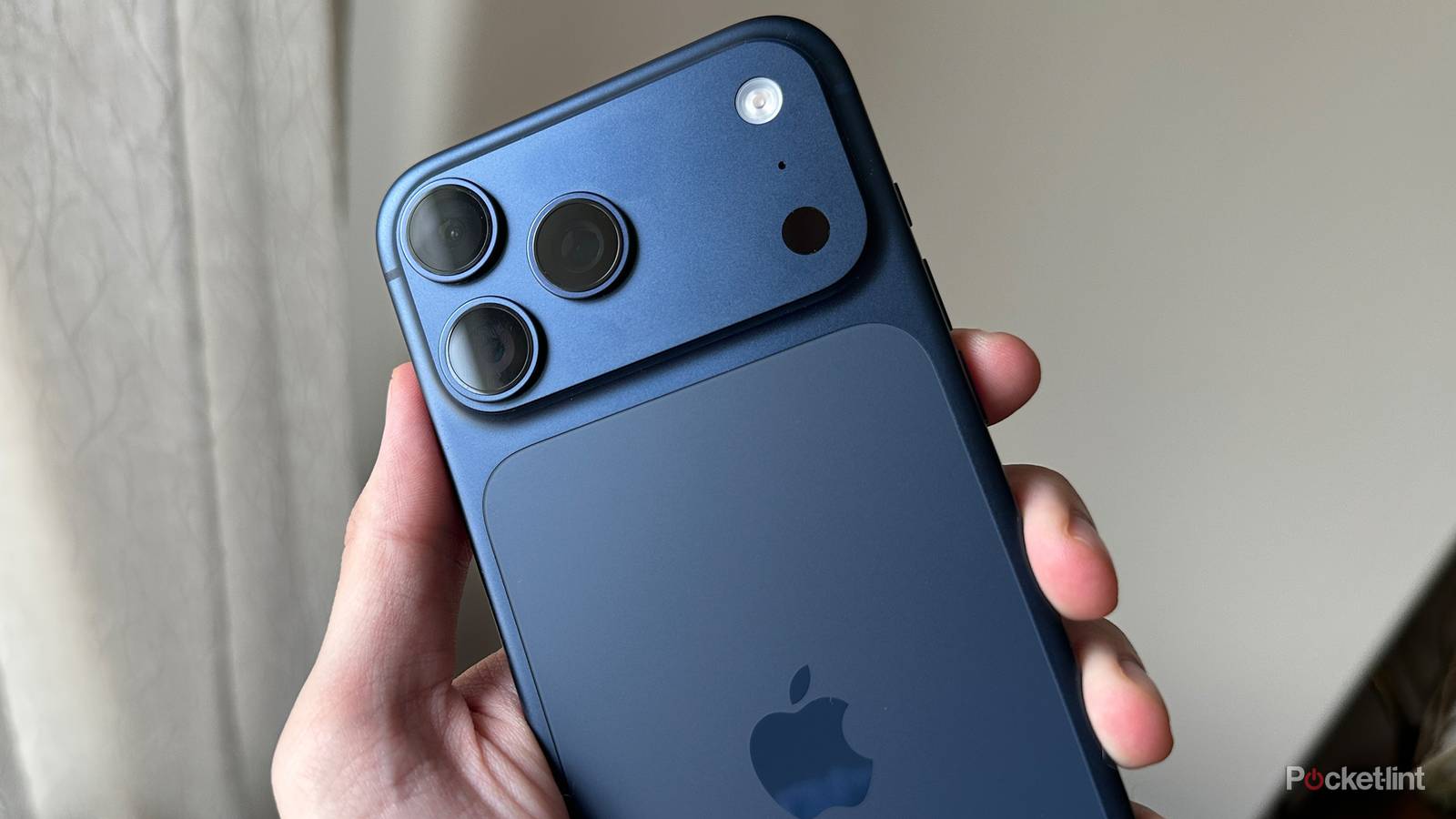

One of the benefits of being a leader in the smartphone space is that success builds on success. Apple’s iPhone still reigns supreme in rich markets like the US, Canada, and Japan, so app and accessory creators flock to it for the best chance of turning a profit. This support enhances what an iPhone can do, making it an even more appealing product.
Because of this cycle, you can now do quite a lot with your iPhone, including measuring your environment in genuinely practical ways. I’m going to focus on a few examples here, but there aren’t many limits as long as you have the right apps and hardware.
That second requirement is worth emphasizing. While there are a number of sensors built into the latest iPhones, some Android devices have them beat. Depending on what you’re trying to do, you may need to buy an accessory or two, as you’ll see.
How to measure your environment with an iPhone
Measuring light levels

When I was doing pro photography, a dedicated light meter was an unavoidable tool. A digital camera can do a great job of setting exposure for the things directly in front of it — but it can’t (easily) help you adjust the ratios for studio lights, or measure that window in the background.
You might also want a light meter for other purposes, like interior design, or optimizing a greenhouse. Whatever the scenario, you’re probably covered by your iPhone, as long as you can find an app that’s oriented towards your goal and demonstrably accurate. That’s the kicker — while all the apps out there tap into your iPhone’s light sensors, some are calibrated better than others. You may have to test them on a trial-end-error basis. Also, the better apps are likely to come with one-time or ongoing subscription fees, if just to support development and remove any ads.
A few serious contenders out there include the greenhouse-focused Photone, the more general-purpose Lux Light Meter Pro, and the directly photography-oriented myLightMeter Pro. Of those, I’d vote for myLightMeter, which seems to be genuinely popular among photographers, but of course that won’t help you if you’re trying to get your plants to grow a little faster.
The catch for a lot of people will be understanding the results. An app like myLightMeter might be able to recommend aperture, shutter, and ISO settings, but a good photographer knows those have many consequences, so any recommendation should just be a baseline.
Measuring loudness

If all you’re concerned with is avoiding dangerously loud headphones, you’re set out of the box. You can limit any product’s output by going to Settings -> Sounds & Haptics -> Headphone Safety, then turning on Reduce Loud Audio. You’ll be prompted to pick a decibel leveI. I wouldn’t allow anything more than 90dB, and my personal setting is 85dB, which Apple describes as similar to heavy city traffic. You may alternately be able to manage these limits within your headphones’ native app. Remember, the louder audio is, the less time your ears can take it without sustaining permanent damage. You really shouldn’t allow more than 85dB during a workout, no matter how loud those barbells are.
Apple Watch owners can use the Noise app on that device to check sound levels in real-time, and configure warnings via the Watch app on their iPhone. If you don’t have one (or another smartwatch with a microphone), it’s time to turn to iOS apps. It’s hard to go too far wrong here, although Decibel would be my pick. Its basic functions are free — you only need to spend money to add things like a dosimeter and a spectrum analyzer. You can even use it to track levels while you sleep, and sync them with Apple Health, in case you’re wondering if it’s that nearby train station startling you awake or just something mundane like snoring. External microphones are supported if you want better precision.
Measuring heat

This is an area where additional hardware is non-negotiable, unfortunately. There are heat sensors in iPhones, but they’re used to monitor internal temperatures, not exterior ones. Only some Android phones have exterior sensors, the chief example being Google Pixel devices.
The good news, though, is that once you step up to an add-on sensor, you’re often getting a lot more than a raw number in Celsius or Fahrenheit. It’s common to see home repair technicians use cameras like the Flir One or Thermal Master P3, which can be used to view infrared maps in real-time, and pinpoint temperature ranges. The benefits of that are obvious — you might spot unusual heat buildup in an HVAC system, say, or a water leak in your attic. The downside is price, since even the cheapest Flir One is $214 as of this writing.
There are also weather stations, cooking/BBQ thermometers, and of course general smart home accessories like thermostats and room sensors. If you’re looking to monitor personal health, I’d recommend something like the Withings Thermo, which can be found for $100 or less. The main perks of a smart personal thermometer are the flagging of dangerous conditions, and sync with platforms like Apple Health for long-term tracking. I’d actually recommend against one if you already know what constitutes a safe temperature, and only ever check when you’re sick.
