

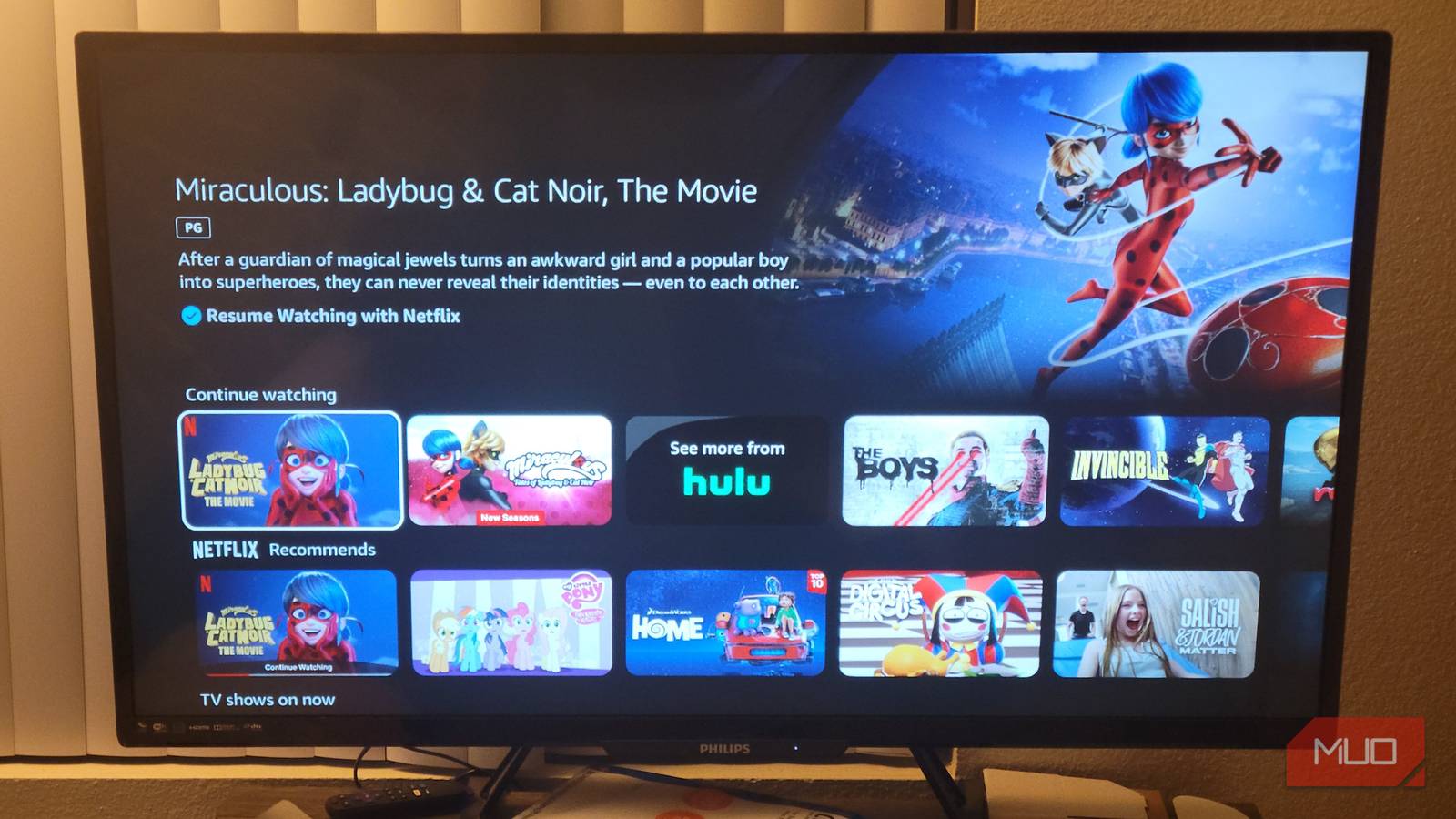

Most of us just want to relax at the end of a long day. Sure, there are plenty of people who like to go out and have an even crazier night after a full day of working. But more often than not, I’d bet that people are looking forward to catching up on some TV and lying in bed or on their couch.
Your TV can be a safe space where no one will judge you for what you watch. The trashier the show is, the better it probably feels to get lost in it, especially after an exhausting day. You may not think anybody is watching you when you’re flipping through your favorite streaming platforms. But it’s the exact opposite, as your smart TV is logging what you’re watching, when you’re watching it, and then selling that info. Here’s how to stop it.
Your smart TV is snitching on your watch history — here’s how to stop it completely
I’m really not down with sharing everything about what I watch.
Smart TVs are made to keep track of what you watch
It’s what makes their algorithms stronger
Have you ever thought about how your TV’s operating system knows what to recommend to you? Sure, the apps and platforms are paid to promote specific shows at specific times with ads. If you’re a Roku user, you know what I’m talking about, as you’ve seen ads floating through Roku City when you aren’t watching something.
But when you’re scrolling through the platforms and apps that you like, you’ll be given suggestions for titles that you might like. These are based off what you’ve watched previously.
Many times, the apps won’t make a big secret about it and they’ll actually list a section of their platform something like “Because you watched ____”. This is a direct correlation to something that you watched or something that you rated. It wants to get you watching more titles, especially ones like the ones you’ve seen previously.
That’s because it knows that if you keep coming back for more of one genre, you’re likely to stay subscribed to that service, keeping their money coming in. They have something that you like and you don’t want to see it go.
ACR is what you have to be aware of
All TV companies use it

Automatic Content Recognition, or ACR, is technology that your TV uses to analyze what you’re watching. This keeps track of all that you’ve put on and continuously scans your TV to monitor your viewing habits. This uses audio and video scans to stay up to date.
ACR isn’t just tracking what you’re streaming. It also tracks live TV and cable, so no matter how you’re using TV, it’s keeping tabs. This will even log what you’re using via HDMI and USB, such as external media players and video game systems.
It’s logging your information multiple times a minute. Many of the manufacturers allow the data to be bought, opening you up to more ads being thrown your way, based on what you like to watch.
You may wonder how emails or texts keep popping up based on what you’ve watched the night before. This is how. Targeted ads are some of the easiest ways to get products in front of consumers and buying third-party data makes it simple for a company to target their audience.
ACR is usually a setting that’s automatically turned on when you buy a TV. You have to go out of your way to shut it off.
How to get your TV to stop spying on you
It varies from TV to TV

There are settings that you can turn off on your TV to stop ACR from acting as aggressively as it does. Not every manufacturer calls it the same thing either. You can turn it off with a few steps. Each TV is slightly different. You’re looking for the privacy settings, which can be a bit hidden (no pun intended).
Here are some of the most popular smart TV brands and how to find ACR on them.
- Samsung TVs: Go to Home > Settings > Privacy Choices > Terms & Conditions > Viewing Information Services
- LG TVs: Settings > All Settings > Support > Privacy & Terms > User Agreements > Viewing Information Agreement.
- For Sony, TCL, Hisense, Vizio TVs: Settings > Samba Interactive TV > Smart TV Experience or Viewing Data.
If you happen to notice that your privacy settings are adjusted on their own, meaning that they seem to be catered to someone else’s preferences or they just don’t look quite right, you might be in for another level of monitoring. This could mean someone has hacked your TV and is watching everything that you do.
For those that want to stop your TV from collecting any data from you at all, you may also need to take additional steps to protect your privacy. You can disable voice assistants and activations. This will stop your TV from recording or opening up the microphone it has. You can also cover up the camera that your TV has to stop anyone from hacking your TV and physically spying on you as a person.
If you’re still uncomfortable, you can dumb your TV down and disconnect it from the internet. This will wipe out any ACR settings your TV has.
ACR is what keeps tabs on you
Smart TVs are made to monitor you and your activity. It’s how they make money, by selling your data to third-party advertisers. You can find the best way to get rid of this by going into your privacy settings and disabling it. Keeping an eye on your own data will keep others away from it.
