

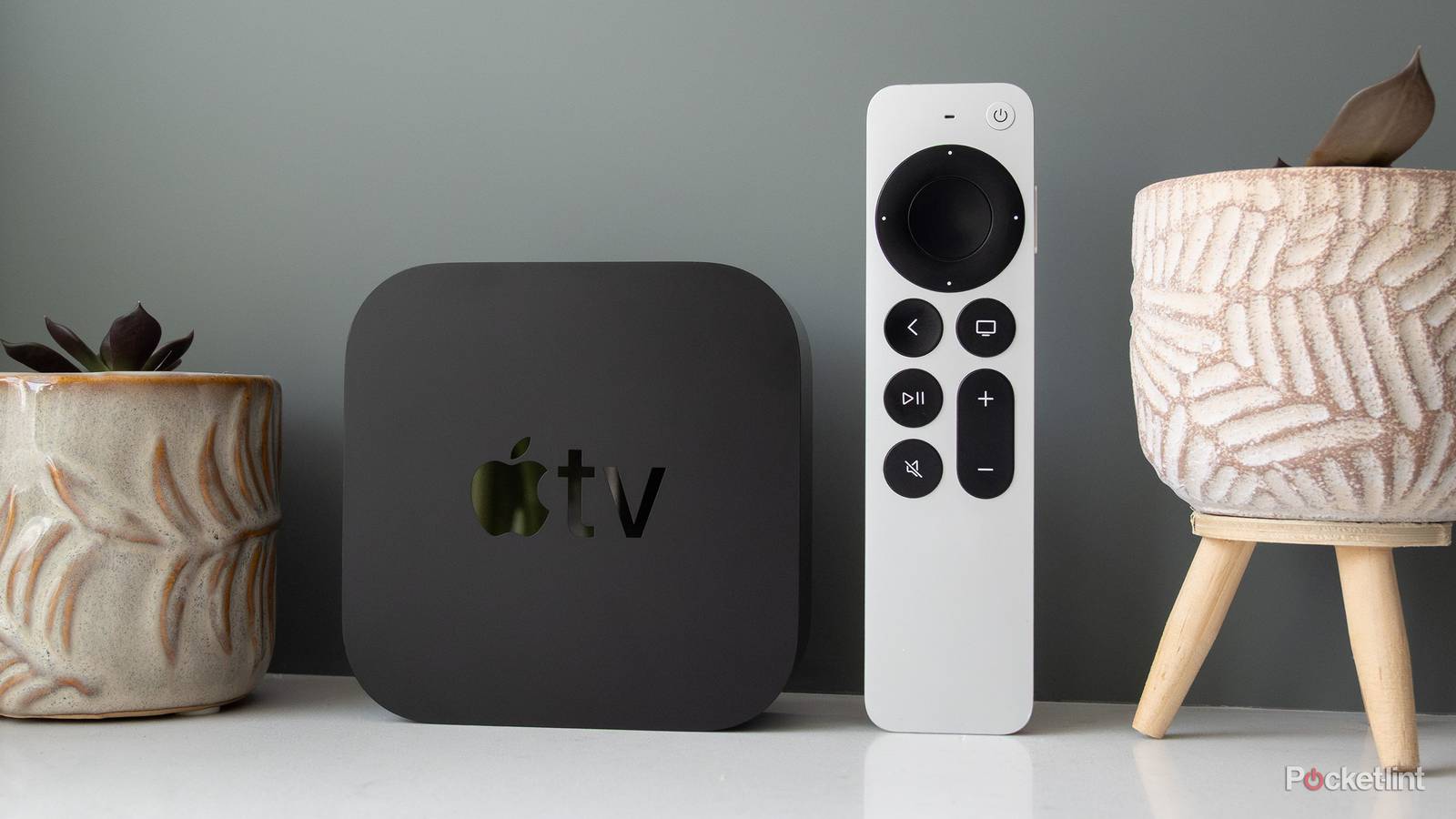

It’s no secret that the Apple TV 4K is my favorite streaming device, thanks to its speed, lack of ads, and access to just about any app I can think of. I can’t sing its praises enough, and that’s even if you don’t do anything special with it. What you might not know is that the Apple TV 4K is able to do far more than just stream movies and TV shows.
For example, it can handle light gaming through Apple Arcade, and you can hook up a game controller to make it feel like a real console. Now, I don’t recommend replacing your PS5 with an Apple TV 4K, but it gets the job done in a pinch. You might be aware of most of what the Apple TV 4K does, but there’s quite a bit you probably don’t know about. Despite having one for years now, I feel like I’m still stumbling across new things, and I’d like to share some of those with you. I hope they are game-changers for you as they are for me.

- Brand
-
Apple
- What’s Included
-
Apple TV 4K (4th gen), Siri Remote
- Bluetooth codecs
-
Bluetooth 6
- Wi-Fi
-
Wi-Fi 7
- Ethernet
-
Gigabit Ethernet
- Supported video
-
Dolby Vision, HDR10, HDR10+, HLG
You can recalibrate your remote
Make your Apple remote control it all

My Apple TV 4K remote controls my TV, Apple TV, and audio receiver, but I still have to keep my regular TV remote nearby if I ever need to change my HDMI inputs. I considered grabbing a universal remote, but I never actually got around to it. As it turns out, I don’t need a universal remote, but all I needed to do was reprogram my Apple TV remote.
If you dig into the settings, navigate to the Remotes and Devices tab, you can change your mute button into an input button. When the time comes to program your mute button on your Apple TV remote, hold down the change input button on your TV remote instead. Doing this makes your mute button on your Apple TV remote change TV inputs. I think this is perfect because I hardly use the button as it is, and if I ever needed to quiet the TV down, I’d just hold down the volume button instead. If you don’t like giving up a button on your remote, you can follow the same steps to go back to normal.
Force close tons of apps with ease
Just a few clicks

I have an aging first-gen Apple TV 4K that isn’t as fast as it used to be, and it sure doesn’t run as well as it once did. Time comes for us all, and even your Apple TV 4K isn’t exempt from that. Instead of running out for an upgraded model, there are some steps you can take to prolong the life of your device. Aside from restarting your device, something I do recommend doing every so often, you can also force close apps that have slowdowns.
Force-closing an app is as simple as hitting the TV icon on your Apple TV remote. This brings up all of your open apps, and you can close them down by swiping up or double-tapping the up button, depending on how you have your remote set up. It’s an easy thing to miss, and I stumbled upon it accidentally myself. Since finding out about it, I don’t have to worry about sluggish apps anymore, as I just close them down and open them again once I run into problems.
Apple Music has karaoke
A fun thing to try

I have to admit, the thing I bought my Apple TV 4K in the first place was for Dolby Atmos on Apple Music. No other streaming service offers that, but I found that I couldn’t cast Apple Music to my receiver and get Atmos. The only thing that would work is the Apple TV 4K itself.
What you might not know is that the Apple Music app on Apple TV lets you do karaoke with a group of friends. No, it doesn’t beat bar night karaoke, but it’s something you can do from the comfort of your own home. All you have to do is start up a song with lyrics, hit the lyrics icon, and then start singing into your remote. If you don’t want to sing along, toggling on the mode is a good way to listen to the song’s instrumental track if that’s something you’re interested in.
