

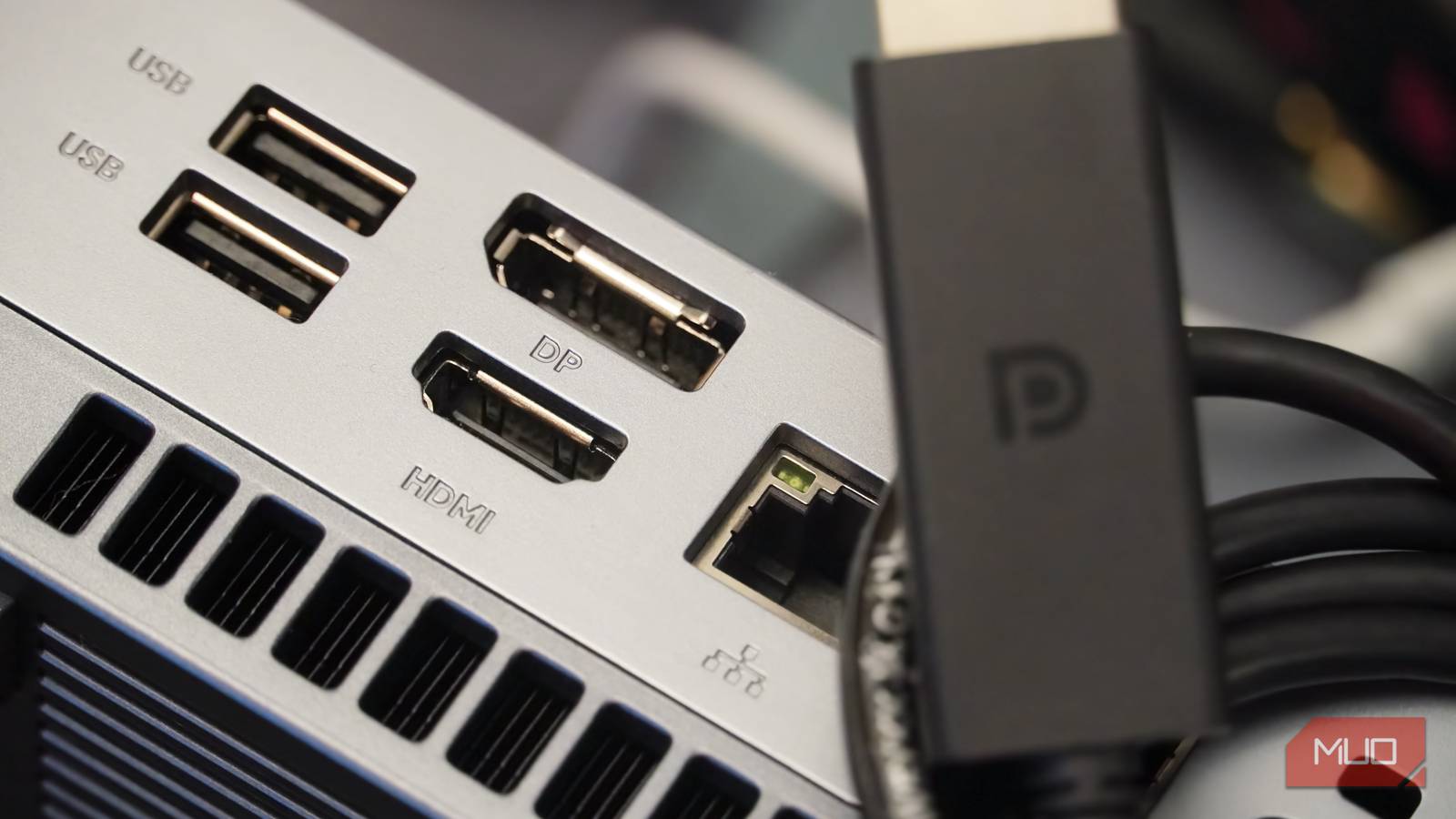

DisplayPort and HDMI are dueling video interface standards, and you’ve probably come across each of them on different devices. Unlike other universal communication standards like USB, display communication standards are splintered into two very common protocols. HDMI is the more common cable and port, and it’s commonly found on laptops, TVs, and gaming consoles. DisplayPort, meanwhile, is more often found on PCs and high-performance gaming monitors. Have you ever wondered why this dichotomy exists?
It would seem like the sensible solution is for the industry to pick one standard, HDMI or DisplayPort, to go all-in for the future. However, that’s probably unlikely to happen. The separation between these two video interface protocols came to be because of a few feature and spec differences, plus other factors related to timing, corporate politics, and licensing and royalty costs. If you’re curious why your TV uses HDMI while your PC uses DisplayPort, I did a deep dive to find out exactly how we got here, and this is what I learned.
HDMI had a head start and home theater features
Plus, exclusive features like ARC and a universal presence on TVs
Sometimes, winners in technology don’t need to be the best, they just need to be first. HDMI, otherwise known as the High-Definition Multimedia Interface (HDMI) was finalized in late 2002 with input from major players in the TV and media industry. Hitachi, Panasonic, Philips, Sony, Thomson, and Toshiba all contributed to developing the original HDMI 1.0 specification. You might not see all those names prominently displayed in big box stores today, but they were giants at the time. Simply having the backing of those media heavyweights gave HDMI an early leg up over the competition.
Meanwhile, the DisplayPort standard wasn’t published until 2006, and the first version (DisplayPort 1.1) wasn’t finalized until 2007. This helps explain the major reason why HDMI quickly caught on in the TV and entertainment space — the standard had the full support of the companies selling the most popular equipment at the time, and it came out years before DisplayPort. By the time the latter debuted, HDMI had already established itself as the display and video standard of the future.
HDMI quickly became the default video interface for TVs, DVD/Blu-ray players (and later streaming boxes), and home theater equipment due to universal compatibility and specialized features. For instance, HDMI supports the audio return channel (ARC) and the enhanced audio return channel (eARC). These are standards that support two-way communication between audio and video devices. It allows HDMI to serve as a display input and an audio output simultaneously, which is crucial for connecting to certain soundbars and audio equipment.
ARC was added to the HDMI specification with the HDMI 1.4 revision in 2009. eARC was added in 2018 with the HDMI 2.1 revision.
It’s a common misconception that DisplayPort cannot transfer audio data. This is not true; in fact, DisplayPort can handle high-res audio throughput thanks to modern updates. However, it is true that DisplayPort does not support ARC or eARC, and no comparable features are available.
DisplayPort offers more bandwidth and higher refresh rates
It’s the better option for gamers who need the most frames per second

Choosing the right display cable matters, because both HDMI and DisplayPort have been upgraded over the years. The latest version of DisplayPort is DisplayPort 2.1 and the newest iteration of HDMI is HDMI 2.2. While the latest HDMI 2.2 specification supports up to 96Gbps bandwidth, it’s not widely available on devices yet. The most common versions you’ll run into on high-end hardware are DisplayPort 2.1 and HDMI 2.1, which were released in 2022 and 2020, respectively. Check your cables, since it’s not uncommon to find much older ones in use that don’t support the fastest specs or the best features.
HDMI 2.2 might change things when it becomes mainstream, but for now, DisplayPort 2.1 is the more capable standard for extreme workflows. It supports up to 80Gbps of bandwidth and can drive monitors at extremely high refresh rates, like 4K screens at 240Hz. Using features like Display Stream Compression (DSC), DisplayPort 2.1 can hit wild resolutions, like 16K at 60Hz or 8K at 120Hz. These figures surpass what the most common HDMI spec, version 2.1, is capable of providing.
These refresh rate, resolution, and bandwidth advantages make DisplayPort 2.1 extremely appealing for gamers and PC users, which is part of the reason DisplayPort is more common on computers. However, it all comes down to what cables you have, what devices you have, and what screens you have. HDMI 2.1 will outperform DisplayPort 1.4, while DisplayPort 2.1 can best HDMI 2.1. HDMI 2.2 can theoretically surpass DisplayPort 2.1, when it becomes widely available. In other words, you’ll need to confirm which specs your hardware supports before deciding the video interface standard to use.

HDMI 2.1 vs. DisplayPort 2.1: What’s the Difference?
Similar names, similar purpose. But there are differences that you should be aware of.
DisplayPort might not ever overtake HDMI
Although the DisplayPort spec is better in some ways, HDMI is everywhere
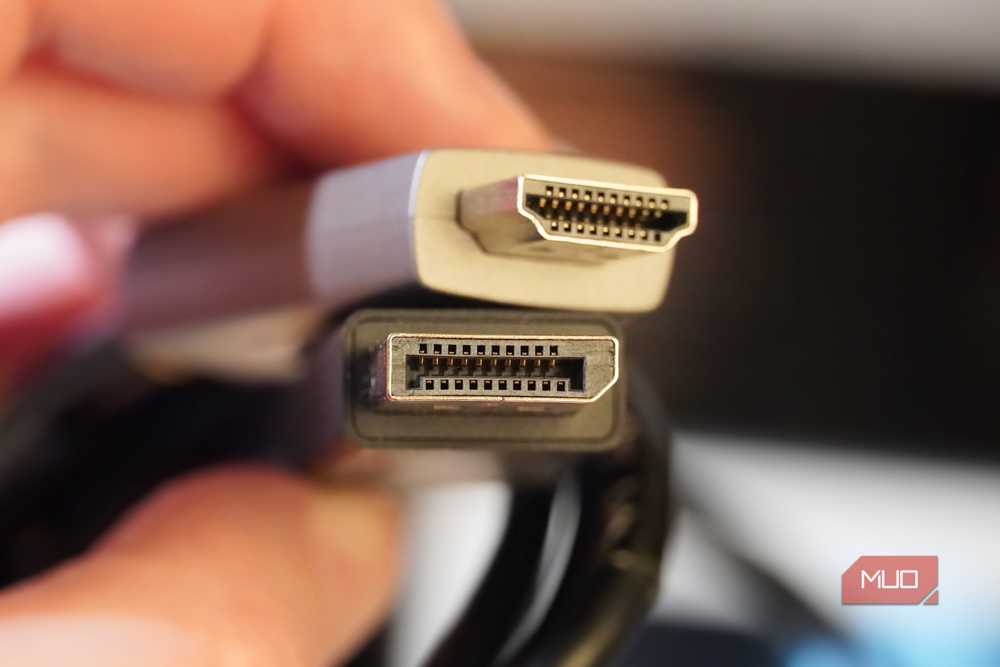
DisplayPort is enticing to PC manufacturers and monitor brands because the specification is royalty-free. DisplayPort and HDMI both come with licensing costs, but HDMI requires companies to pay a lump sum yearly royalty fee or a per-port fee. So, if a graphics card has four HDMI ports, a company would need to pay royalties four times or agree to the yearly stipend. That’s why it’s common to see a graphics card with multiple DisplayPort outputs and just one HDMI port — it costs the same to put one DisplayPort input on a component as it does to put four of them onboard.
That reason, plus DisplayPort’s standing as an enthusiast-grade spec with support for higher resolutions and refresh rates, explains why you see DisplayPort on your favorite PCs and peripherals. HDMI, on the other hand, had a half-decade head start on DisplayPort and the support of major TV and entertainment companies. It’s more widely available and offers support for niche home theater standards like ARC and eARC.
Regardless of whether the current iteration of HDMI or DisplayPort is better — they each leapfrog the other over time as the specifications are developed — HDMI seems likely to remain the universal solution for most TVs and entertainment hardware.
