

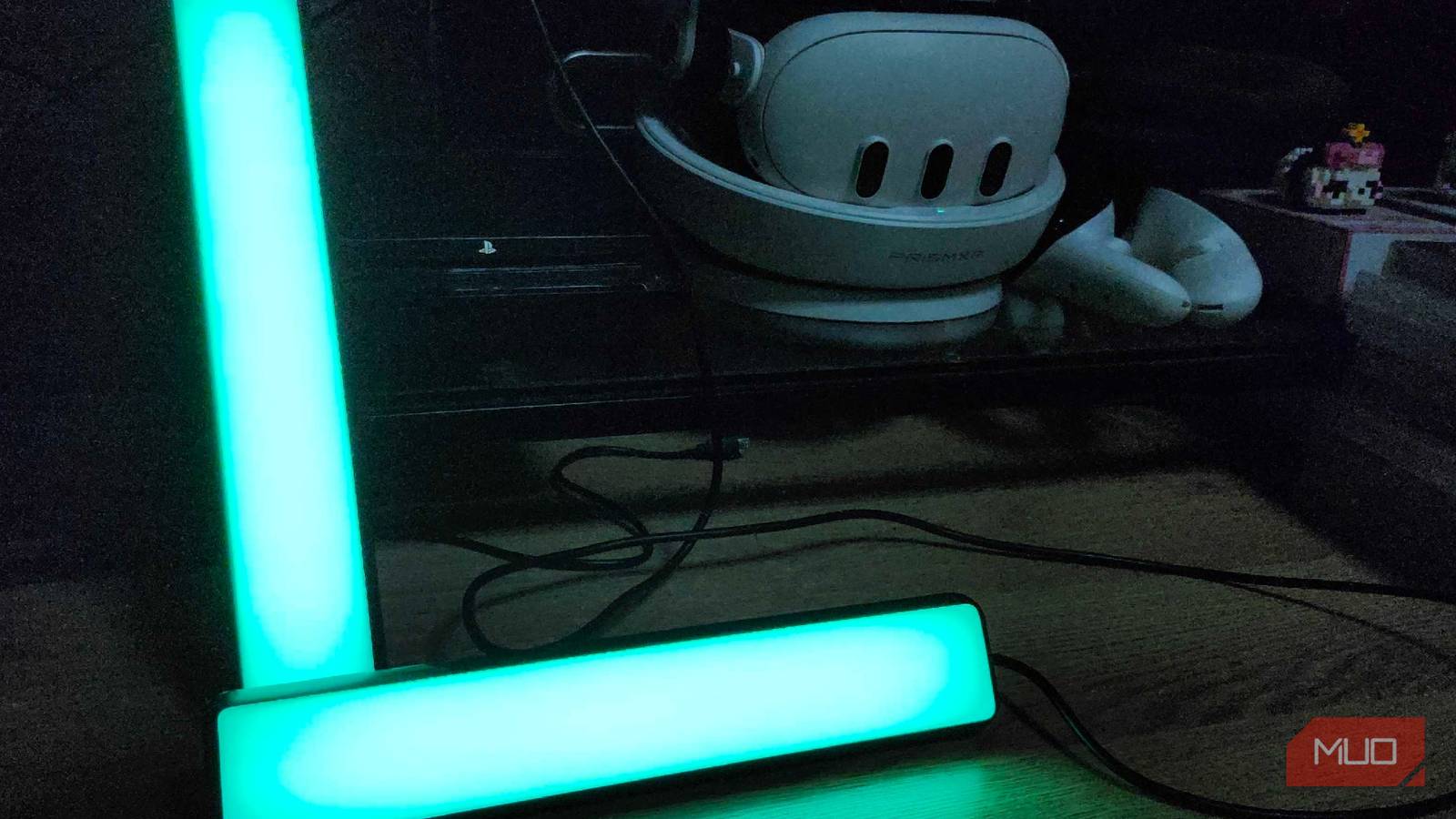

One of my favorite things to do at the end of the day is curl up on the couch or plop into my office chair with a movie or game in mind to help me wind down. But there was one thing I always wanted to do when I got my own place — set up those neat lights I always saw on YouTube from popular TechTubers. I’ve had a set of Govee light bars for a few years at this point, but even my upgraded LG TV in the living room didn’t have a proper USB port to plug into.
After getting a curved 55″ Samsung TV from my old boss when he upgraded, I noticed something slightly interesting. Not only were there a ton of HDMI connectors but also a proper USB connector. My movie and game time were about to evolve now that I could hook these up again.
Connecting and calibrating were simple enough
A few big squares on the screen let me get this rolling quickly

I’ve had my Govee light bars for a few years now, and they’ve always served their purpose well. While this setup was originally used on a much larger TV in the past, I had put them away into storage, since I kept having to unplug them to use the USB ports on my consoles for other things. Now that I’ve got a dedicated USB slot on the back of the TV, I figured there was no better time than ever to bring them back out again and put them to use.
Unlike the Philips Hue or other fancier sets, this Govee setup that I have uses a camera that is mounted onto the top of the TV with a sticky pad to feed information to the lights. When things change on the screen, it feeds that information directly to the lights and changes their color to match the scene. Depending on the type of games you’re playing, this helps sell the immersion of the landscapes even better, and can also help you focus more on the screen itself. It’s pretty slick, and it’s always been one of my favorite accessories that I’m beyond happy to have back in my life again.

Did You Know You Can Plug These 10 Devices Into Your Smart TV’s HDMI Port?
The HDMI port on your smart TV has so many uses.
Unlike LED strips, I can place them wherever
But I had to get creative when it came to getting stands after being in storage

Back before I went all in on these multi-colored lights, I used to have a standard LED light strip attached to the back of my television. It was pretty, but it didn’t offer anything outside of aesthetics when my wife and I watched TV or played a game together. When we switched over to these, though? Things became much more fun and exciting. Watching movies and shows was way more immersive, but somewhere between the move from our apartment into our home, I lost the included stands.
Unlike LED strips, there is no adhesive on the back of these. So, browsing through Thingiverse, I found some replacement stands that are actually printing as I’m writing this article. It’s one of the downsides of these light bars compared to a typical LED light strip, but being able to move them between devices makes it worth it.
Bias lights can help with eyestrain while looking nice
Or you can ramp it up and make it feel like you’re in a Technicolor dream
Bias lighting, or lights behind a screen or monitor, has been shown to improve overall eyestrain when it comes to long periods of use. It’s not just for looking pretty, and could actually be beneficial for your eye health in the long run. No matter if you’re running an OLED panel for its inky blacks, or you’re using an older LCD panel, having some bias lights can help your eyes adjust during the latter portions of the day.
If you’re not a big fan of having multicolored lights flashing behind the TV, that’s no issue either. Inside the Govee app, or through Google Home or Alexa, I can switch the lights to whichever color I’d like. Solid colors, just a standard white light, or anything in between to help my eyes stay focused after a long day, is fantastic.

- Compatibility
-
Google Home/Alexa/App Control
- Weight
-
0.79k
- Colors
-
192 Light Source RGBICWW
- Materials
-
Polycarbonate
Don’t have or don’t want lights? No fret
The USB port on the back of your TV is useful for many other things

Some people, like myself, love the idea of having a set of dancing lights behind their TV. But others may not be so keen on the idea of it. What can that USB on the back of your TV be used for then? There are a surprising number of things you can do with it, from charging and powering your other devices to turning your TV into a giant digital frame. TVs aren’t just for watching movies and shows on, and have plenty of additional media features to help users take full advantage of their power.
Even if you don’t want to go all in and have a camera hanging over the top of your screen as I do, reactive LED lights are cheaper than ever before. You may find that after trying them out, you won’t ever want to go back to watching TV normally again.
Lights like this are perfect ways to enhance your viewings
Immersion will be at an all-time high, especially if you’re watching something colorful
Know that I know that it’s been proven that bias lights help with eyestrain, maybe it’s time for me to start getting more LEDs to put behind the other TVs that I have in the house? Or maybe, I’ll just have these in my office as a special little treat for when I’m ready to dive headfirst into another new game in my backlog. The possibilities, just like the color range on these lights, are seemingly endless.
Sure, they may be older, and Govee and other brands have come out with better versions since I got my hands on these. But if it’s not broke, why fix it? They still deliver exactly what I wanted them to from the start — an efficient and fun way to immerse myself further into my favorite forms of media.
