

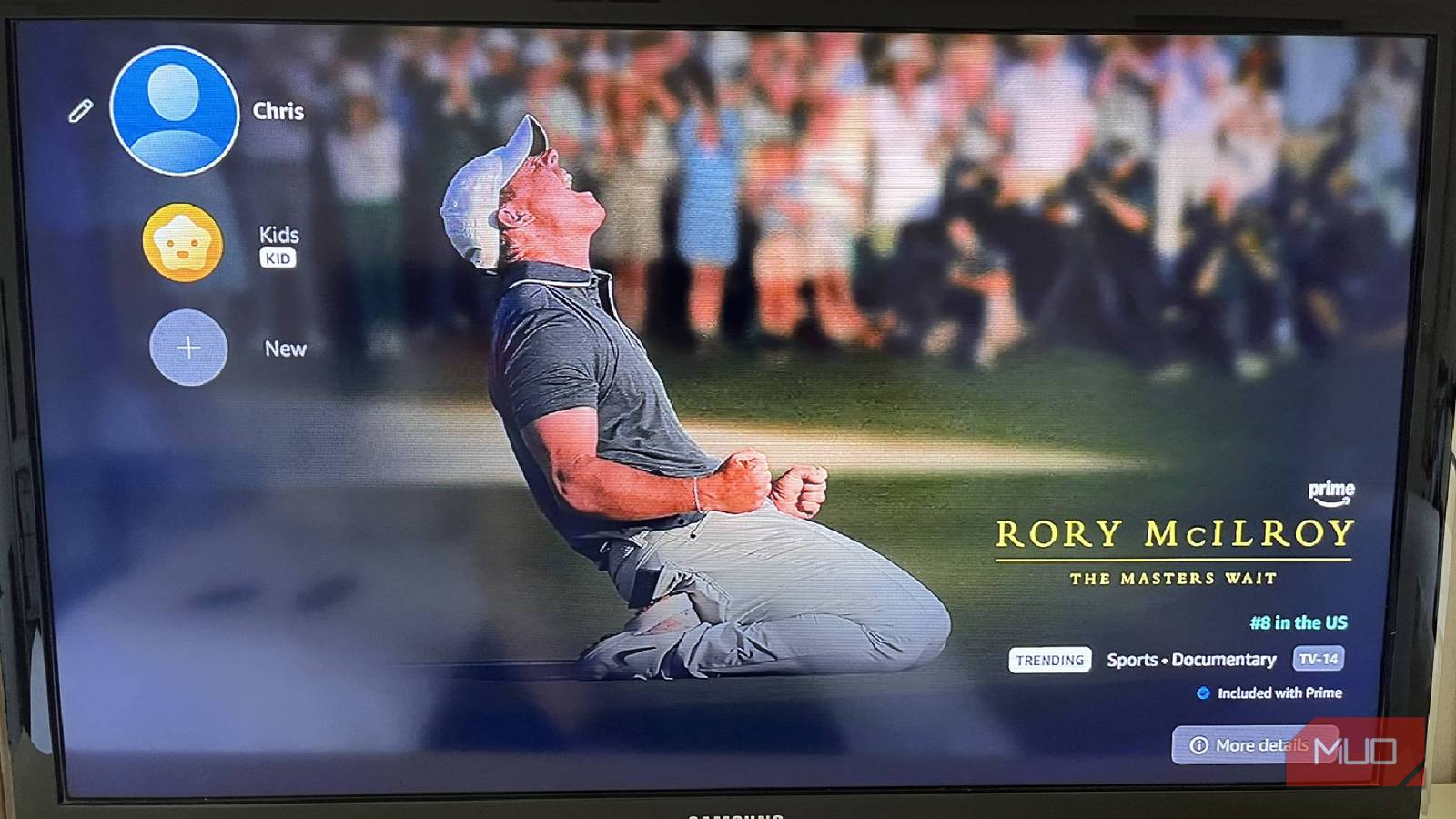

Streaming services all try and separate themselves from one another. While the content is the main factor that differentiates them, they all have their own look and features that make them unique. The driving force will always be the content, which is what has made the streaming wars fun to observe over the years. But it has also led to comparisons about how each platform looks.
If you’re like me and subscribe to too many of them, you have used them enough to know your way around them. Whether it’s Netflix, Disney+, Apple TV+, Peacock, Prime Video or the hundreds of other options, you likely know how to get the content you’re looking for. That is, unless that content is on a different platform even though you thought it was on the one you are on. A surefire way to know what content is on your platform is by purchasing it. Prime Video is one of the platforms that allows you to do that.

Prime Video offers lots of content and ways to get it
You can expand your library as you see fit
Not all streaming services offer all that Prime Video does. You can sign up for Prime Video as a standalone platform to enjoy the streaming content. You also get Prime Video as part of an Amazon Prime membership.
If you are a subscriber to many different streaming services, you can run many of them through Prime Video. If you don’t want to have to flip between subscription services, many of them can run through Prime Video. You can sign in to a bunch of other streaming services while you’re on Prime Video. This means you don’t have to switch over to Paramount+ if you want to watch a Paramount+ show right after you’ve watched a Prime Original. You can just watch them both on the Prime Video platform, making it possibly the most-used streaming service for you.
Prime Video has content that is specifically available to Prime customers. This is especially the case with sci-fi titles, as Prime Video is heavily invested in the genre. Similar to Apple TV+, it also allows you to buy or rent titles that you might want to keep and view at any time. This means that, even if the title leaves Prime Video, you’ll still own it and be able to watch it on there.
It happens frequently that titles leave Prime Video’s subscription and are then only available for rent or purchase. One of the best perks that Prime Video offers is early access to titles that are either just out of theaters or are still in theaters and available on video on demand early.
Owning titles means they are always in your account
This doesn’t mean you might not see ads though

When you purchase a title in Prime, you can find it in the My Stuff section of the interface. You can purchase movies or seasons of TV series.
If you rent a title, it is available to you for 30 days, and once you’ve started watching it, you have only 48 hours to view it.
For your owned content, you can view it on any device, as it will sit in your account. You don’t have to view it only on the device you purchased it on. This also means you can customize your viewing however you like, including showing dialogue.
The title is likely going to be ad-free when you purchase it. Even if you have an ad-supported subscription, purchases don’t carry ads most of the time. But there are exceptions.
You might find that your title says “Only available with ads” when you’re selecting it from the menu. These titles have ads, no matter what subscription plan you have. This can even include purchased titles.
Previously, users had the option to pay an additional $2.99 per month on top of their subscription fee for an ad-free experience. As of April 10, 2026, that option is gone in favor of Prime Video Ultra.
Prime Video Ultra is a new option for users
It gives you the most bang for your buck

Prime Video Ultra is an additional $4.99 per month, and you must pay for a Prime Video subscription to access it. It is an addition to the Prime Video subscription and provides you with more than just ad-free content.
You get the ability to download 100 titles for offline viewing, whereas the standard Prime Video benefit, which can be purchased as its own entity or comes with Prime membership, only lets you download 50 titles to watch offline. You can watch up to five streams at once, compared to four with the standard benefit.
Most importantly, you get ad-free viewing, whereas any customer watching Prime Video with a standard subscription has to deal with ads. Upgrading to this will remove ads from pretty much any content that you have, especially owned content. Prime Video Ultra also gives viewers 4K/UHD viewing and Dolby Atmos.
Even if you pay for Prime Video Ultra, Amazon can still show you ads with live shows, sports content, and other specific ad-supported content. While it remains to be seen if the “Only available with ads” content is made less, it is possible that it won’t be.
You might have to deal with some form of ads with any Prime Video subscription
Prime Video has a lot of great features and offers plenty of content for anyone looking for a singular streaming service to watch. You can add your subscriptions to other streamers into your plan, making it a one-stop shop for streaming. The new Prime Video Ultra is its ad-free subscription, making it worth checking out if you’re bugged by watching ads.
