

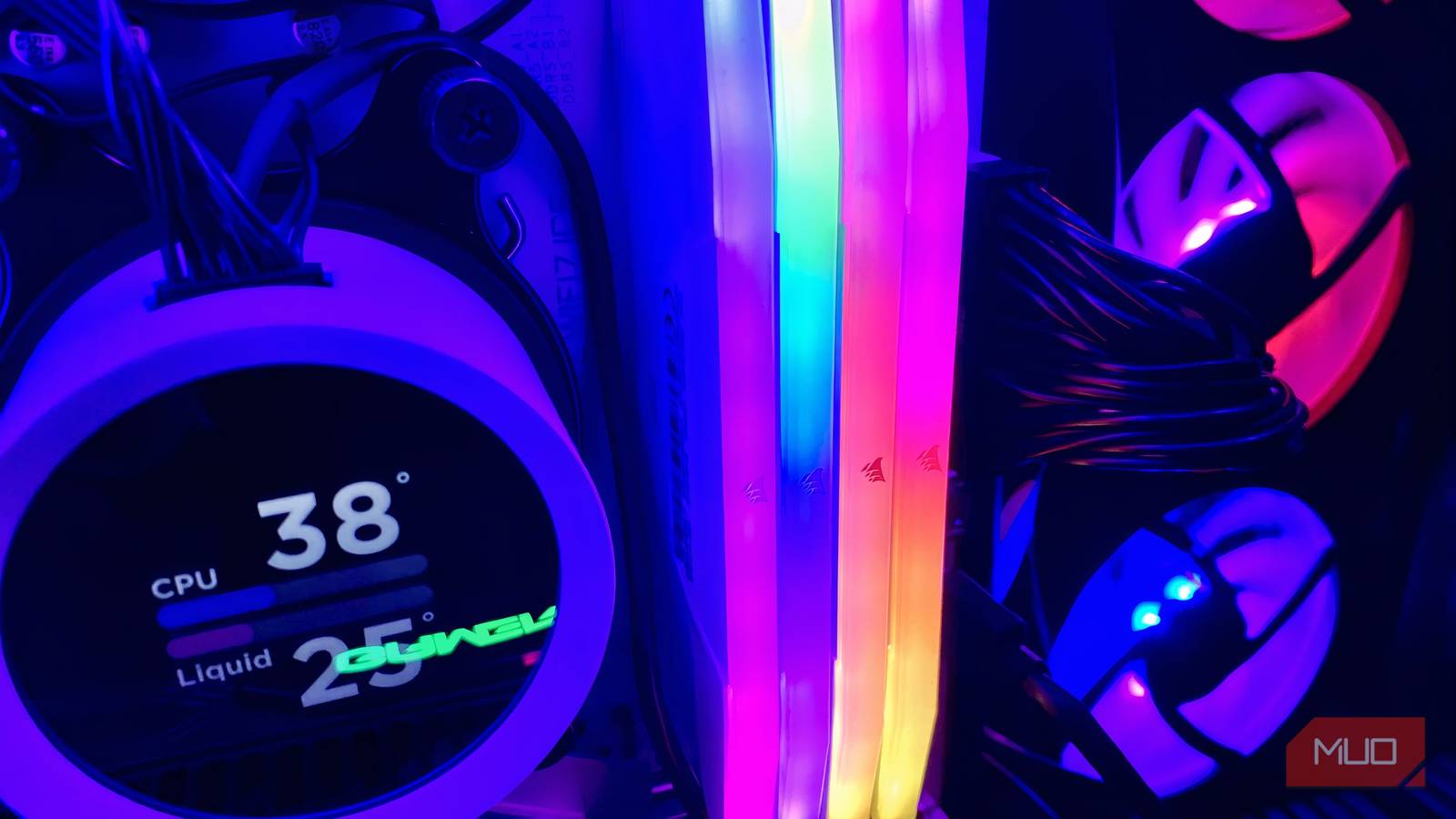

RAM prices have finally started to settle down after what feels like an eternity of absurd price increases in PC hardware. Still, at the current rates, they cost more than they did about a year ago. I’m not exactly being a pessimist when I say that prices won’t return to “normal” anytime soon.
If you’ve finally decided to cave in and are thinking of upgrading or buying new DDR5 memory kits, you need to choose a kit with specifications that match your hardware, because it’s easy to overemphasize frequency, which, beyond a certain point, can actually impact your overall performance. DDR5 RAM kits at 8000MHz are pointless for most people, can cause stability issues, and take an extra toll on your wallet — funds that could be spent on other components.

My computer felt slow for months until I realized my RAM was never running at full speed
A simple BIOS setting unlocked the full speed my RAM promised.
The law of diminishing returns applies to RAM
Faster isn’t (always) better
There’s a limit to where RAM can be pushed to get the most out of a PC’s performance. DDR5 RAM is already quite fast, and upgrading from 4200MHz to 5600MHz or 6000MHz will yield noticeable performance improvements. Frequencies beyond that give minimal performance gains, and the trade-off in cost is just too high.
CPUs are a major limiting factor in this regard. Simply put, current high-end AMD chips hit their best efficiency around 6000MHz, but Intel CPUs have more headroom to benefit from pushing higher frequencies, as per LTT Labs, which ran high-end Ryzen and Intel chips beyond 6000MHz and found that Intel platforms saw gains while AMD plateaued.
Regardless, going the extra mile for higher memory frequencies isn’t worth it for either of these CPUs, because their IMCs (Integrated Memory Controllers) are validated for specific operating ranges. When overclocking to higher speeds, stability becomes difficult and heavily dependent on your tuning skills and whether you’ve hit the silicon lottery with your CPU. Basically, due to the natural variation between chips off the same production line, some will handle overclocking better than others
At higher memory speeds, it also becomes increasingly difficult to maintain low CL latency and good memory timings, as there will be a mismatch between the memory and the controller.
8000MHz DDR5 is budget overkill with minimal performance upsides

At the time of writing, RAM prices for an 8000MHz DDR5 kit cost about $150 more than a 6000MHz kit. If you compare performance, 8000MHz DDR5 RAM only offers a marginal 1-5% improvement over 6000MHz on AMD platforms (Techspot) and 2-8% improvement on Intel platforms (Tech Cortex) in gaming only, with both benchmarks using similar high-end test setups.
So the performance uplift here is minimal, and even if you make this jump anyway, you’ll likely need a new motherboard with good memory overclocking capabilities, which adds a few hundred bucks to the overall cost. Not to mention that running anything beyond base frequency requires XMP/EXPO to overclock, and even that isn’t guaranteed to work, as your system may crash.
Even if you manage to get it running, 8000MHz DDR5 RAM requires a lot of effort to tune, including tweaking settings like voltage, timing, and more. High voltages will evidently raise your PC’s temperature and require additional cooling measures to avoid component degradation, if you don’t want the worst-case scenario of frying a component. After all this work, the end performance is still not ideal for latency-sensitive tasks like gaming.
6000MHz is the sweet spot
Save yourselves the headache

AMD CPUs work best at 6000MT/s RAM, where they run at an optimal 1:1 sync between the memory and the controller clock. As I emphasized before, anything higher will cause delays. For Intel CPUs, memory controller tolerance is a bit different, and you can go a bit higher because newer chips, like those from the 12th-14th Gen, handle looser timings better and can offset any latency.
On AMD platforms, this comes down to the Infinity Fabric clock (FCLK), which is the interconnect that links the CPU cores to the memory. At 6000MHz, the FCLK runs in a 1:1 ratio with the memory clock, meaning data moves without added latency. Push beyond that, and the sync breaks, forcing the controller to compensate, and that overhead kills the efficiency gains you were chasing.
Whatever CPU you’re using, I recommend sticking to 6000MHz to avoid potential BSODs, since your CPU will most likely struggle to keep up at higher frequencies and also to stay under budget. On that note, the Corsair Vengeance DDR5-6000MHz is a great option that wouldn’t take a heavy toll on your wallet.
8000MHz DDR5 isn’t a bad choice — it’s probably just overkill
Now, I don’t think 8000MHz DDR5 RAM is a terrible option overall. I know I’ve talked about buying 6000MHz RAM, because, for most folks, that’s exactly perfect.
But for someone who does compression, editing, and simulation tasks, the extra bandwidth on the 8000MHz memory sticks does help. Furthermore, if you’re rocking an Intel CPU, achieving those high memory clocks will be easier than doing it on an AMD chip. Regardless, I just don’t think it’s worth going the extra mile because the cost and manual work trade-off is so high. In fact, I recommend diverting those extra few bucks into getting a better GPU to get more performance out of your build.

- Brand
-
Corsair
- Size
-
32GB
- Technology
-
DDR5
- Speed
-
6000MHz
