


Summary
- Google Pics brings Nano Banana AI image creation/editing into Workspace, including Slides and Docs.
- Powerful editing: object segmentation, layer-like controls, text-in-image edits, multi-version generation.
- Rolling out to Google AI Pro/Ultra and Workspace customers; not a privacy-first, E2EE Photos fix.
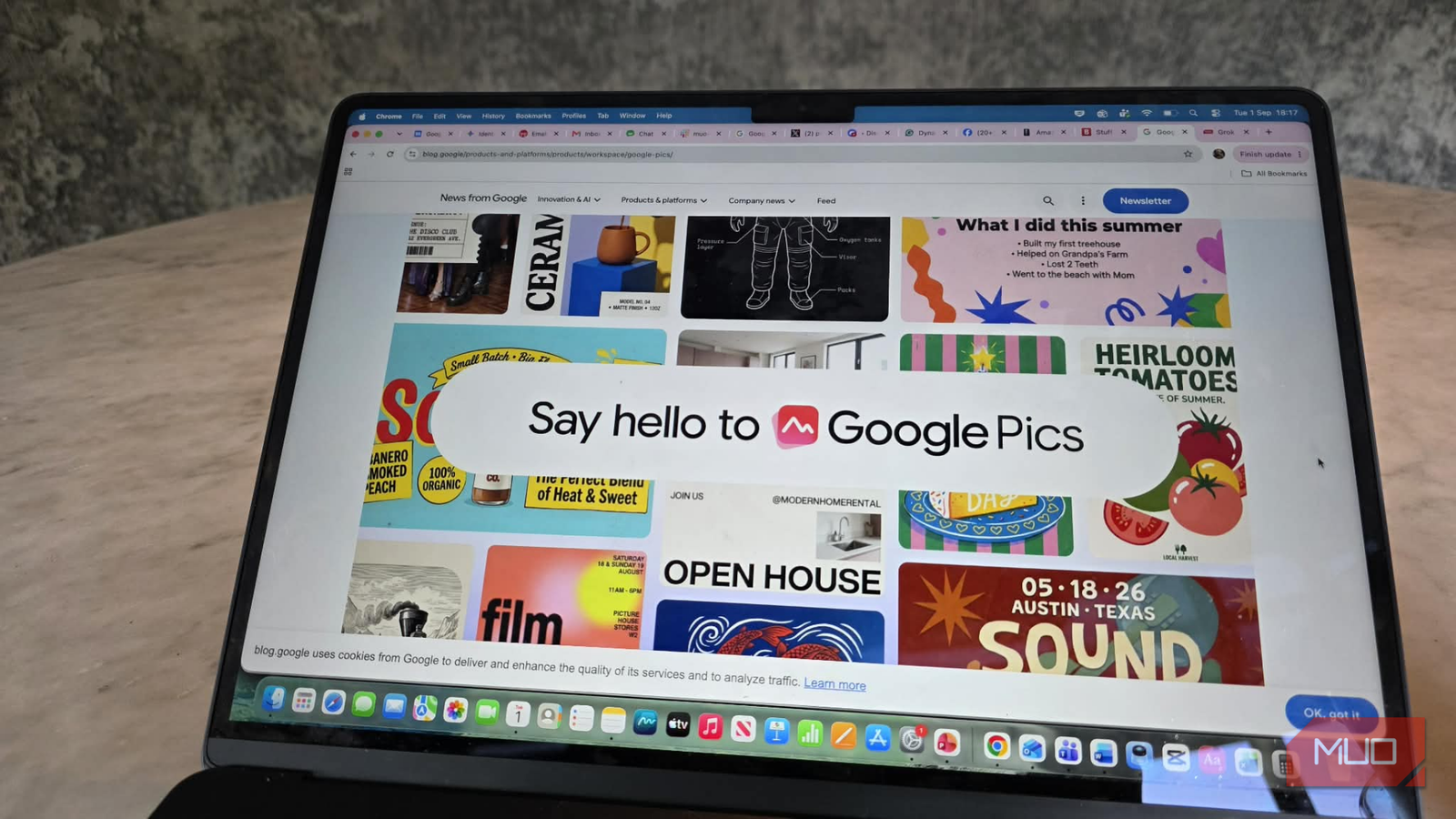
Google Pics is a new image creation and editing tool in Google Workspace, designed for easy image creation and editing, similar to Grok’s Imagine feature. Pics lets you generate, refine, and co-create images with more precision, which is great if you need this for desing work or social media posts. Plus, upcoming Workspace integrations will let you create and edit directly within Google Slides, Docs, and Drive.
It’s rolling out over the coming weeks to all Google AI Pro and Ultra subscribers and most Workspace business customers. Not exactly the first thing that comes to mind when you think of an image-based subscription to Google, is it?
We want better Google Photos storage options
I can’t believe this isn’t already a thing in 2026
Pics is based on Google’s Nano Banana image generation and editing model, and it gives you the control necessary to produce anything you’re imagining. Whether you’re designing a poster, creating social media posts or editing digital illustrations; a likely thing for AI to be able to do. It does have some cool features, more akin to Adobe Photoshop’s layers, which I’ll touch on in a moment.

The service will be available as a standalone product and also be incorporated into Workspace apps, beginning with Slides, Docs, and Drive, so that you can edit images in the same places where you’re currently working.
I have to admit that when I first saw ‘Google Pics’, my expectations rose for a moment. I even thought for a second that perhaps—finally—at last we were going to get that privacy-first Google Photos feature which so many of us have been looking for. Something with end-to-end encrypted albums, proper control over who can see your memories, and a real solution to the question ‘Why can’t I share photos without Google being able to take a look?’. As of September 1, 2026, Google Photos does not provide full end-to-end encryption for general albums and the service still holds keys for stored images (server-side encryption). Features such as Locked Folder have stronger local protections but are not equivalent to full account-level E2EE for general albums.
But no, Pics is enjoyable, ingenious, and capable—but it isn’t that. Not yet. The search for a genuinely encrypted and shareable Google Photos experience continues.
So what can Google Pics do?
Pics covers the basics of image editing and adds several AI-powered features. With object segmentation, users can select parts of an image—such as a logo or a person—and make adjustments without affecting the rest of the image. The app allows for targeted edits through text comments placed directly on the image, and it supports making multiple changes at once. Editing or translating text within images is also available, preserving the original design and font. For collaboration, users can share projects and work on the same image with others in real time.
If you’re indecisive, Pics has you covered—it’ll spin up multiple versions from a single prompt, so you can pick your favorite vibe. And because Pics is baked right into Google Workspace, you don’t have to bounce between tabs or apps. Just open Slides, Docs, or Drive, and all the AI creative power you need is right there, ready to go.
Docs and Slides integrations are available at launch (September 1, 2026); Drive editing integration is scheduled to roll out in the following weeks. You can try it at pics.new.
