

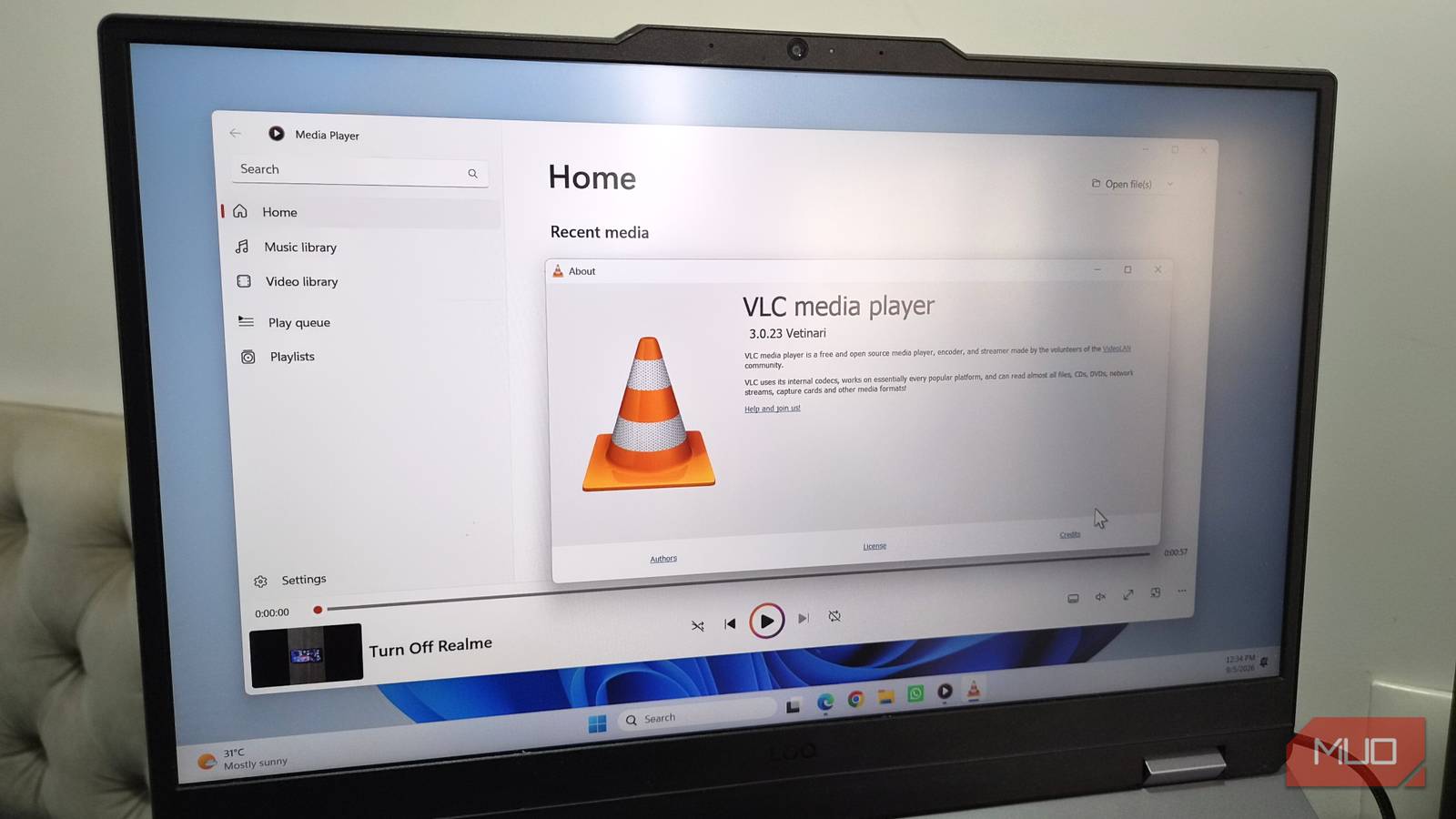

Windows Media Player has one job, and it barely does it. It doesn’t impress with its features, and is also not great at handling every file format you throw at it either. VLC is the de-facto alternative for most folks, but I wanted something that actually looked modern.
So after trying half a dozen media players, I finally settled on Screenbox. It’s free, open-source, and offers just about every useful feature I want from a media player.
There’s a lot to like
Screenbox wasn’t the first media player I tried. I went through PotPlayer, mpv, MPC-BE, Glucose Media Player, and a couple of other options. They’re all packed with features, so you can’t go wrong with any of them. But they all have one thing in common, which is that none of them look or feel modern. And I know that sounds shallow, but that matters to me. Windows Media Player isn’t as feature-rich as VLC, but it sure does look pretty, and that counts.
Screenbox felt like the ideal alternative because it brings the best of both worlds. It runs on libVLC, which is the same engine that powers VLC itself. That means it can handle pretty much every audio and video format there is. And no, there’s no need to install extra codecs. Everything just works right out of the box.
More importantly, it follows Microsoft’s Fluent Design System, so it feels like a part of Windows the moment you open it. In fact, it’s easy to mistake it for Media Player the first time you open it. It also comes with a proper media library that makes it easy to browse videos and audio files saved on your PC. By default, it only scans Music and Videos folders, but you can add more if you want.
The Home tab is where you can find all your recently played items, in case you want to rewatch something. The main video player interface is also clean and minimal. There are no endless menus or options that get in your way even when you’re not in full screen. You can even set up the app to match the video’s native resolution, so there are no annoying black bars while you’re watching something.
It has all the features you’d expect and then some
It ticks all the right boxes

Screenbox isn’t all about better format support and a prettier interface. It’s also packed with features that make it hard to go back to anything else. It can handle network streams, so if you’ve got a Plex server or anything sitting on your local network, Screenbox can pull it directly. There’s also Chromecast support, so you can easily move your local videos to any compatible device without using any cables.
My favorite has to be the picture-in-picture mode that lets you play anything in a floating window, which stays on top of your apps. I use it all the time for multitasking.
And much like VLC, Screenbox also lets you boost the volume up to 200%. This is handy because most laptop speakers aren’t that loud. If you’re worried about this destroying the audio quality or damaging the speakers, you can disable it from the settings menu.
If you’re more into music and podcasts, Screenbox also lets you import audio visuals from Github or Lively Wallpaper app, so you’re not staring at a static thumbnail the whole time. There’s also support for keyboard shortcuts, and the best part is that they’re the same as the ones you use on YouTube. Spacebar for play/pause, M for muting, F for full screen, left/right arrows to seek backward and forwards, and so on.
And if you’re on a laptop, like me, you can even use touchpad gestures for adjusting the volume and controlling the playback, and they’re all customizable.
It’s not perfect, but that’s fine
Screenbox is a great package, but I still wouldn’t call it better than VLC. It’s missing some things for that claim to hold up. For instance, there’s no built-in video converter for quickly changing a file’s format. The equalizer is missing too, which isn’t a big deal for me, but I know a lot of people who love using it. The biggest one, though, is that Screenbox can’t stream from a URL. It lets you play from your local network, but you can’t watch your YouTube videos here.
But the way I look at it is, Screenbox isn’t trying to be VLC. It’s not about adding every advanced feature there is. What it’s actually doing is becoming a Media Player that’s more capable and doesn’t try to overwhelm you with features.
