

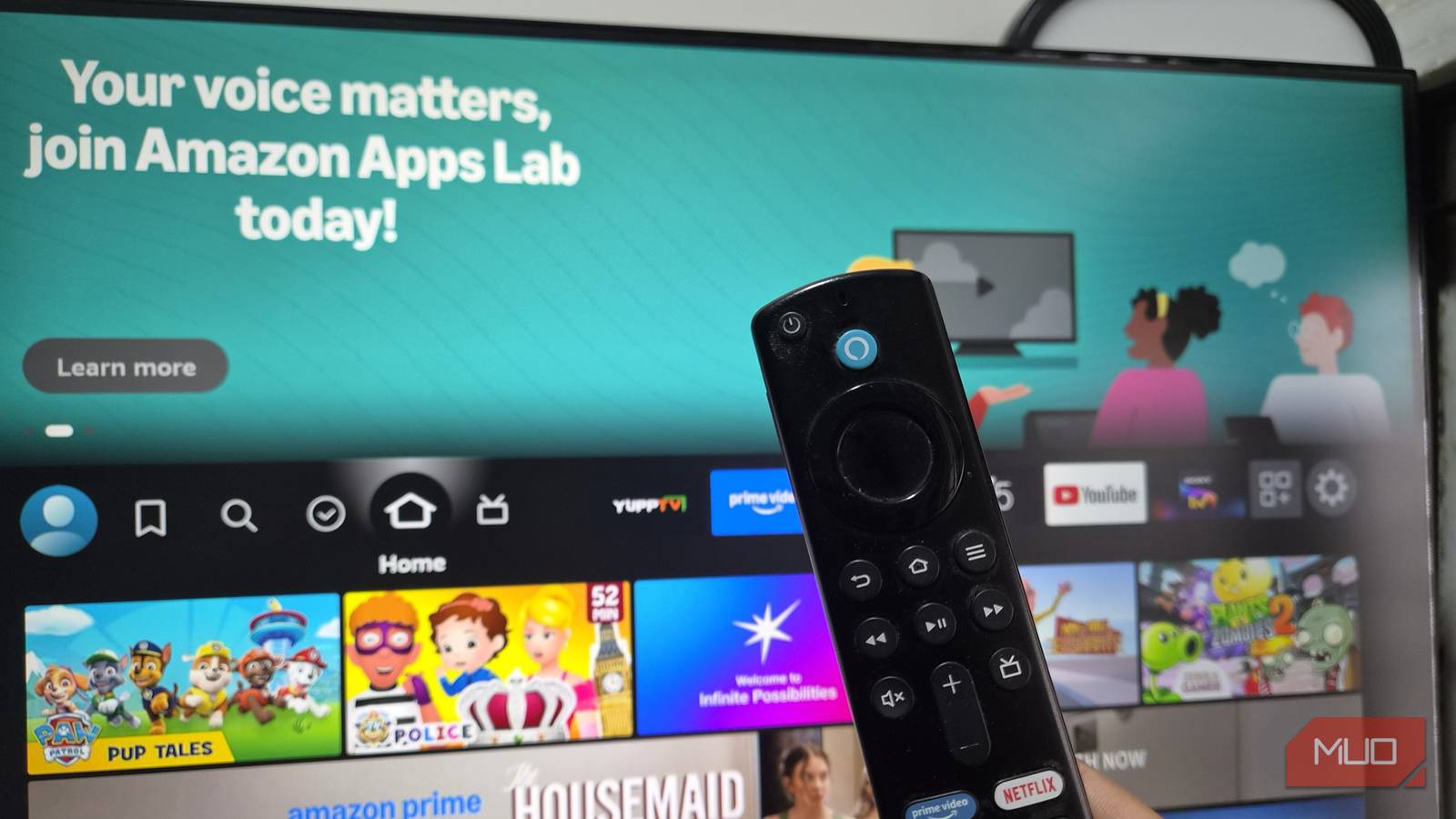

Like most people, I bought my Fire TV Stick to stream shows, and that is still what I primarily use it for. However, I quickly realized that there’s much more to this little gadget than meets the eye.
After installing the usual apps like Netflix, Spotify, HBO, etc., I noticed some options that let me transfer files, test my internet connection, mirror other devices, access my local media library, and even browse the web. These free apps have made me rethink the capabilities of this versatile and affordable streaming stick.
ExpressVPN
View content from sources all around the world
I always used a VPN primarily for security purposes and didn’t see the value in installing it on my Fire TV Stick. However, as I started spending more time overseas, this app became an absolute necessity. Now I take the device on any trip longer than a few days, and I can instantly access all my favorite shows, from home or abroad, wherever I happen to be.
Streaming services tend to throttle certain services and shows when traveling due to advertising and licensing restrictions, but by installing ExpressVPN on my Fire TV Stick, I can circumvent these inconveniences and even access my license-restricted BBC shows while I’m away from the UK. Of all the utility apps I’ve installed on my device, this is the one I use most often.
AirScreen
Turn your TV into a wireless display for your phone, tablet, or computer

I recently returned from a trip to India and wanted to share my photos with friends on the largest screen in my house. My thoughts immediately turned to the Fire TV Stick, and a quick search revealed the AirScreen app, which syncs seamlessly with my devices.
Instead of thinking of the Fire TV Stick purely as a streaming receiver, AirScreen turns it into a wireless display receiver. I can use it not only to share slideshows but also to share content from my phone, play music and videos from local storage, or send files to my TV, all without reaching for an HDMI cable.
Kodi
Turn your Fire TV Stick into a front end for your own media collection

I’ve been a fan of the Kodi media player for some time, and when paired with the Fire TV Stick, it is one of the best ways to play local media files, dramatically enhancing your device’s capabilities. Not only can you change Kodi skins to give your home setup a cool aesthetic, but you can also control it via the Fire TV Remote for convenience.
Kodi doesn’t store any data itself, but connects to network storage and other sources, turning the Fire TV Stick into the interface through which you access your personal collection of movies, TV shows, music, and other media. It turns an inexpensive Fire TV Stick into the front end for a much more capable local media system, and is especially recommended if you’ve already started building a home server or NAS.
Send Files to TV
Move files between your phone and Fire TV without cables or cloud storage

I stumbled on Send Files to TV while sideloading a Disney app that works in my current location. Not only can I now fall asleep to “Futurama,” but this app also turns the Fire TV Stick into a convenient wireless file-transfer destination rather than just a device for distributing content.
Send Files to TV lets you wirelessly transfer files between compatible devices on the same network, making it particularly useful for moving photos, videos, documents, or APK files to a Fire TV Stick. This tool is especially useful if you occasionally sideload apps. Instead of downloading an APK directly on the Fire TV Stick or connecting storage, you can download it elsewhere and send it straight to the television.
Amazon Silk
Add a surprisingly usable web browser to the biggest screen in your home
I must admit, I was dubious at the thought of a web browser on my Fire TV Stick. However, Amazon Silk is surprisingly useful on a large television.
Amazon’s native web browser for Fire TV allows you to visit websites, search the internet, use bookmarks, watch web-based videos, and browse content from the comfort of your sofa. And because it’s made specifically for TV use, it feels bespoke, not shoehorned into the device.
While it’s never going to replace a web browser for serious applications, there are plenty of scenarios where this makes sense. You can look up information while watching something, pull up a recipe in the kitchen, browse a website with friends, or access a web service that doesn’t have its own Fire TV app.
So much more than just a streaming device
For the price of a few cups of coffee, Amazon’s Fire TV Stick represents exceptional value, not just as a streaming device but as a utility that provides access to several genuinely helpful services for day-to-day use.
Apps like Send Files to TV, ExpressVPN, AirScreen, Kodi, and Silk demonstrate that you don’t necessarily need another expensive box under your television to add useful features. You simply need to take a deeper dive into the device that you already own.

- Brand
-
Amazon
- Operating System
-
Fire OS
- Downloadable Apps
-
Yes
- Resolution
-
4K
- Ports
-
HDMI
- Audio codecs
-
Dolby Atmos Audio
The Amazon Fire TV Stick 4K transforms your television into a premium streaming hub. It delivers sharp 4K Ultra HD picture quality with vibrant Dolby Vision and HDR10+ support. Featuring rapid Wi-Fi 6 connectivity and an Alexa Voice Remote, it provides smooth, voice-controlled access to thousands of apps and channels.
