

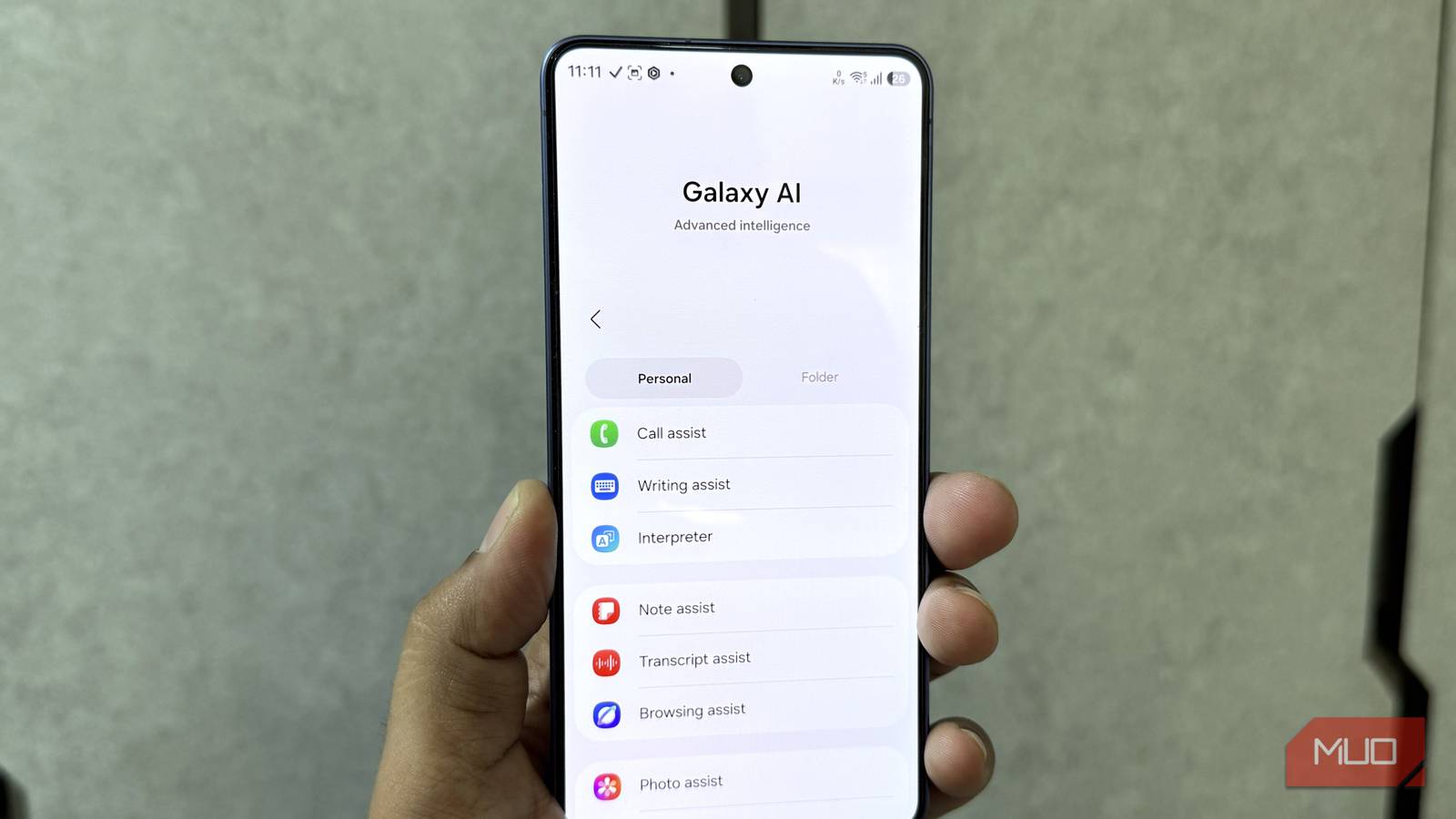

There’s been a lot of chatter lately about Samsung potentially putting some of its Galaxy AI features behind a paywall. While Samsung hasn’t officially confirmed anything along those lines, it got me thinking about how often I actually rely on Galaxy AI. I’ve been using a Samsung phone for months now, and despite having all these AI features at my fingertips, I couldn’t immediately tell you which ones I’d be willing to pay for.
So, rather than going through the list of features and guessing which ones I could live without, I decided to find out for myself. I turned off every Galaxy AI feature in One UI 9 and went about my usual routine for an entire week. I wanted to see whether removing AI from my phone would make it any more inconvenient to use or if I’d even notice its absence. Surprisingly, I only wanted to turn back on two Galaxy AI features, and it had nothing to do with One UI 9.
Going around in circles, for a good reason
Finding the unfindable
Before I get into the two features I turned back on, I want to make something clear: this isn’t a criticism of One UI 9 or how Samsung has implemented AI across its smartphones; it’s more about how I use my phone. As much as I enjoy experimenting with new AI features when they come out, very few eventually become part of my routine. However, one feature that has done exactly that is Circle to Search.
Technically speaking, Circle to Search is a Google feature that’s also available on Samsung phones, not something Samsung developed specifically for Galaxy AI. Regardless, I think it’s one of the best implementations of AI on a smartphone, simply because I don’t have to consciously go out of my way to use it.
For instance, whenever I come across something interesting while browsing the internet, whether it’s a piece of clothing, a quirky accessory, or something I’d like to buy for my room, I instinctively reach for Circle to Search. I don’t have to figure out the product name, come up with the right keywords, or take a screenshot and upload it elsewhere. I can circle whatever has caught my attention and go from there.

Where I find it handy, though, is on Pinterest. I’m an avid Pinterest user, and a good chunk of my time on the app goes into looking for home decor and interior design inspiration. But if you’ve spent enough time on Pinterest, you’ll know that finding something you like and figuring out where to buy it are two entirely different things. I’ll often come across a beautifully furnished room, spot a lamp or a coffee table that would look great in my own space, and have absolutely no idea where it’s from. More often than not, there’s no product link attached to the image, either.
Circle to Search has saved me countless hours in those situations. In fact, quite a few of my furniture purchases have started with a random picture I stumbled across on Pinterest. Even when I can’t find the exact product, the feature helps me discover similar alternatives that fit the aesthetic I’m going for.
What I missed most during that week wasn’t necessarily the AI behind Circle to Search, but the convenience I’d grown accustomed to. Going back to manual searching felt unnecessarily tedious.
Picture imperfect? Not anymore
Saving the shots I’d otherwise give up on

The other feature I missed throughout the week was Object Eraser. Like Circle to Search, it wasn’t introduced with One UI 9, but it’s one of those existing Galaxy AI features I’ve grown quite fond of overtime. And given how often I take pictures with my phone, it’s not surprising this made the cut. The problem, though, is that no matter how much effort I put into framing a shot, something I wish wasn’t in the picture almost always shows up.
That’s where Object Eraser comes in. Instead of discarding an otherwise lovely picture or resorting to a third-party photo editing app, I can open it in Samsung’s Gallery app, select what I want to remove, and let the feature do its thing. The results aren’t always perfect, especially when there’s a complicated background to reconstruct, but for the fixes I usually make to my pictures, it does a pretty convincing job.
And much like Circle to Search, what I appreciate about Object Eraser is that it solves a problem I already had long before AI became a smartphone selling point.
Sorry, Galaxy AI, it’s not me, it’s you
Once the week was over, I was in no rush to turn everything back on. In fact, my device felt just as capable without most of its AI features, and that made me rethink what I expect from AI on a smartphone. I’d much rather have a handful of well-thought-out features than an entire suite of tools I try once and eventually forget. And if Samsung decides to charge for Galaxy AI someday, at least I’ll know where I stand. It’ll take a lot more than a growing list of AI features to convince me to open my wallet.
