

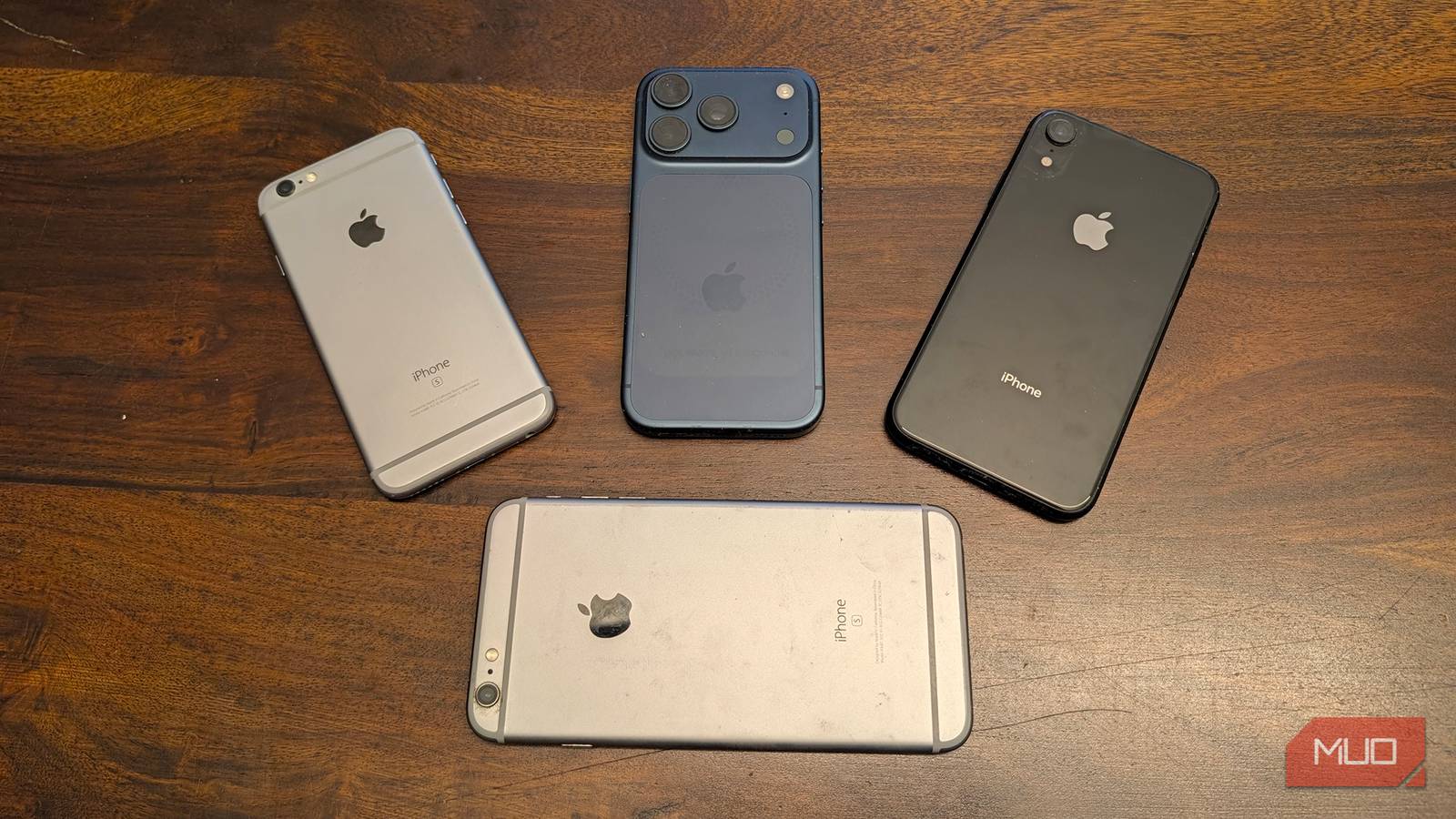

There’s a lot of talk about the length of software and security support for Android phones, with brands like Samsung and Google upping this to seven years for their last few generations of devices. But we rarely hear about the longevity of iPhone and the length of support Apple offers for these devices. It definitely seems as if iPhones last a pretty long time. I know people who are still using their iPhone XRs to this day, and that phone launched eight years ago in 2018 and was discontinued in 2021.
Apple offers software support for anywhere from five to seven years, depending on the device. This includes major iOS updates and security patches. You can technically continue to use an iPhone after that with an older OS, though you’re missing out on important security patches. Longevity relates to more than just software and security support, though. Generally, you’ll get a good life out of an iPhone if you want to hang onto one for a while.
Software support is long
Keep going and going
As it stands in 2026, Apple still offers software support dating back to the iPhone 11 and iPhone SE (2nd gen), which were launched in 2019 and 2020, respectively. While you miss out on features that require a more powerful chip and processor, like Apple Intelligence, the phones will still function properly. iPhone XR, XS, and XS Max models, meanwhile, still get select security patches, the latest delivered for these phones in August 2026. But they are on their last legs now that eight years have gone by since launch.
Even much older phones that are long out of circulation aren’t forgotten, though. The iPhone X, 8, 8 Plus, 7, 6s, 6s Plus, and SE (1st gen) that can only run iOS 15 or iO16 received security fixes in May 2026. So, if grandma is still hanging onto hers, and it works, that’s a good decade that Apple has continued to support it.
Battery will likely go first
Even with support, it’s time to upgrade
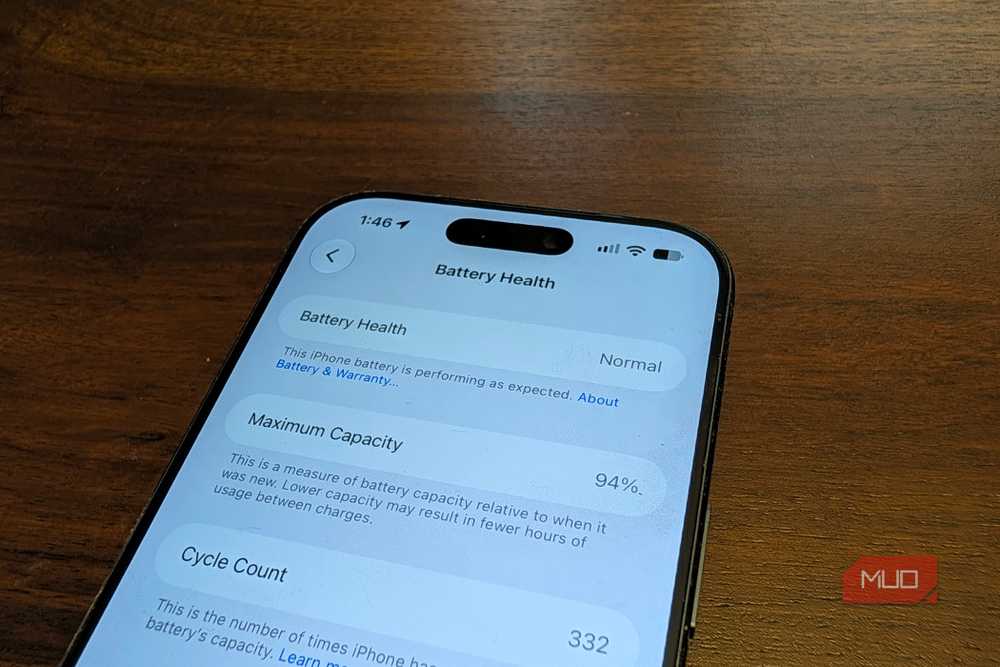
Just because Apple continues to offer limited support for devices beyond the software and security upgrade cycle of about seven years, that doesn’t mean you should not bother upgrading. Chances are that by this time, the phone’s battery will have degraded anyway. Lithium-ion batteries used in iPhones and most other phones will degrade continuously over the years. The rule of thumb is that once battery health drops below 80%, it’s time to upgrade. This usually happens after anywhere from 500 to 1,000 charge cycles. There are steps you can take to improve iPhone battery life, like disabling background app refreshes and changing lesser known settings like Connectivity Assist.
To check battery health, go to Settings > Battery > Battery Health. This will show maximum capacity and cycle count. For example, my iPhone 17 Pro, which is just over a year old, is at 94% battery capacity with a cycle count of 331. So, it still has many years left.
If you notice the phone’s battery is draining quickly, there is the option to consider a battery replacement if you find it more cost-effective than upgrading to a new phone. Apple offers battery replacements for any phone that isn’t considered “vintage,” meaning it hasn’t been out of circulation for more than five years. So, right now, the iPhone 6 was designated as vintage in 2022, which means you’ll have a tough time finding replacement parts for that model. You probably shouldn’t invest in a new battery if the phone is coming up on the seven-year expiration period for software and security updates, though. At this point, you’re better off saving for an upgrade.
When to replace your iPhone
Even if it works, consider longevity

By the time your iPhone’s software support lapses, you may already be experiencing issues with it beyond the battery. Without software support, some apps may not run well anymore, or may no longer be supported at all without upgrading the OS. For example, Netflix requires an iPhone with iOS18 or later to run. iPhone XR, XS, and XS Max can get this OS, but they’re the oldest devices that can accept this OS. So, if you want Netflix on an iPhone 8, you won’t get it.
Further, you might find that the phone may start to lag. It may not be able to keep up with your tasks as the battery ages, the software demands more to run apps that do still work, and storage fills up. You can free up storage space on your phone by removing apps you don’t use and deleting old photos, videos, and files. But there’s only so long the phone will keep up before it becomes more frustrating than useful.
iPhone support is top-notch
With many Android brands getting all the attention, it’s easy to forget that Apple offers long support for iPhones, justifying the premium price for the devices. It’s not uncommon to see people walking around with “legacy” iPhones that they swear still work fine. In fact, up until recently, my elderly mother was still using an iPhone XR.
“I only changed it because it was no longer going to be updated with new iOS,” she tells me. “It worked great for my needs. I was able to do everything I used it for, and it charged quickly.” In fact, when my parents upgraded their Mac computer earlier this year, she was able to get a small reduction in price by trading in the iPhone XR since it was still fully operational. That’s pretty impressive for a phone that is eight years old, suggesting that iPhones might be expensive, but they are also built to last.
