


I used to be an enthusiastic Windows user going all the way back to Windows 95. I’ve owned multiple Windows laptops and have even custom-built multiple PCs over the years.
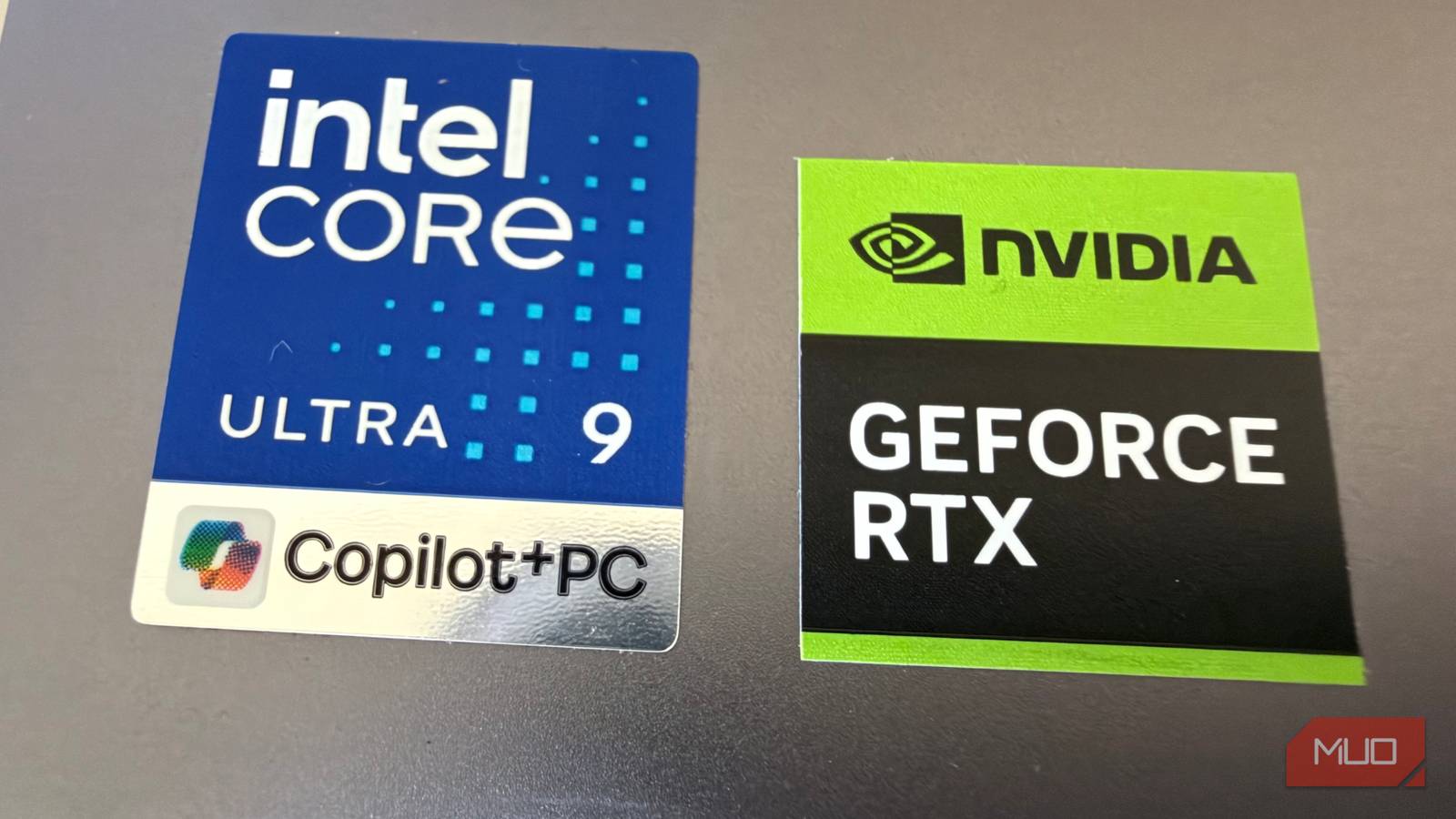
But when Apple introduced Apple Silicon in 2020 with the M1, everything changed. These ARM-based chips introduced a combination of power and efficiency that is still largely unmatched in the world of Windows computers. In early 2026, I was sent two premium laptops to review on MakeUseOf: the Lenovo Yoga 7 Slim Ultra and the Yoga Pro 7i, both of which are decent laptops but are lacking in key areas and brought with them numerous frustrations in terms of both software and hardware.
While reviewing these laptops, a thought kept creeping into my mind: Why would anyone buy a Windows laptop when there are much better options from Apple that are faster, less expensive, and far more efficient? After a multi-year hiatus from using Windows, I was shocked by how much of a mess Windows has become, with ads and bloatware galore on my new laptop.
The software tax

I was frankly appalled when I set up my new Lenovo laptop and got my arms around the software. There were multiple ads and upsells for Adobe software, some of which presented as ads in the Start menu (yuck!). There were buttons encouraging me to use Lenovo’s virtual assistant called Lena (no thanks!). My laptop wanted me to purchase something called Lenovo Smart Lock for $50 per year to let me remotely manage my laptop (which was quite an ask after I spent over $2500 for the machine).
On the contrary, setting up a new Apple laptop is a delight.
And that doesn’t even include the apps and nudges I’d receive in subsequent weeks from Microsoft to enable and register for Office and Copilot, and of course the frequent nagging to run and upgrade the antivirus software that Lenovo piles on.
On the contrary, setting up a new Apple laptop is a delight. You log into one thing, your Apple ID, and within minutes, iCloud starts pulling down your photos, your texts, your passwords, and the many other things linked to your iCloud account if you already use one, or it’ll start a new one from scratch you can use on any other Apple device going forward. There are zero ads, zero trial ware, and zero bloat. It’s just a premium laptop, connected to all of your content within minutes, with no annoying upsells or nudges. There’s no nagging to pay for antivirus software because Macs don’t need it.
But by far one of the biggest downsides to Windows laptops is the processors they use.
The chip gap
The iPhone chip that embarrasses x64 laptops

It’s been over five and a half years since Apple introduced the first M-powered chips in their laptops, which at first seemed ridiculous: how could an ARM-based chip, which shares architecture with iPhones, be adequate to power a laptop? Thanks to Apple’s Rosetta 2 tool, even if apps hadn’t been updated to the new ARM architecture, a Mac would translate any piece of software on the fly to be compatible with Apple’s new architecture, and it worked fantastically well.
We are just starting to see Windows machines catch up with Apple Silicon with ARM-based chips from Qualcomm but the vast majority of Windows laptops still use Intel-based X86 or X64 chips which rely on a complex instruction set architecture originally designed decades ago.
Apple Silicon aside, the world changed again with the MacBook Neo. It quite literally is an iPhone-powered laptop, but it turns out that an iPhone-powered laptop is a wonderful thing, and the benchmarks prove it. It’s powered by the A18 Pro CPU with 8GB of RAM, which are essentially the same specs as the 2024 iPhone 16 Pro.
This A18 Pro ARM-based chip in the Neo is designed for workloads that happen in bursts — the processor can operate at its peak frequency for short periods of time, which is ideal for phones when launching apps and doing simple tasks, but in a laptop, you get a highly responsive system that sips power. And that summarizes the MacBook Neo—it’s a performance beast with battery life that seems to go the whole day and beyond. In most daily tasks, the Neo actually outperforms my Lenovo Yoga Pro 7i, which costs more than $2500 versus $599 for the Neo. I bought one for my wife (she’s a teacher so we saved $100 with the Apple education discount), and she loves it, but so do I. It has a ton of power with battery life that seems to never end.
It’s all about the details, and in terms of fit and finish, Windows laptops miss the mark sometimes.
The small stuff
Trackpad, keyboard, display, and overall fit and finish

If you’ve ever used a MacBook, even for a brief period, you know that there’s an indescribable quality that Apple builds into every machine: the keyboard feels just right, the trackpad is spacious and precise, there are zero creaks or body panel issues. Everything is rock solid.
On a Windows laptop, it’s not unusual to find plastic keyboard decks that cheaply flex, or screens that don’t get bright enough for use outdoors. I’m not saying that all Windows laptops exhibit these fit and finish issues, but if my $2500 Lenovo laptop is any indication, the quality is generally not there to the degree it is on Apple laptops (where, frankly, it’s easier to maintain quality since the company is vertically integrated and makes every component themselves).
It’s tough to recommend buying a Windows laptop
Especially when the $599 MacBook Neo exists

Unless you’re a hardcore gamer and need the biggest library of gaming titles with the ability to pick your GPU, or unless you absolutely must have a laptop with touch and pen input (with admittedly a wide array of form factors), there’s really no reason to buy a Windows laptop for most people. Especially when, for $599 you can buy the MacBook Neo (the 256GB model without Touch ID), and for most people, have a machine that is currently the best value in laptops bar none.
But the gap is closing
Snapdragon X2 machines are coming, and where Windows still wins

There are still some things Windows laptops offer that Apple laptops don’t (for now). There are no touchscreen Apple laptops or models that offer pen input. You can’t overclock an Apple laptop, and you certainly can’t pick from a wide array of GPUs to meet your needs.
ARM-based Windows laptops are now on the market with more coming, led by Qualcomm and their highly-praised Snapdragon X2 platform. They show tremendous promise in terms of offering similar amazing battery life and high performance overhead that we’ve had with Apple Silicon now for many years. And recent offerings from Dell, like the XPS 13, are showing promise.
But as for most of the current crop of X64 Intel-powered Windows laptops on the market today, they’re just not worth buying.
