


Did you know a good chunk of the apps you’ve installed on your mobile device(s) aren’t even native “apps” to begin with? Apps doubling as a website isn’t anything new to Android or even iOS. Many of the earlier iterations of the major apps that we all use on a daily basis now started as progressive web apps (PWAs). However, you’d be surprised to know that a good number of apps that you have installed on your phone or even PC are still PWAs.
Although there’s nothing wrong with PWAs, they still take up space on your mobile device, which you can easily save by simply bookmarking that app’s services in your browser.
How to tell if an app is a PWA on Android
Figuring out a PWA is easier than you think
You can easily distinguish a PWA from a native app by how it launches most of its services on your mobile device. For instance, if the app is redirecting you to a webpage for things like settings changes, user options, or even the About section, it’s most likely a PWA. There are certainly exceptions to this, such as the Netflix app on Android and iOS, or the Amazon app. However, most PWAs will usually just launch your default browser for the most basic functions.
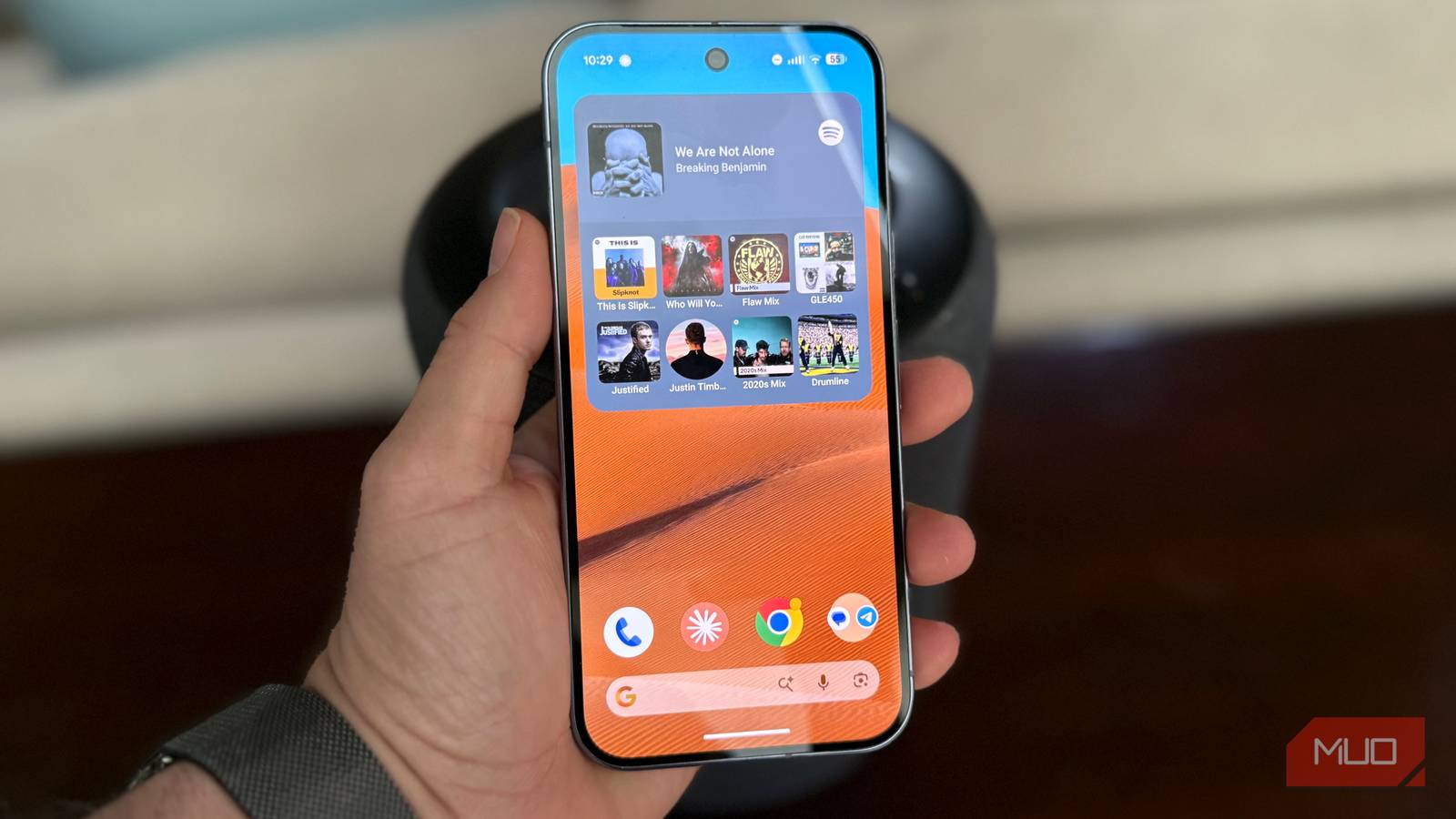
The best example of this is, well, everyone’s favorite music streaming platform, Spotify. The Android app for Spotify is essentially a glorified bookmark that uses a PWA framework to stream music, manage subscriptions, and even handle offline play.
Similarly, apps like Pinterest, Facebook Lite, Instagram Lite, Pinterest, and Telegram are all PWAs. Also, if you see an app with “Lite” at the end of its name, it’s most likely a PWA that’s masquerading as a lightweight app. Some apps like Amazon or Reddit feature elements of the PWA framework.
PWAs are wasted space on your Android device, which you can get back by simply bookmarking the same services.
However, these apps aren’t entirely web apps. Instead, these apps usually offload things like advertisements or additional services to a PWA container, mostly to keep the app’s file size within specific limits.
Although PWAs don’t necessarily have any adverse effect on your Android device, they’re just wasted space, in my opinion. Take Facebook Lite, for instance. If I’m using a lower-end Android device with limited storage space, it’s much more advantageous for me to simply bookmark Facebook on Chrome than install Facebook Lite.
At the end of the day, the app itself is simply accessing my Facebook account via a lightweight browser anyway. The same goes for most social media-oriented PWAs.
The Windows Store and the PWA conundrum
Most Windows apps are simply a gateway to their websites

Android isn’t the only platform where PWAs are thriving. It’s also a thing with Microsoft’s premium operating system — Windows 11. Ever since Microsoft added a dedicated app store to Windows, it’s been mostly dominated by PWAs. From Spotify to Microsoft Teams, all major apps on the Windows Store are essentially PWAs with a few extra features. Even the old Outlook app that comes bundled with a vanilla Windows 11 install is essentially a PWA masquerading as an email app.
What’s even more annoying is that PWAs on Windows usually redirect you to Microsoft Edge, even if you have a different browser set as default.
This also goes for most of the social media apps such as Instagram, Facebook, and Telegram. All these apps are essentially PWAs with their own browser. And if you’re using a Windows PC with very limited SSD storage, you’re better off just using your browser’s bookmark feature instead of installing these Windows apps.
Not all PWAs are a waste of storage space
While there are obvious benefits to steering clear of PWAs, not all of these applications are a total waste of storage. And in some cases, you might even want to use PWAs over their native counterparts. For instance, if you’re using an older Android device, using the Lite version of apps like Facebook and Instagram is far more “user-friendly” than bookmarking them to your phone’s browsers. This is mostly due to how clogged up browsers can get with multiple bookmarks and cache data.
Additionally, PWAs on Android do support push notifications, just like a native app. And this gives them an edge over, well, a browser bookmark.
For instance, if you’re using services like Trivago to book a vacation, it’s just best to install their app (which is a PWA on Android). This makes it much easier to track your bookings and also get timely notifications without having to constantly open your phone’s browser, log into the service, and then check your booking status.
