

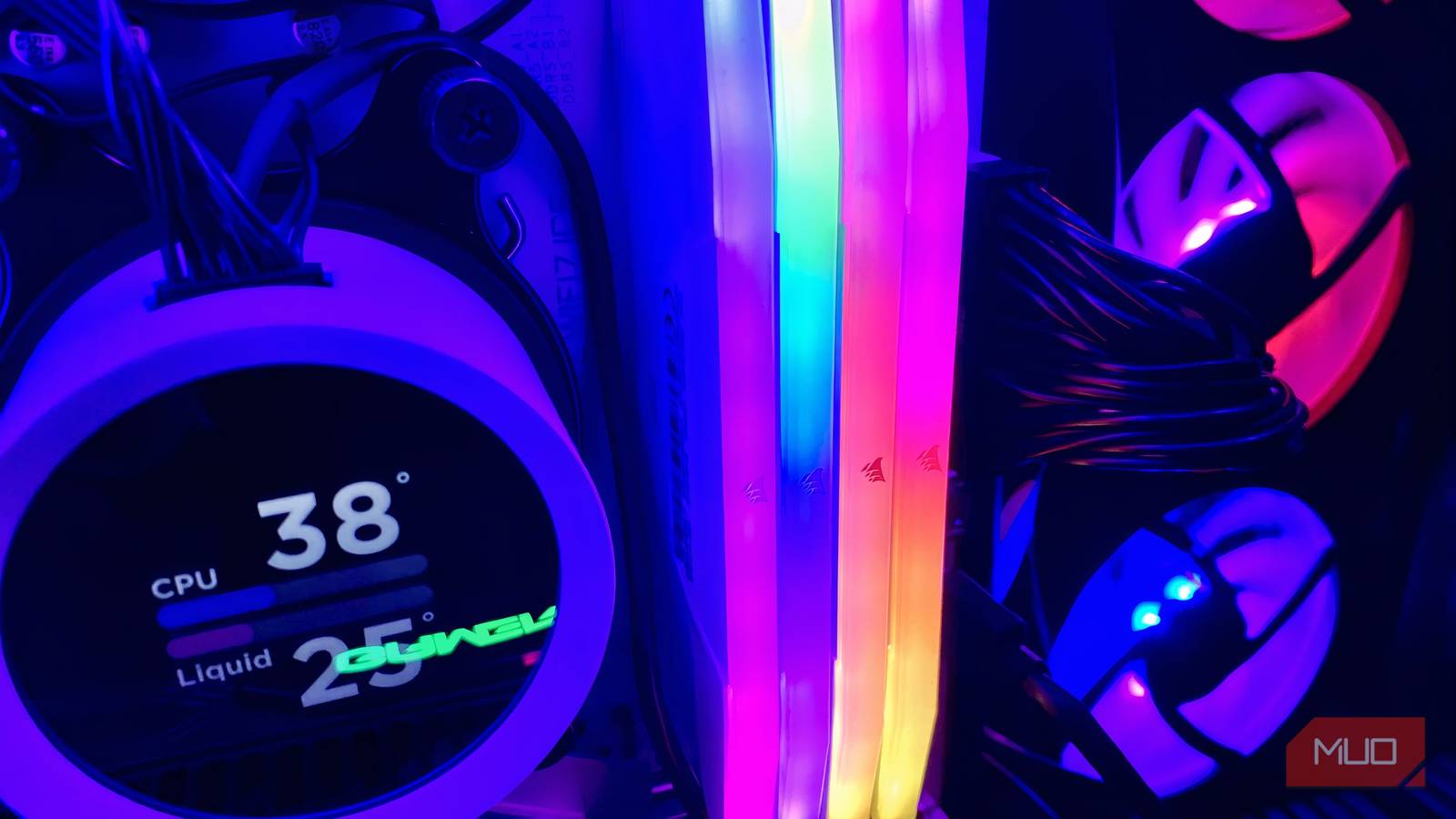

If I’ve learned one thing about building PCs over the past decade, it’s that more doesn’t always mean better. For RAM, pushing past what the CPU can handle will cause instability, forcing you to back off.
The same concept applies to adding more RAM sticks. The common assumption is that filling every DIMM slot on your PC will yield maximum gains, but doing so strains the channels connecting memory to the CPU and reduces performance.
For newer processors like the Ryzen 9000 family, clock speeds can drop by 36% when all four DIMM slots are populated.
Four sticks put two DIMMs on every channel
Why shared channels make high speeds harder to hold
Consumer motherboards have only two channels connecting RAM to the CPU, regardless of whether the motherboard has two or four DIMM slots. For peak performance, dual-channel memory lets the CPU access RAM through two separate 64-bit channels that combine into a 128-bit bus, moving more data at once.
Two-slot boards run one stick per channel, but four-DIMM boards split one channel between two slots. DIMM slots 1 and 3 share one channel, and 2 and 4 share the second. This means populating DIMM slots 1 and 2 would share the same channel, leaving performance untapped.
Populating all four DIMM slots means two RAM sticks share one channel, and the other two share the other. DDR4 uses a 64-bit data channel per module, totaling 256-bit for a 128-bit lane, while DDR5 uses 32-bit per stick, totaling 128-bit.
For DDR5, even if you sum the subchannels, that doesn’t remove the electrical limitations of running more DIMMs, making it harder for the CPU’s IMC (Integrated Memory Controller) to maintain high speeds.
In this case, the PC might fail to boot, crash, or give occasional memory-related BSODs, and you might need to lower clock speeds, loosen timings, or adjust SoC/memory voltage.
AMD’s own spec shows the drop
Ryzen 9000 falls from DDR5-5600 to DDR5-3600

To make things easier, AMD already has guidelines for the maximum memory speeds guaranteed across its processors, which vary depending on the number of sticks installed. The pattern is clear: more sticks mean lower RAM clock speeds.
Here are some of the CPUs from different generations and their supported memory speeds:
|
Processor |
2 Dual Rank Sticks (1 DIMM Per Channel) |
4 Dual Rank Sticks (2 DIMM Per Channel) |
|---|---|---|
|
Ryzen 5 5600 |
DDR4-3200 |
DDR4-2667 |
|
Ryzen 5 9600 |
DDR5-5600 |
DDR5-3600 |
|
Ryzen 7 9700X |
DDR5-5600 |
DDR5-3600 |
|
Ryzen 9 9900X |
DDR5-5600 |
DDR5-3600 |
That said, these are only the AMD-validated speeds, not what the motherboard can achieve with EXPO, but the tradeoff is clear: for newer Ryzen 9000 chips, they lose about 36% of performance, and EXPO speeds also drop in practice. Though exact figures also depend on rank.
The same principle applies to Intel processors, but the speed reduction varies from generation to generation.
Which slots to use for two sticks
How to find the right pair on your motherboard
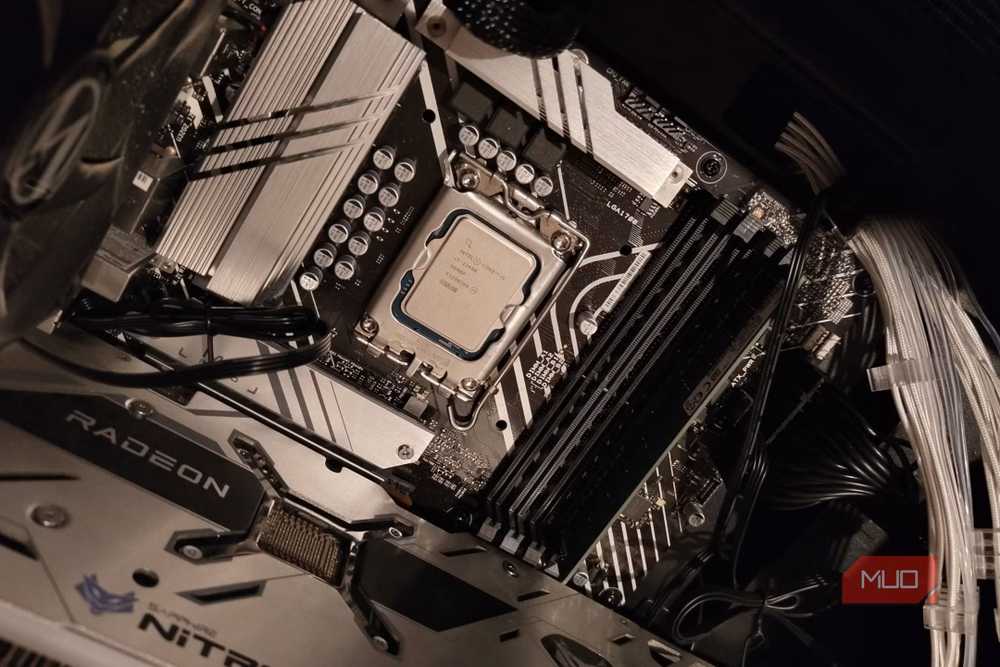
Filling two slots randomly in a four-DIMM configuration still won’t solve the underlying issue either; instead, you’ll need to place them strategically. DIMM slots next to each other don’t necessarily share the same channel, and placing two RAM sticks side by side would overpopulate the same channel while leaving the other empty.
The first two slots usually share the same channel, marked A1 and A2. Meanwhile, the next two are on the second channel, labeled B1 and B2. For dual-channel operation, the standard practice is to split RAM sticks between channels, with sticks either in A1 and B1 or A2 and B2.
However, the exact configuration may differ across boards, so the safest approach is to check your motherboard manual first.
When filling all four slots makes sense
Capacity can outweigh the speed penalty in some situations
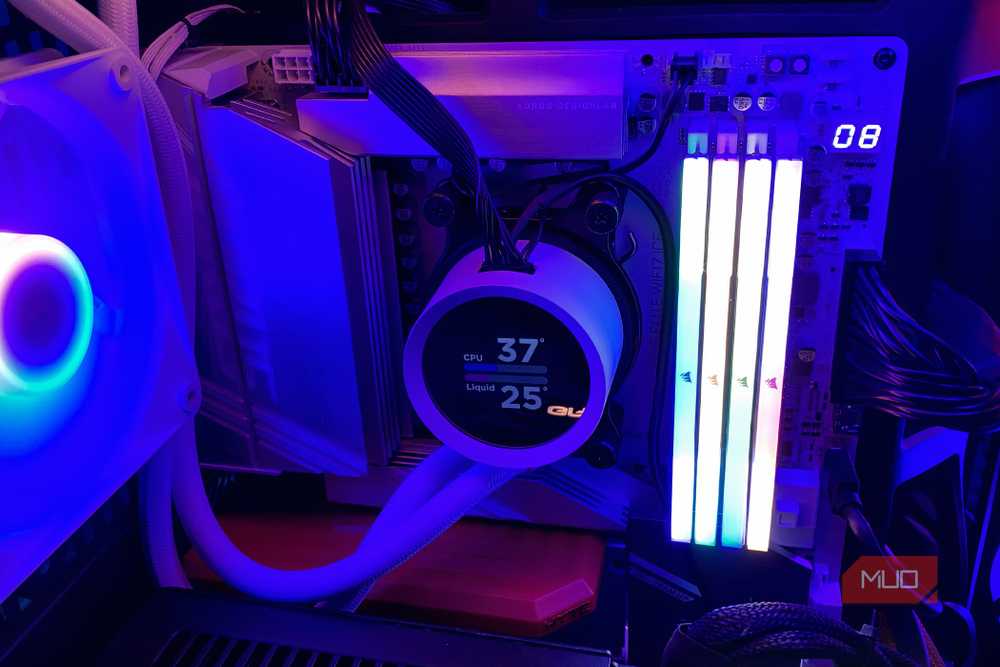
Filling all four DIMM slots isn’t out of the question. When you fill all four slots and go for the highest capacity your CPU can handle, certain tasks care more about capacity than speed. For professional workloads like rendering, running VMs, or local LLMs, having more RAM sticks can certainly work in your favor, even with the speed hit, because capacity can outweigh the speed penalty in these scenarios.
Then, regardless of the workload, if you have single-rank RAM, which presents one set of chips to the memory controller, running four DIMM slots won’t incur the same speed penalty as running them in dual-rank, and you’ll lose slightly less performance.
My advice: buy fewer, larger sticks
Memory has become a luxury these days because AI demand has driven prices up. Mistakes are costly, hurting performance and your wallet. If you want 64GB, splitting it into four 16GB sticks might cost less when buying, but you pay for it with speed and stability.
