

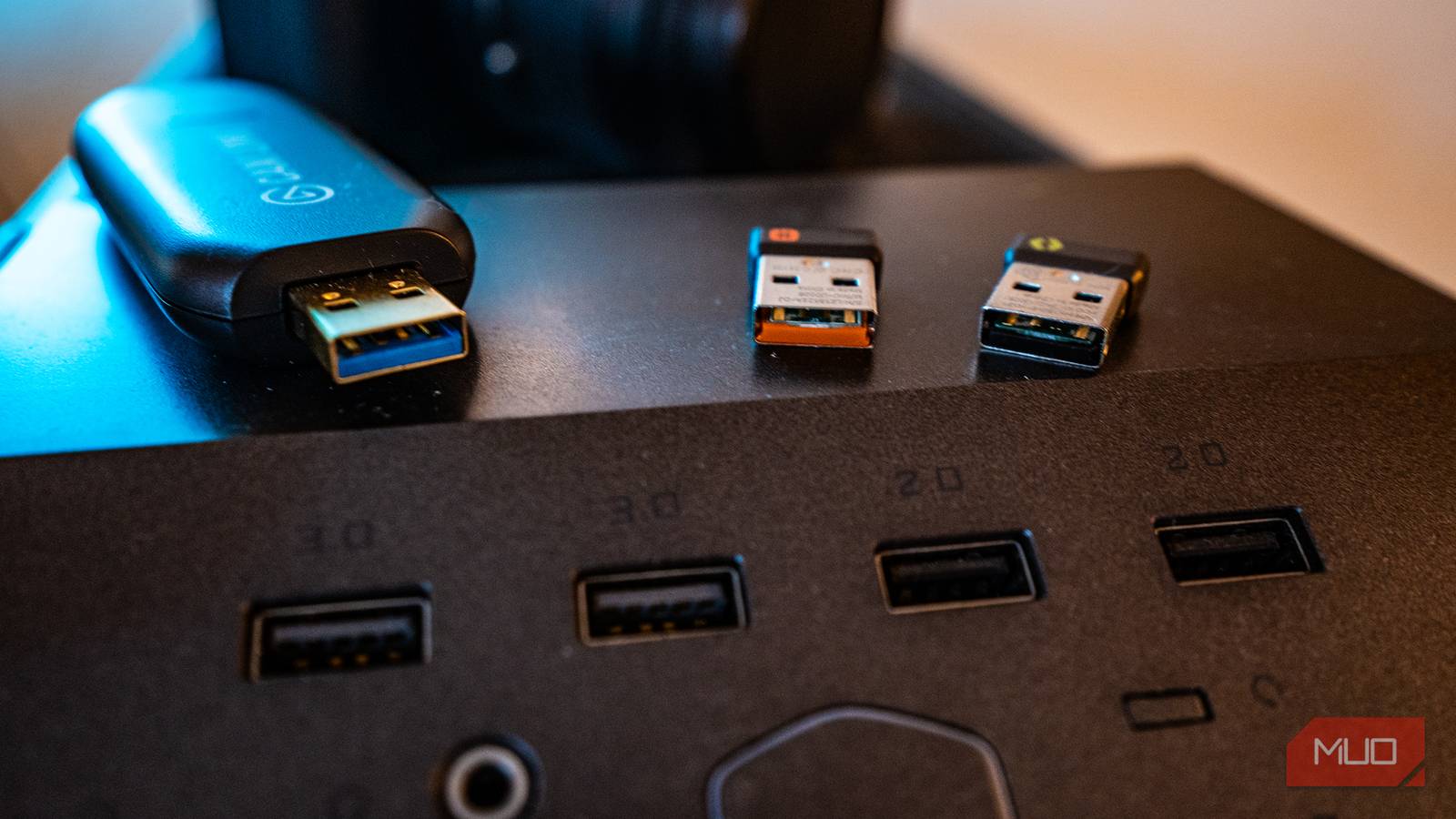

Did you know that a USB port may still be electrically alive even though your PC looks totally dead — the screen is black, the fans have stopped, and Windows is gone? That remaining power can enable things you may not have considered, like charging a phone after shutdown or, on supported hardware, allowing a keyboard to wake the PC.
Ever since I noticed this behavior, I’ve stopped considering “turned off” as a single on/off condition. I now test which ports and settings remain active when the device is off.
One USB port can outlive the whole PC
The port beside it might not

When you shut down Windows normally, the PC can still have standby power available from the PSU. The motherboard can use that power for certain functions even though the main system is off. Unplugging the power cord removes that standby source, so those USB ports lose the power they were getting from the motherboard. This shows a difference between “Windows is gone” and “the computer lost every circuit.”
Manufacturers don’t handle sleep-mode power exactly the same way they handle fast-charging ports. On some systems, a BIOS setting controls whether USB power remains available; on others, only specific ports stay powered when the PC is off. This is intentional: the port remains powered via standby power, though that doesn’t guarantee fast charging. The port stays alive using standby power, but this doesn’t guarantee fast charging.
So, turn off your PC while it’s connected to AC power, then plug in your device to one port and wait a few seconds. If nothing happens, try the other ports and compare; you may find the port your board has chosen to keep powered.
The board can be listening even though the screen is off
On some Dell models, ports 1 and 7 wake it — port 6 doesn’t

Having a powered port is the first part of the story. On certain supported systems, the motherboard can monitor that kept‑alive port for a keystroke or mouse movement, which it then treats as a power-on signal. In your BIOS, you may see a setting such as “USB Wake Support” or “Wake on USB,” depending on the manufacturer. USB wake support only works if the standby-power path is active; the two are linked features.
This isn’t a universal option; for it to work, the hardware must support it, and the setting must be enabled. If you have aggressive power-saving settings such as ErP or Deep Sleep, they may disable the standby power these features need. When enabled to save electricity, these modes cut off standby power entirely. So, even if the settings appear to be enabled, the ports may still not charge your devices or wake up the PC. On many laptops, these off-state USB features are restricted when running on battery to conserve power.
Several Dell documents for Inspiron models clearly state which ports trigger wake: ports 1 and 7 are wired to trigger wake by default; port 6 is not. If you plug the keyboard into the wrong one, nothing happens. If a port charges your phone while the PC is shut down, try connecting a mouse or keyboard to that same port while the PC is off. It usually takes a single press to ascertain if the port is listening.
A motherboard can update itself before it has a CPU
No processor, memory, or graphics card required on supported boards
When you upgrade a brand-new processor, you may face a catch‑22: the motherboard needs updated firmware to boot the new CPU, but you can’t update the firmware unless the system can boot. The motherboard may not have the firmware support needed to boot with the new chip, and the computer may never start long enough for you to update it. This is one of the reasons why button-based BIOS flashing features exist.
The name may differ by manufacturer; it’s Q-Flash Plus on Gigabyte, Flash BIOS Button on MSI, USB BIOS FlashBack on ASUS, and ASRock simply calls it Flashback. With the board connected to AC power, these features can read a firmware file from one specific USB port and update the BIOS without a normal boot. This process runs before most other system components become relevant, so your CPU, RAM, and graphics card don’t even need to be installed.
You must insert your USB drive into that single labeled port, because the flashback function is tied to the designated USB port. MSI labels the port “BIOS”, Gigabyte calls it Q‑Flash Plus, and other manufacturers use similar names.
Again, for this to work, the computer must be connected to AC power, the PSU’s power switch (if present) must be on, and the 24-pin and CPU cables of the board should be properly seated. This allows the standby rail to reach the flash circuitry.
|
Manufacturer |
Feature on supported boards |
No CPU |
No RAM/GPU |
|---|---|---|---|
|
Gigabyte |
Q-Flash Plus |
Yes |
Yes |
|
MSI |
Flash BIOS Button |
Yes |
Yes |
|
ASUS |
USB BIOS FlashBack |
Yes |
Yes |
|
ASRock |
Flashback |
Yes |
Yes |
This feature isn’t present on many motherboards, and when present, it’s usually restricted to high-end models. You can usually see the exact port in the manual.
Off is a spectrum
These features — charging, waking, and flashing — may seem different, but they all take advantage of the fact that an “off” PC can still leave some hardware powered and functional. This makes “off” feel more like a spectrum than a single state. This doesn’t mean the PC is running an OS — tasks like accessing boot media, using the BIOS setup screen, file access, or networking aren’t possible while “off” — they require the system to be running.
