

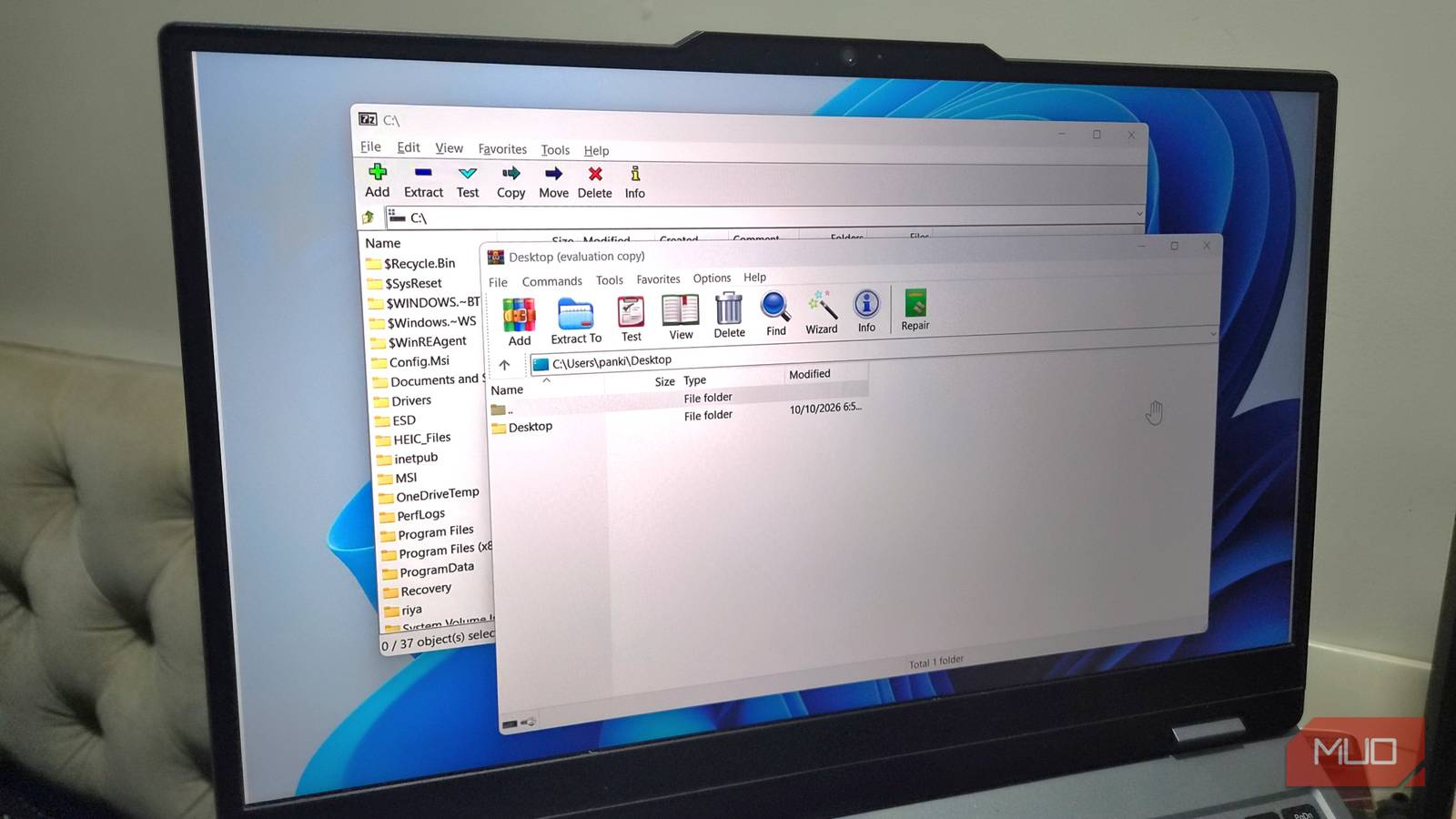

7-Zip and WinRAR have a reputation for being irreplaceable. And feature-wise, they both are. Anyone using a Windows PC probably has one of the two installed, if not both. I’ve kept them around for work for years, but I stopped using them some time ago when I realized they could be a security liability. I’ve switched to NanaZip, which is just as good, and more importantly, doesn’t have the same problem.
7-Zip and WinRAR have a major flaw
It’s been there forever
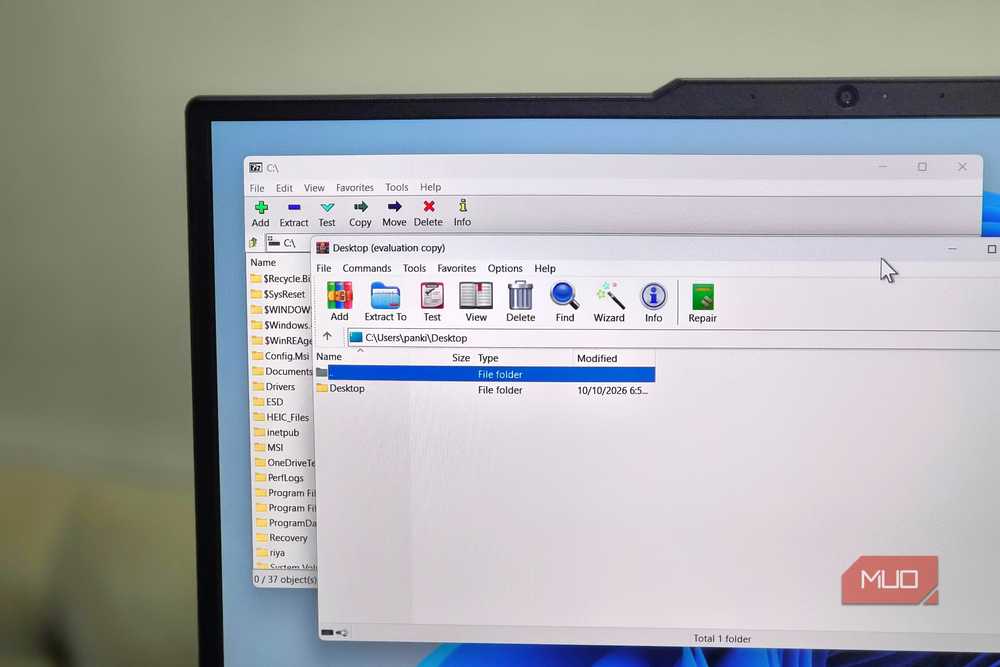
Both 7-Zip and WinRAR share a problem that’s not talked about enough. They’re both great at what they do, but neither of them checks for updates automatically. It might not sound like a big deal, but it actually is.
7-Zip and WinRAR are tools most of us often use to handle files we didn’t create. You might need it to extract random downloads, email attachments, and whatnot. And that’s why, running an outdated version of these tools can make your PC vulnerable to certain security threats.
For instance, a security flaw known as CVE-2025-0411 was discovered a while ago, and it allowed attackers to bypass 7-Zip’s Mark-of-the-Web protection. In simple words, an attacker could write malicious code on your PC without triggering the usual Windows Security warning. WinRAR has had its own share of similar scares.
To be fair, the developers are usually quick to patch such threats over an update. The only problem is that you might not necessarily benefit from these updates without a built-in tool regularly checking for updates. Sure, manually updating 7-Zip and WinRAR is easy enough, that’s not something most people do on a regular basis.
NanaZip gives me the much-needed peace of mind
One less thing to worry about
There aren’t many good alternatives to 7-Zip and WinRAR, and honestly, I’m not surprised. Both of them have been so good for so long. But after digging around a bit, I did land on a worthy alternative.
NanaZip is a free, open-source file archiving tool that’s available on the Microsoft Store. The obvious benefit of that is you don’t have to update it manually. Microsoft Store’s auto update feature takes care of it while updating the rest of your apps. And now that I’ve switched to it, I don’t have to remember to check for a new version, and I definitely don’t have to worry about it turning into a security risk.
Automatic updates isn’t the only reason to use it, though. NanaZip is actually a fork of 7-Zip, which means it has almost everything you need for creating and opening archives. It can handle ZIP, RAR, 7Z, TAR, ISO, and just about every archive format out there. And since it’s a 7-Zip fork, the experience also feels familiar. It has all the features and options of 7-Zip. So yes, switching to it doesn’t feel like a compromise.
NanaZip has a few other advantages, too
There’s a lot to like
I’ve been using NanaZip for a few weeks now, and there are a few things it does better than both 7-Zip and WinRAR.
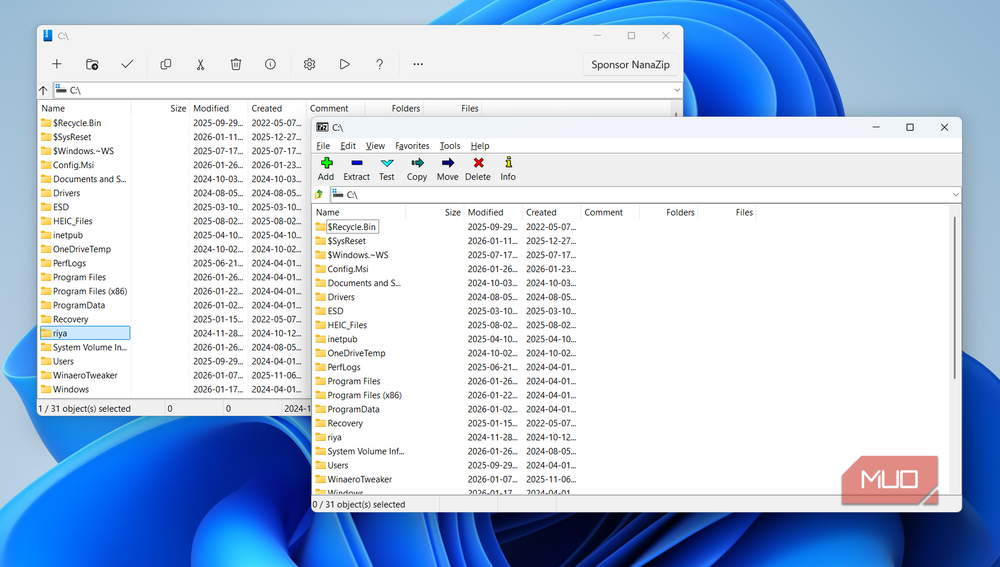
For starters, NanaZip looks way more modern than both. It follows Microsoft’s Fluent Design language, so it actually feels like it belongs on Windows 11 and not some old tool that happens to be compatible. Design is obviously not an important thing for a tool that’s supposed to simply extract and create archives, but given the option, I’ll take the one that looks better. Heck, there’s even dark mode, which is something I’ve always missed during my time with 7-Zip.
Another thing I really liked about NanaZip is that it integrates directly with Windows 11’s context menu. I can right-click a file and access NanaZip directly. This is a luxury 7-Zip doesn’t offer — it still requires clicking “Show more options.” Sure, one extra click isn’t that hard, but when you’re doing it twenty times a day, it can get to you.
WinRAR, to its credit, doesn’t have this problem. It integrates beautifully with the context menu. But then, it’s not free. Technically, you could use it for free forever, but that means dealing with those annoying upgrade prompts every time you open the app.
NanaZip isn’t perfect, of course. It’s not as feature-rich as WinRAR. It can’t create RAR archives, for one, and it skips WinRAR’s more advanced repair and recovery tools entirely. But it covers almost everything I actually use day to day, so I’m not losing sleep over what’s missing. If you don’t want to ditch a tool that you’ve used forever, though, there’s also another option. You can get UniGetUI — an open-source package manager — and let it handle the job of updating 7-Zip or WinRAR.
