

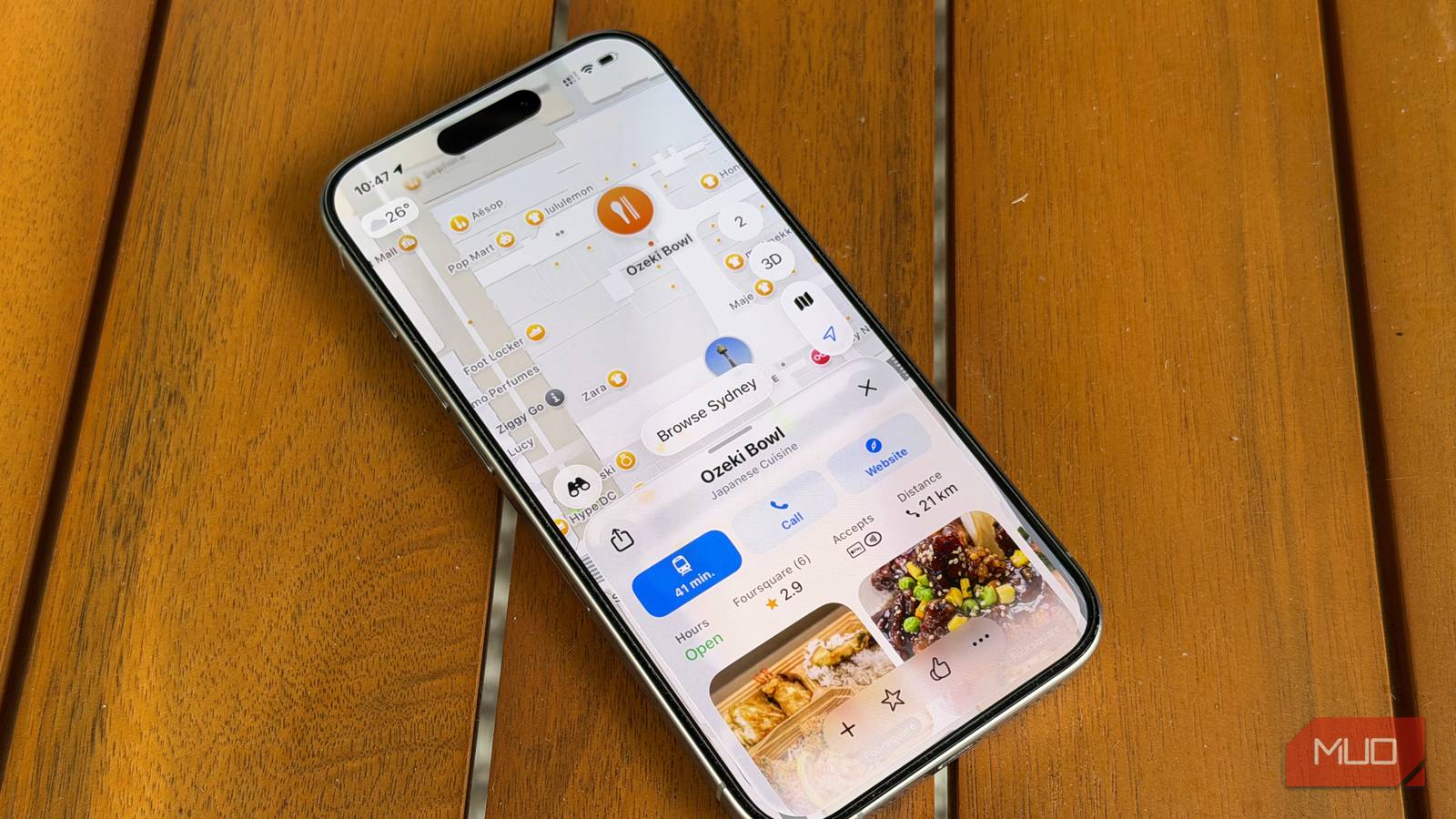

For about five years, I worked as a field sales engineer and business development manager, and some weeks I logged more than 1,000 miles between customer visits. Google Maps guided almost every one of those drives. It was the app everyone reached for back then, me included. I’ve worked fully from home full time since 2022, so my mileage looks a lot different now, but one habit flipped along the way.
Whenever I’m headed somewhere new, Apple Maps is the app I open, and the NFC tag on my 4Runner’s center console pulls it up before I’ve even buckled in. The map itself wasn’t the deciding factor. What won me over is how Apple Maps works with my iPhone, Apple Watch, and CarPlay together.
My Apple Watch taps out every turn
Directions reach my wrist, not just the dashboard

My 4Runner has wired CarPlay, so I just plug my iPhone in, and the route fills my center screen. The part I’ve come to rely on, though, happens on my wrist. During driving directions, Apple Maps sends turn alerts to my Apple Watch Ultra 3 using sounds and haptics together.
A low tone followed by a high one signals a right turn at the next intersection, and the reverse means a left. When the music is up, or traffic needs my full attention, that tap registers without pulling my eyes toward the screen.
Google Maps can’t match this. Neither Google Maps nor Waze sends haptic navigation alerts to an Apple Watch, so switching apps means losing the feature entirely. You can manage these alerts in the Watch app on your iPhone under Maps. If you’ve trimmed your Apple Watch notifications to save battery, these are worth keeping, since they only fire while you’re navigating.
Siri handles detours and ETAs mid-drive
Two voice commands cover most of my unfamiliar trips
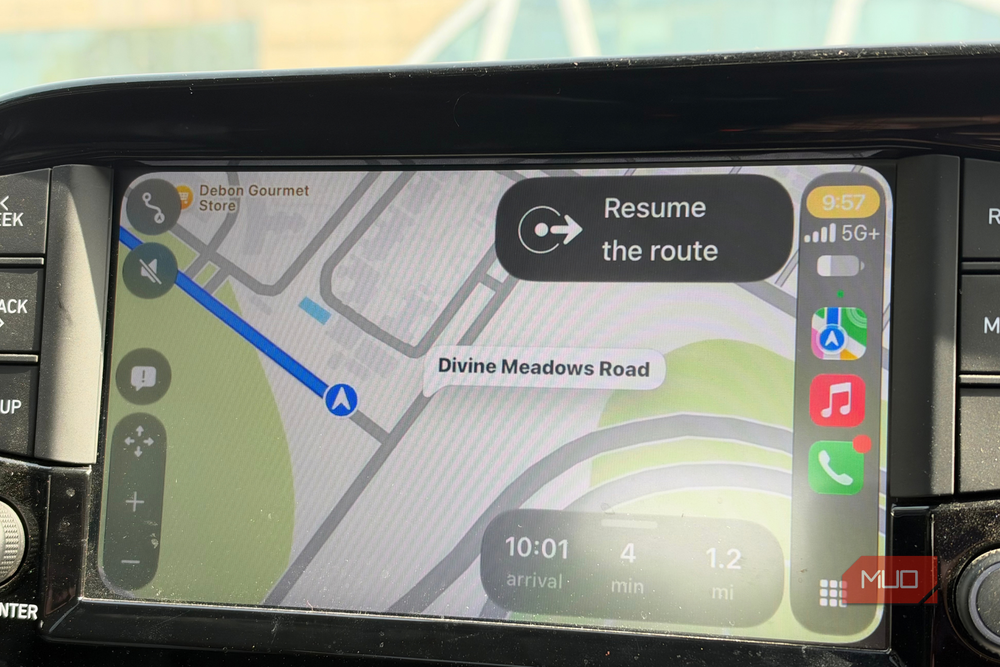
Unfamiliar trips are where Siri earns its keep. If the gas light comes on halfway to a new destination, asking Siri to find a gas station adds one as a stop without a single tap. Back on the road, “Share my ETA” sends my arrival time to whoever is waiting on me. When traffic slows me down, the shared ETA updates on its own, so nobody needs a “running late” text from me at a red light. Recipients don’t need an iPhone, either, because ETA sharing reaches contacts on Android too.
Siri also treats Apple Maps as home base in CarPlay. Unless you name another app in your request, navigation commands go straight to Apple Maps. Google Maps users can still get there, but they have to tack “with Google Maps” onto every request. That extra phrase is easy to forget mid-drive, and Siri won’t remind you before it opens the wrong app.
Apple Maps learned my regular drives
Delay alerts and parking spots show up on their own
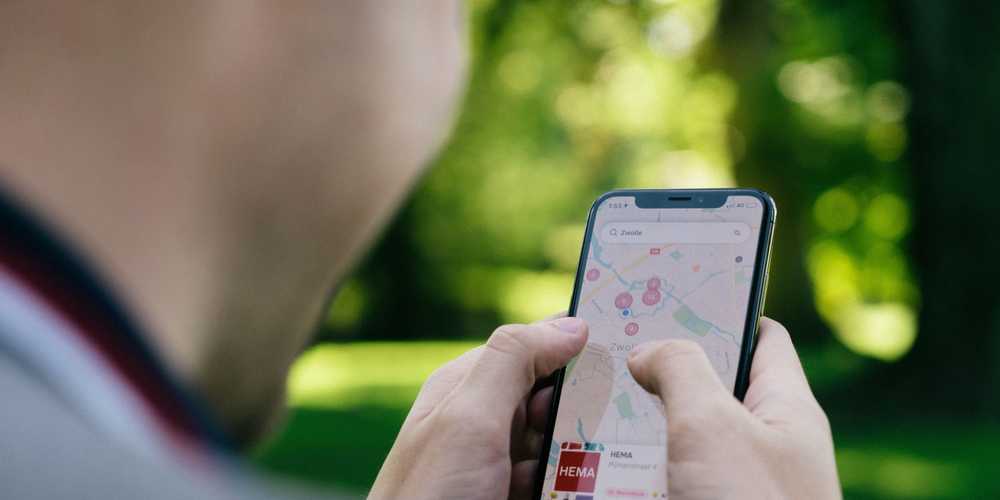
Most of my driving is local now, mainly grocery runs and the kids’ activities. iOS 26 added Preferred Routes, which learns the routes you actually take instead of assuming the fastest one is the one you want. Apple says that learning happens on-device, and Maps uses it to warn you about delays on those familiar routes. A heads-up about my usual drive is more useful to me than scanning a generic traffic map.
The parked-car marker handles the other end of the trip. When I unplug from CarPlay and step out, Maps drops a pin where the 4Runner is sitting. It skips places you park often, like home or work, so the pin mostly appears in crowded lots at unfamiliar venues. iOS 27 also added a Parked Car widget to the Apple Watch Smart Stack, so you can find your car without pulling out your phone. You can turn the marker on under Settings > Apps > Maps > Show Parked Location.
Visited Places keeps a trip history Apple can’t read
Private location history that stays useful

Visited Places, another iOS 26 addition, keeps a record of where you’ve been in the Visits section of your Maps library. It’s handy for recalling the name of a shop or restaurant after a trip, and places you’ve been get marked as visited in search results. Apple protects Visited Places with end-to-end encryption, says it can’t access the data, and lets you remove any entry with a swipe. You’ll need Significant Locations & Routes turned on in your Location Services settings for it to work.
That’s a different setup from what I found when I dug into how much Google Maps remembers. Google moved Timeline onto your phone with an optional cloud backup, but searches and other Maps activity can still collect in your Google account. Apple, on the other hand, says the route and destination data behind features like Preferred Routes isn’t tied to your Apple Account. For something that knows where I go, Apple’s approach sits better with me.

- OS
-
iOS
- Developer
-
Apple Inc.
Google Maps now opens only when someone sends me a link
I haven’t deleted Google Maps. When someone texts me a Google Maps link, I let it open there, and its archive of old Street View imagery is still fun to browse from the couch. Behind the wheel, though, everything runs through Apple Maps, because it works with my watch, phone, and dash like one connected system.
If you’ve stuck with Google Maps out of habit like I did, give Apple Maps a week of errands with Watch turn alerts on and Show Parked Location enabled. It may not replace Google Maps for everything, but it could easily take over your drives.
