


Summary
- Claude Design lets anyone create polished designs, prototypes, slides, and marketing visuals from simple prompts.
- Initial designs can be refined with further prompts, inline comments, and sliders.
- Claude Design is included with Pro, Max, Team, and Enterprise plans.
Anthropic has been on a tear lately. On April 16, the company released a major model update with Claude Opus 4.7. And today, April 17, Anthropic announced a powerful new tool called Claude Design that aims to do for design work what Claude Code does for development.

Grok does one thing that ChatGPT and Claude still can’t — and I use it every day for that reason
Yeah, I know. Hear me out.
What is Claude Design?
Create and refine designs — no design background required
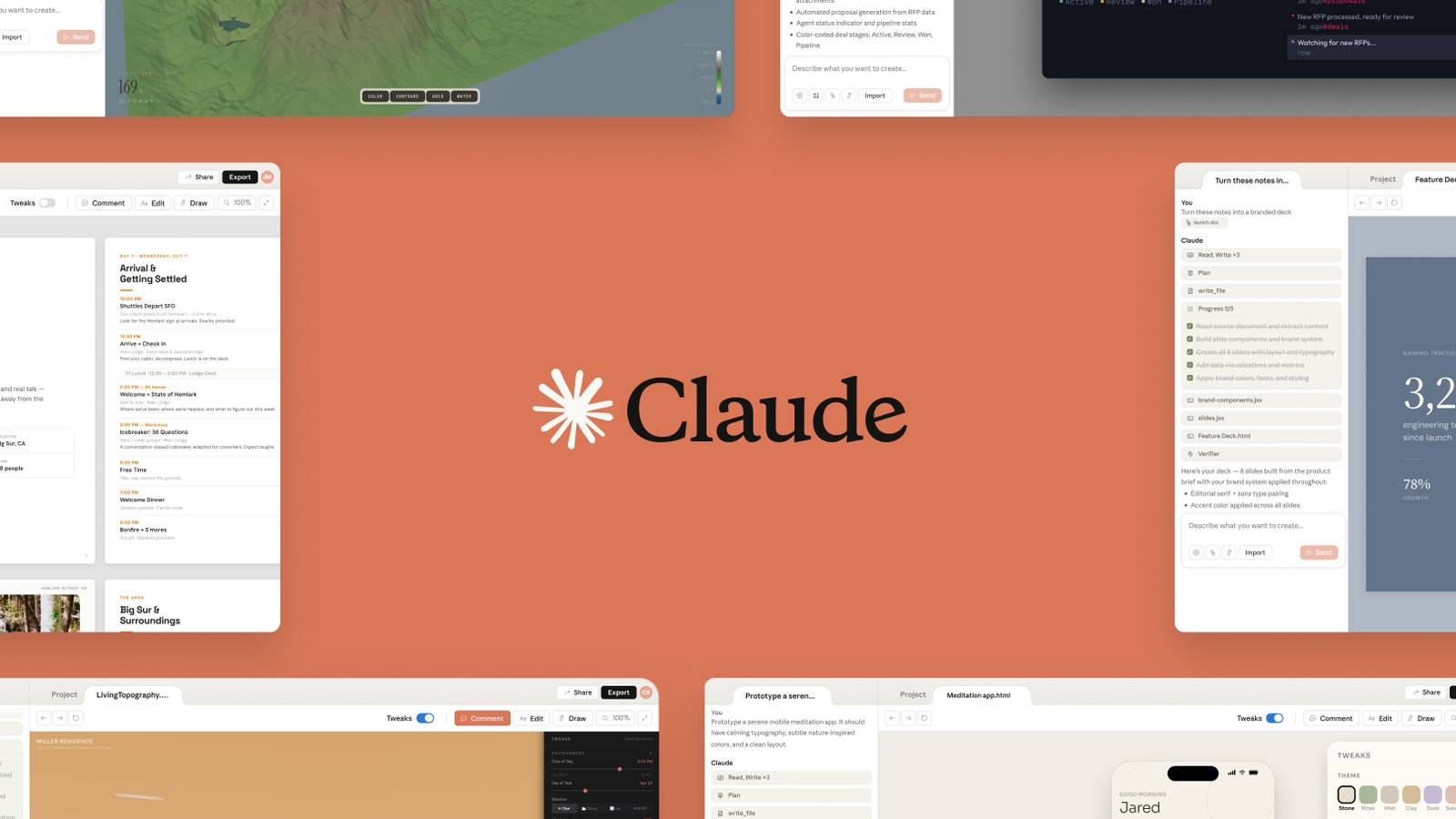
Claude Design is a new tool that lets you “collaborate with Claude to create polished visual work like designs, prototypes, slides, one-pagers, and more.” You tell Claude what you want, and it’ll create a first draft. You can then edit and refine that initial design to get it just how you like. If you’re using Claude Design for work and have a brand style or design system, you can also have Claude apply it automatically to ensure consistency.
What can Claude Design do?
Anthropic gives the following examples of how Claude Design is already being used:
- Creating realistic prototypes that can be shared to gather feedback
- Putting together product wireframes and mockups
- Drafting multiple designs for a single project, so teams can explore their options
- Building pitch decks and presentations
- Designing marketing materials, including landing pages, social media assets, and other visuals
How does Claude Design work?
It doesn’t get much simpler than this

Anthropic says Claude Design uses a “natural creative flow.” You can start with a prompt or import images and documents to give Claude inspiration. You can also feed Claude a codebase to have it pull design elements from an app.
Once you’ve got the initial draft, you can refine it using inline comments or additional prompts. Claude will also create adjustment knobs and sliders for various elements that can be tweaked manually. You’ll see a live preview of changes — when you’re done, let Claude know and it’ll apply the changes.
Your designs can be shared for easy collaboration, including via group conversation. When done, you can share the design as a URL, save it as a folder, or export it to Canva, PDF, PPTX, or HTML files. You can also have Claude package the design as a bundle that you can send to Claude Code for building.
Why’s this such a big deal?
It’s time to vibe design
The implications of a tool like Claude Design are pretty huge. Tools like Claude Code have brought coding to the masses — you can now develop apps without having any idea how to write actual code (it’s great if you’re scared of the terminal). Graphic design tends to be more universal than coding, and I can see small businesses, nonprofits, and other small teams getting a lot of mileage out of something like this.
Claude Design is available for Claude Pro, Max, Team, and Enterprise users. Anthropic says access is included with your plan. It does use your subscription limits, so keep that in mind — Claude’s limits can be harsh. The feature is rolling out to users gradually throughout the day, so if you don’t see it, check back in a bit.

- Developer
-
Anthropic PBC
- Price model
-
Free, subscription available
Claude is an AI assistant developed by Anthropic. It excels at complex reasoning, sophisticated writing, coding, and design tasks.
