


7-Zip is one of those programs I stopped seeing years ago. It just became part of Windows in my head, the same way Notepad or Task Manager is, except with a much uglier toolbar and a habit of showing up whenever someone sends me an archive in a format Windows doesn’t quite know what to do with.
I never felt much pressure to replace it because it worked, and software that works tends to earn a lot of forgiveness. Then I tried NanaZip, which keeps the parts of 7-Zip I actually rely on while sanding off enough of the old Windows baggage that going back to the original started feeling harder to justify.
Switching from 7-Zip barely feels like switching
Your muscle memory gets to keep its job

NanaZip is an open-source fork of 7-Zip built to fit much more comfortably into modern Windows. NanaZip 7.0 synchronizes its mainline implementations with 7-Zip 26.03 while also pulling in features and components from 7-Zip ZS and 7-Zip NSIS. Hence, the connection goes well beyond a familiar toolbar and the same handful of compression formats.
That puts NanaZip in the same camp as other open-source Windows apps that fill gaps Microsoft leaves behind. Underneath the Windows 11 polish is an archive utility built on years of proven 7-Zip machinery, which gave me a lot more confidence than switching to some completely unrelated compression app.
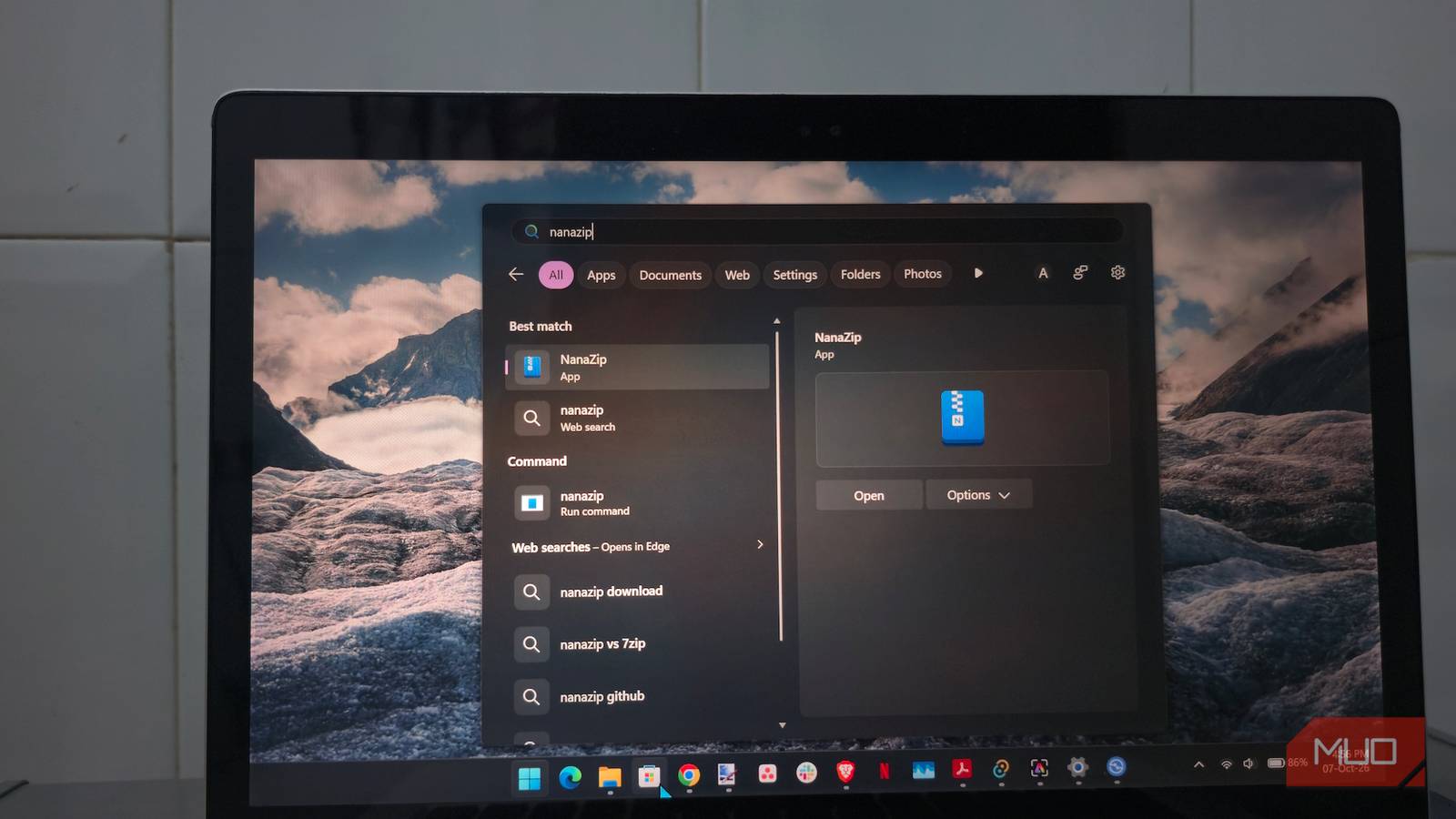
The developers recommend installing NanaZip from the Microsoft Store, although official MSIX packages are also available through GitHub. If the Store isn’t available on your PC, you can stilldownload Microsoft Store apps without opening the Store.
Getting everything set up took me only a few minutes.
- Open NanaZip and go into its settings.
- Choose the archive formats you want NanaZip to handle.
- When prompted, go to Windows’ Default Apps page and assign NanaZip to those formats.
- Restart File Explorer if NanaZip’s commands don’t show up in the right-click menu right away.
Windows 11 keeps a fairly tight grip on file associations, so NanaZip can’t simply claim every supported format during installation. Keep that in mind if you already spend time changing Windows 11 defaults to suit your workflow.
From there, I slipped into almost the same routine I had with 7-Zip. I extracted ZIP and 7z archives, opened RAR files, created a password-protected archive, and kept reaching for the right-click menu on instinct. I expected at least a small learning curve, but there really wasn’t one.
7-Zip finally stopped looking stranded in the past
The new coat of paint reaches the places I actually use
The upgrade I noticed most wasn’t inside NanaZip’s main window at all. It was sitting in File Explorer, where I spend far more time dealing with archives in the first place.
When you right-click a compressed file in Windows 11, NanaZip can put its commands directly into the modern context menu instead of making you detour through Show more options to reach an old-style shell extension. That shaves a small but repetitive step off one of the actions I use constantly, which made NanaZip feel like an upgrade before I had even opened its File Manager.
The full application still wears its 7-Zip ancestry openly. NanaZip is a fairly dense archive manager packed with familiar controls for compression levels, formats, encryption, dictionary sizes, split archives, and the rest of the machinery experienced 7-Zip users expect to have within reach.
Visually, though, it fits Windows 11 much better. NanaZip supports dark mode across its interface, adds Mica to the main window, handles per-monitor DPI scaling, and replaces several older dialogs and folder pickers with modern Windows equivalents. It still looks like software built for people who care about archive settings, which I prefer to a redesign that buries useful controls behind oversized buttons.
Some of the better improvements have nothing to do with appearance. Smart Extraction checks an archive’s structure before unpacking it. If the archive contains a single root item, NanaZip can extract it directly. If it contains a pile of loose files at the root, NanaZip can place them inside a new folder instead.
That second behavior has spared me from the classic mistake of extracting an archive into Downloads and watching a small civilization of files immediately annex the place. You can always move the Downloads folder somewhere more manageable, but I’d rather have the archive utility prevent the mess before I need to clean it up.
NanaZip can also open the destination folder after extraction, while its extract-on-open option lets you unpack an archive as soon as you launch it instead of sending you through File Manager first. If you prefer the traditional workflow, you can disable that behavior from the integration settings.
The polish didn’t cost me the power I wanted
This fork brought plenty of machinery with it

Windows 11 has gotten much better at opening archives on its own. Current versions can handle formats such as ZIP, RAR, 7z, and TAR, which means plenty of people who only unpack the occasional download may never need a separate archive utility.
The limitations become clearer when you want encryption, finer compression controls, broader format support, or a workflow built around handling archives regularly. NanaZip keeps the familiar 7-Zip toolkit and adds support inherited from 7-Zip ZS for formats and codecs such as Brotli, LZ4, Lizard, and Zstandard. It can also read more specialized containers including Electron ASAR archives, WebAssembly binaries, and .NET single-file bundles. Most people probably won’t run into those formats on an ordinary afternoon, but they’re a good example of why I still keep a dedicated archiver installed. NanaZip is there for the file that makes File Explorer shrug.
Security gets some attention as well. NanaZip preserves Windows Mark-of-the-Web information by default when extracting files, which helps Windows track downloads that originated from the internet, and its release builds enable several Windows exploit mitigations. NanaZip also continues to sync newer upstream 7-Zip work alongside its Windows-specific development.
Its MSIX packaging does come with a few tradeoffs. NanaZip has limitations in Safe Mode and with certain AppData operations, while the portable build gives up integrations such as file associations and File Explorer context-menu commands. If you’re putting together a troubleshooting drive, software designed specifically around portability may still be the better fit, especially since a portable Windows toolkit can fit comfortably on a USB drive.
I don’t miss 7-Zip yet
On my regular Windows 11 PC, though, those tradeoffs haven’t given me much reason to return to 7-Zip. NanaZip keeps the archive features I already depended on while cleaning up the parts of the experience I touch every day, and among the settings and utilities I tend to change on a new Windows PC, swapping out 7-Zip has become one of the easiest decisions.
