

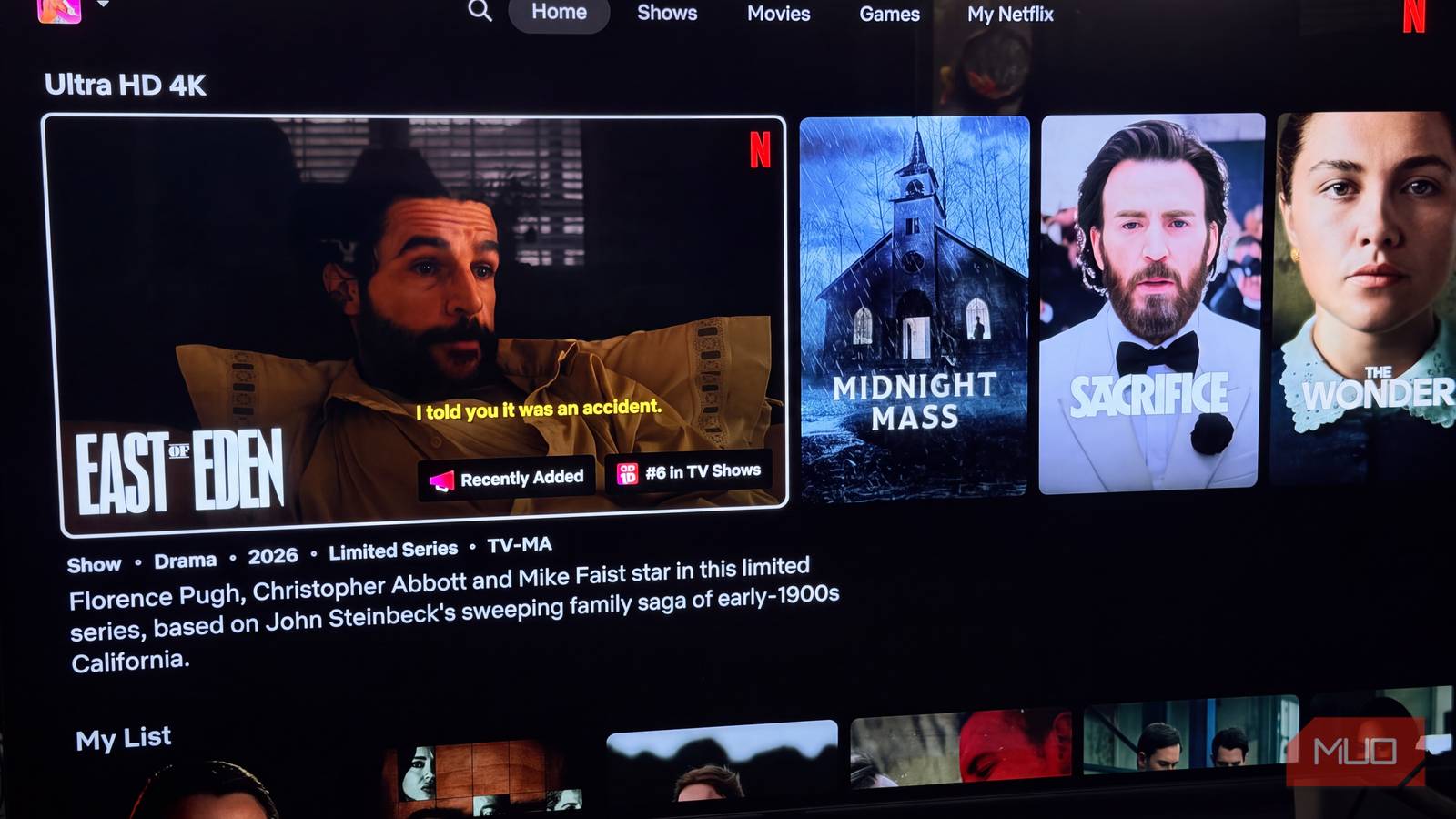

I was five episodes into the mesmerizing East of Eden when the picture went soft and then froze on a spinning red circle. It happened during a huge scene when the two main characters met to confront each other after many years apart. My first instinct was the same as most people’s. I reached for the router’s power cord and started drafting an angry call to my internet provider in my head.
Then I realized Netflix had already built a way to settle this. A network check is hidden in the app’s help menu on pretty much every TV and streaming stick, and most people never touch it. Netflix also runs Fast.com, a site that looks like any other speed test until you know where its numbers come from. Together, you can usually narrow down who’s at fault, from the streaming stick in your TV to Netflix’s own servers.
How to run Netflix’s hidden network test

On a TV or a streaming device like my Roku Streaming Stick, the check is part of the Netflix app. From the home screen, press Back on the remote to open the menu. If the menu runs down the left, scroll to the bottom, choose Get Help, and then pick Check your Network. If the menu sits across the top, select your profile icon first. You don’t even need to be signed in. The same Get Help option appears on the login screen.
The check took about 30 seconds on my Roku. It makes sure your device can get online, confirms it can reach Netflix’s servers, and finishes with a speed reading. My Roku reported 39Mbps, which should be fine for 4K.
|
Netflix Streaming Speed Requirements |
||
|---|---|---|
|
Video quality |
Resolution |
Recommended speed |
|
High definition (HD) |
720p |
3Mbps or higher |
|
Full high definition (FHD) |
1080p |
5Mbps or higher |
|
Ultra high definition (UHD) |
4K |
15Mbps or higher |
If there were a failure here, it would be oddly helpful. According to Netflix, an error usually means the device isn’t connected to the internet at all. At that point, Netflix is off the suspect list, and you can focus on the gadget and the network it’s sitting on.
Netflix’s speed test pulls from the same servers that stream your shows

Netflix owns Fast.com, and that’s the whole point. Most speed tests ping whatever test server is handy. Fast.com pulls its test files from Netflix’s own Open Connect servers, the same ones that stream your shows.
Netflix launched the site in May 2016, after years of friction with ISPs over how they handled its traffic. A slow Fast.com result next to a fast result from another test pointed straight at the link between your provider and Netflix. Customers suddenly had evidence.
After the test finishes, click Show more info. You’ll get your upload speed plus two latency numbers, unloaded and loaded. Unloaded latency shows how quickly your connection responds when it’s idle. Loaded latency shows the same thing while it’s busy. A big jump between them hints at bufferbloat, where your router lets traffic pile up in a queue. That’s a router problem.
On my MacBook Air, Fast.com showed 100Mbps down and 19Mbps up. Latency was 25ms unloaded and 147ms loaded, nearly six times higher once the connection got busy. Hold onto that number.
Running them back to back is where the finger-pointing gets real

Here’s where blame starts to stick. On the same device, run Fast.com, then immediately run Speedtest by Ookla. A second Fast.com run gave me 93Mbps, while the useful Speedtest came back at 56Mbps.
When both tests come back slowly, you’re likely seeing what your plan or line can deliver right now. Netflix is just caught in the middle. A slow Fast.com result alongside a fast Speedtest is different. That points to the path between your ISP and Netflix, and it’s worth calling your provider. Bring screenshots of both results. They make it much harder for a support rep to blame your router.
If both tests are fast and Netflix still buffers, start looking inside your house.
One caveat keeps Fast.com honest. Netflix places caching servers inside many ISPs’ networks so that the test may measure only the short hop from your home to a box a few miles away. A great score doesn’t prove the rest of the internet is healthy. For troubleshooting Netflix, though, that short hop is exactly what matters. It probably explains why Fast.com beat Speedtest by almost 40Mbps on my Mac. Throttling would have flipped those results, so I cleared my ISP.
Check whether your Wi-Fi is causing Netflix buffering
Test from the spot where you actually sit and watch

My Roku sits within two feet of a very practical Google Nest Wi-fi device. To see whether distance mattered, I ran Fast.com on my MacBook Air right next to my Google Nest Wi-Fi router. Then I carried the laptop to the couch by the TV and ran it again. On the couch, my numbers dropped to 73Mbps on Fast.com and 32Mbps on Speedtest.
At first glance, the couch numbers looked bad. Fast.com fell from around 100Mbps to 73, and Speedtest dropped nearly in half to 32Mbps. Then I checked what Netflix actually needs for 4K (15Mbps) and stopped worrying.
Not every living room gives up that easily. Put a couple of walls or a staircase between your router and the TV, and the drop can be a lot steeper. Run the tests from wherever you sit to watch. If you’re under 15 Mbps there, I’d skip calling your ISP and move a mesh point closer to the TV, or run an Ethernet cable if your streamer has a port.
Rule out your Roku or other streaming device
A restart and an app update can save you a call to your ISP

Roku has a connection test of its own, buried under Settings > Network > Check connection. Mine came back at 31Mbps. That’s a bit under the 39Mbps the Netflix app gave me, and it’s still more than double the 4K target. Try YouTube or another streaming app for a few minutes, too. If those play fine and Netflix doesn’t, the Netflix app is the likely culprit.
Start with a restart, then look for a Netflix app update. I’d also open the playback settings on your Netflix account, since a data-saving option there can quietly cap video quality. Still stuttering after all that? Search for a Netflix outage before you start pulling cables out of the router.
Who to blame for Netflix buffering, based on your results
Match what you see to the most likely culprit

Here’s who is likely to blame when there’s a problem:
- The in-app check fails? Your device or your home network
- Fast.com is slow, but other speed tests are fast? The route between your ISP and Netflix
- Speeds are fine near the router but drop at the TV? Your Wi-Fi coverage
- Loaded latency climbs far above unloaded latency? Your router
- Every test looks clean, and Netflix still buffers? The app, the device, or a Netflix outage
When I lined up everything I’d written down, the slowest number on the page was the Roku’s own 31Mbps result, and that’s still about twice the 15Mbps Netflix says 4K needs. Fast.com beat Speedtest both times I ran them back to back, so I scrapped the angry call to my ISP. The couch numbers were lower than the ones I got standing next to the router, sure, but not enough to notice on the TV.
The latency figures were the only thing on that page that looked off to me: 25ms with the connection sitting idle, and 147ms once Fast.com started pulling data. My read is that the router queues traffic up when it’s busy, so if my phone decided to back up a few hundred photos in the middle of an episode, Netflix could end up waiting its turn.
So what was my problem?
My connection has enough headroom to absorb a bandwidth hog, priority or not. The freeze that started all this was most likely a one-off, probably a short burst of traffic I never caught. Priority costs nothing to switch on, so it’s still worth setting for your TV. I was ready to blame my internet provider, but none of the tests supported that.
Next time a show stalls, I’m running these tests before I touch the router. And if the trail does lead to my ISP, I’ll have screenshots ready when I call.
