

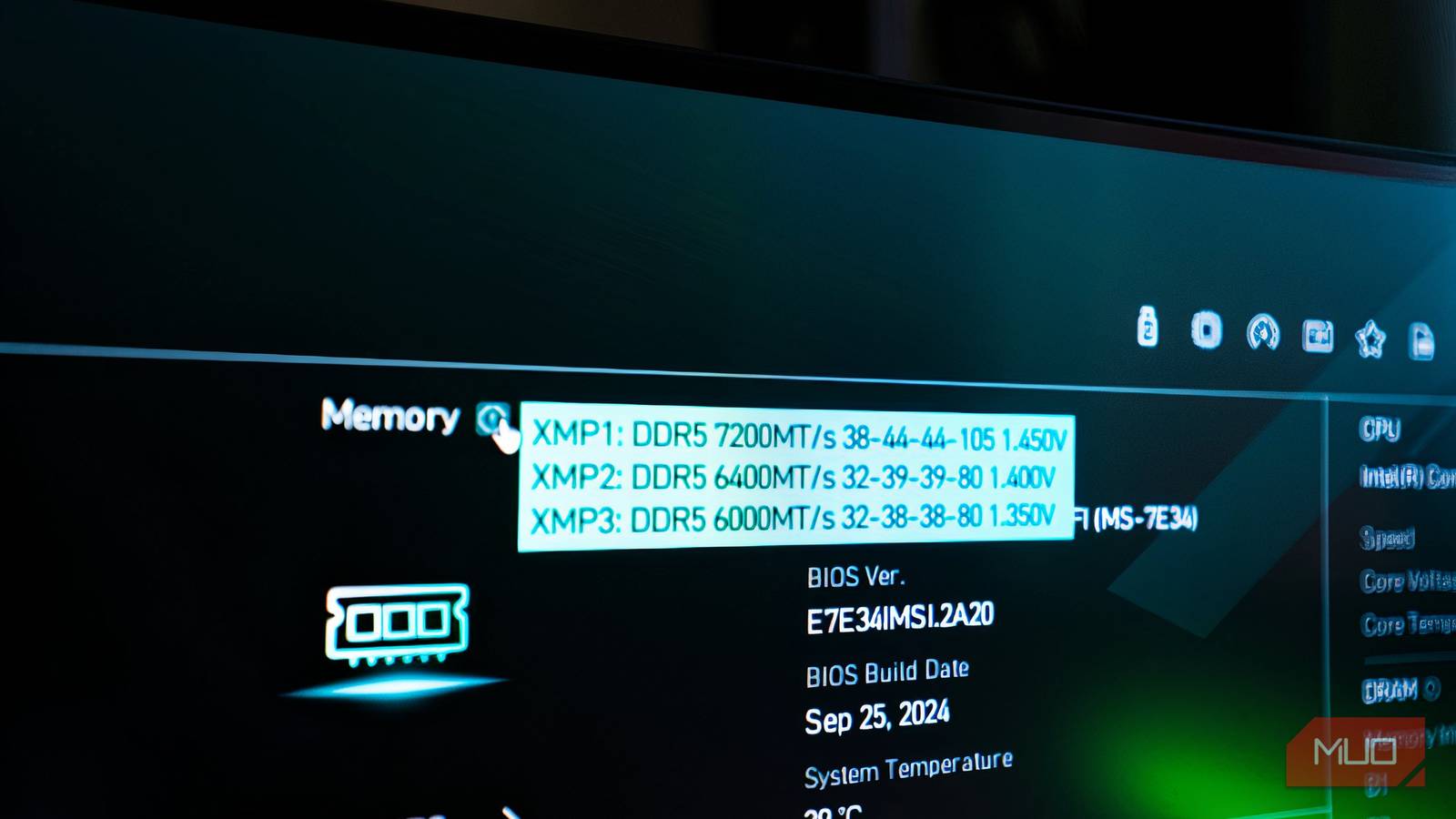

One of the biggest tech tips for PC owners is to enable XMP/EXPO profiles in the BIOS to use the manufacturer-intended clock speeds, because by default, RAM won’t run at its rated speeds.
However, most guides overlook the fact that there is more than one XMP/EXPO profile, and selecting the wrong one might cost you latency and instability.
Your RAM runs slower than advertised by default
Why JEDEC speeds come first
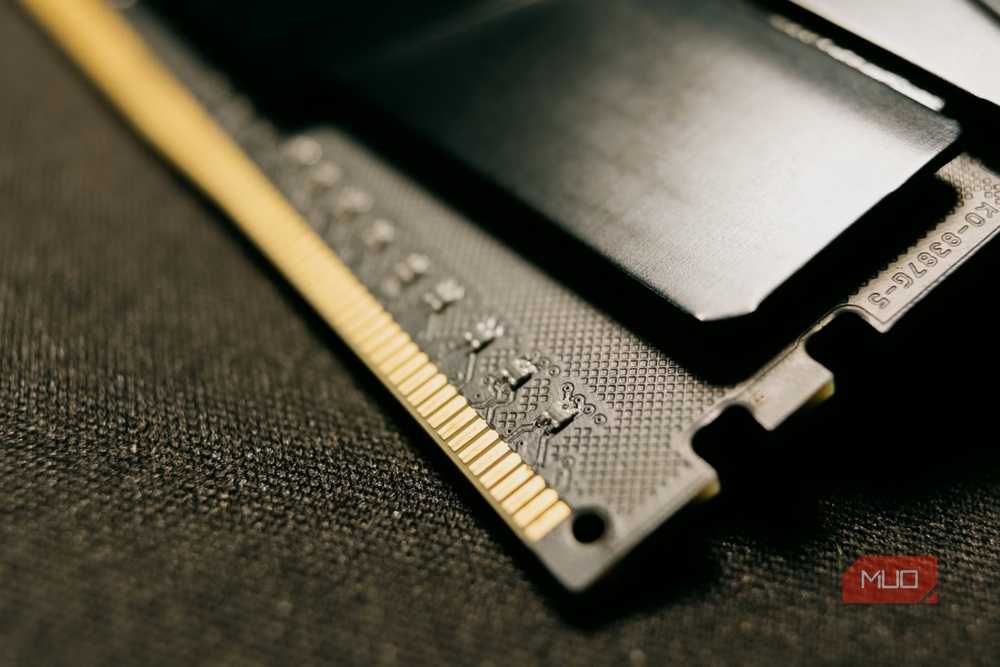
RAM usually doesn’t run at its advertised speed out of the box because JEDEC-compliant profiles are the default. These are the standardized baseline speeds that every board runs unless you enable a faster profile.
To reach the rated speeds, enable XMP/EXPO, manufacturer-approved overclocking profiles that are safe to use. For instance, you buy a DDR5 memory kit capable of running at 6,400 MT/s, but the default JEDEC profile sets it to 4,800 MT/s. Even though it supports the higher rate, your memory won’t run at 6,400 MT/s unless you change it manually.
Your RAM stores more than one profile
Speed, voltage, and timings differ in each profile
RAM sticks have a microchip inside called SPD (Serial Presence Detect) that stores different profiles: JEDEC (default) and XMP/EXPO (overclocked). Since there are multiple XMP/EXPO profiles, each one has different voltage, speed, and timing configurations.
A RAM stick’s performance depends on more than clock speed, and since the CPU constantly requests data from the RAM, latency plays just as big a part as bandwidth. On the other hand, higher voltages help keep signals stable at higher clock speeds, and timing settings specify the number of clock cycles before data is sent to the CPU.
Together, these three major specs determine a RAM’s performance. Each XMP/EXPO profile offers different clock speeds, voltages, and timings to suit different needs. DDR4 kits usually have two profiles, and DDR5 kits can have up to five (on XMP 3.0 only), two of which are user-writable.
At higher clock speeds, RAM becomes more complex, and DDR5 includes additional specifications: VDDQ, which determines the supply voltage for RAM’s I/O, and VPP, the internal voltage supply used to activate a row of memory cells.
What changes between profiles
Each BIOS option addresses different needs
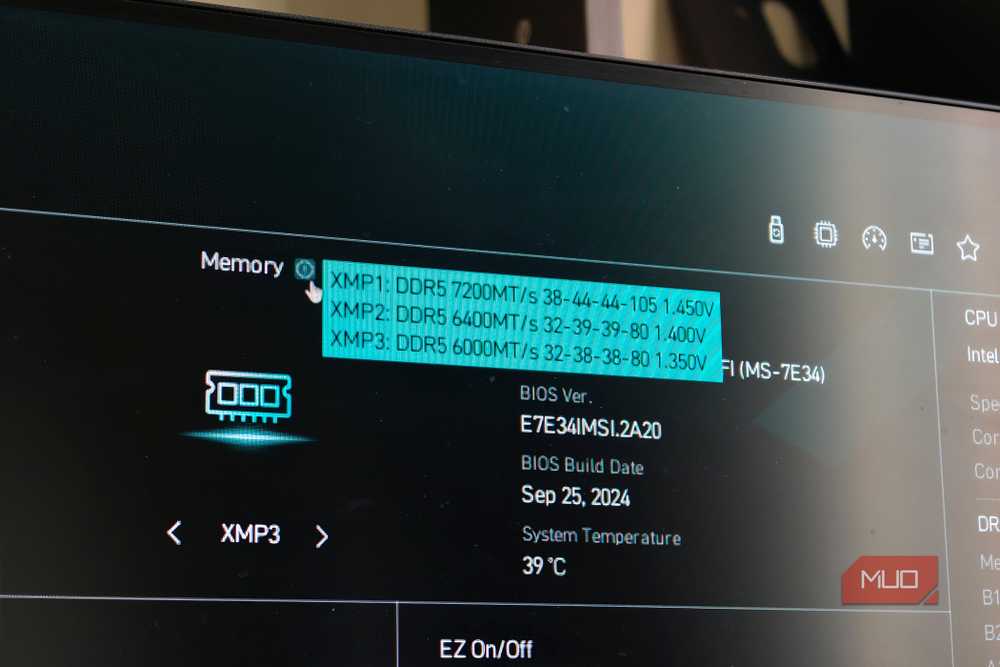
If you’re setting up XMP/EXPO for the first time, you may ask: what do these profiles mean? Different profiles set different configurations for different needs.
|
BIOS Options (ASUS Specific) |
What It Generally Means |
|---|---|
|
Auto/Disabled |
Standard memory configuration/JEDEC speeds |
|
XMP/EXPO 1 (Called AEMP On ASUS Motherboards) |
Loads the rated speeds with extra tuning and optimizations from the motherboard. |
|
XMP/EXPO 2 (Called AEMP On ASUS Motherboards) |
The complete default profile from the manufacturer without the motherboard tuning. |
|
Tweaked (ASUS) |
An experimental ASUS profile with the same clock speeds but tighter sub-timings than the original XMP/EXPO profile. Might not be supported across all kits or CPUs. |
Set Profile 1 to run your RAM at its rated speed. Profile 2 is an alternative to Profile 1 (which may sometimes have slower clock speeds), while Profile 3 is experimental. Some boards may even include two additional user-configurable profiles for those who prefer manual overclocking.
A faster kit can still be slower
How CAS latency offsets clock speed

Higher clock speeds come with several caveats, the first being latency. Each kit has a CAS latency (CL), the delay before the RAM returns data. As we move up memory generations, CL increases numerically, and DDR5 typically ranges from CL28 to CL46, meaning the RAM takes 28 or 46 clock cycles to start returning data.
Since DDR transfers data twice per clock cycle, the latency is calculated like:
CL × 2000 ÷ MT/s = latency in ns.
For instance, a DDR5 RAM kit running at 6,000 MT/s has 10ns latency, and another profile might increase the speed to 6,400 MT/s but raise the latency to 12.81ns. That’s why you have to choose the right profile with latency in mind. Lower latency means the RAM has to wait less before sending more signals to the CPU, and for gaming, it can improve 1%, and it matters more in CPU-intensive workloads, it can impact a lot, e.g., virtualization, multitasking.
Your CPU and motherboard set the real limit
Where memory controllers and board routing give out
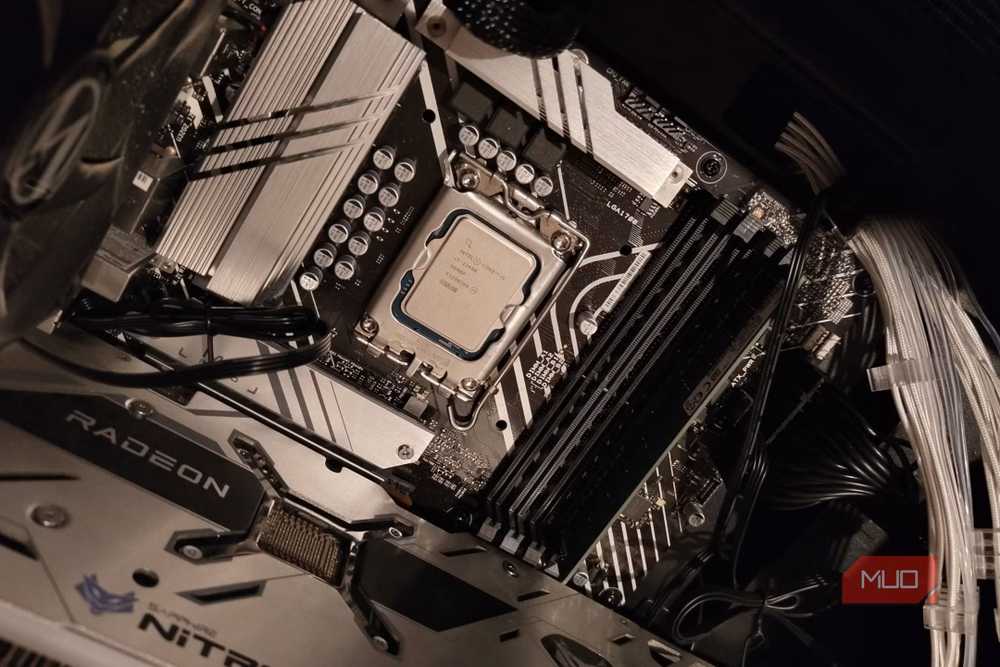
Beyond latency, higher clock speeds are hard for the CPU to handle. 6,000 MT/s is the sweet spot for an AM5 CPU, because anything higher can strain the CPU’s IMC, invoking a latency penalty running at a 1:2 ratio between the CPU and the RAM.
However, Intel has a bit higher tolerance for clock speeds above 6,000 MT/s, with newer Core Ultra Desktop CPUs officially supporting 6,400–7,200 MT/s, but you’ll still need a good board and kit to go along with that.
Pushing past these limits may cause a crash, and achieving stability requires rigorous testing and manual tweaks.
Such a headache isn’t worth it anyway, since the performance gains are marginal and, even in gaming, it doesn’t work well because of the latency. Higher clock speeds only work with bandwidth-heavy tasks like simulations and running local LLMs.
Update the BIOS before changing any profile
Before even enabling XMP/EXPO, I always recommend updating your motherboard’s BIOS for better RAM compatibility and stability. Beyond that, select Profile 1, the kit’s primary rated profile, which also accounts for motherboard adjustments, offering the best balance.
Other profiles may not be stable for every other PC configuration, and you should only enable them if you know what you’re doing and the benchmarks are better, or if you’re an enthusiast chasing speeds.
Another tip: disable MCR (Memory Context Restore) for AMD motherboards before enabling these settings, so your motherboard can retrain the RAM with the new settings.
